

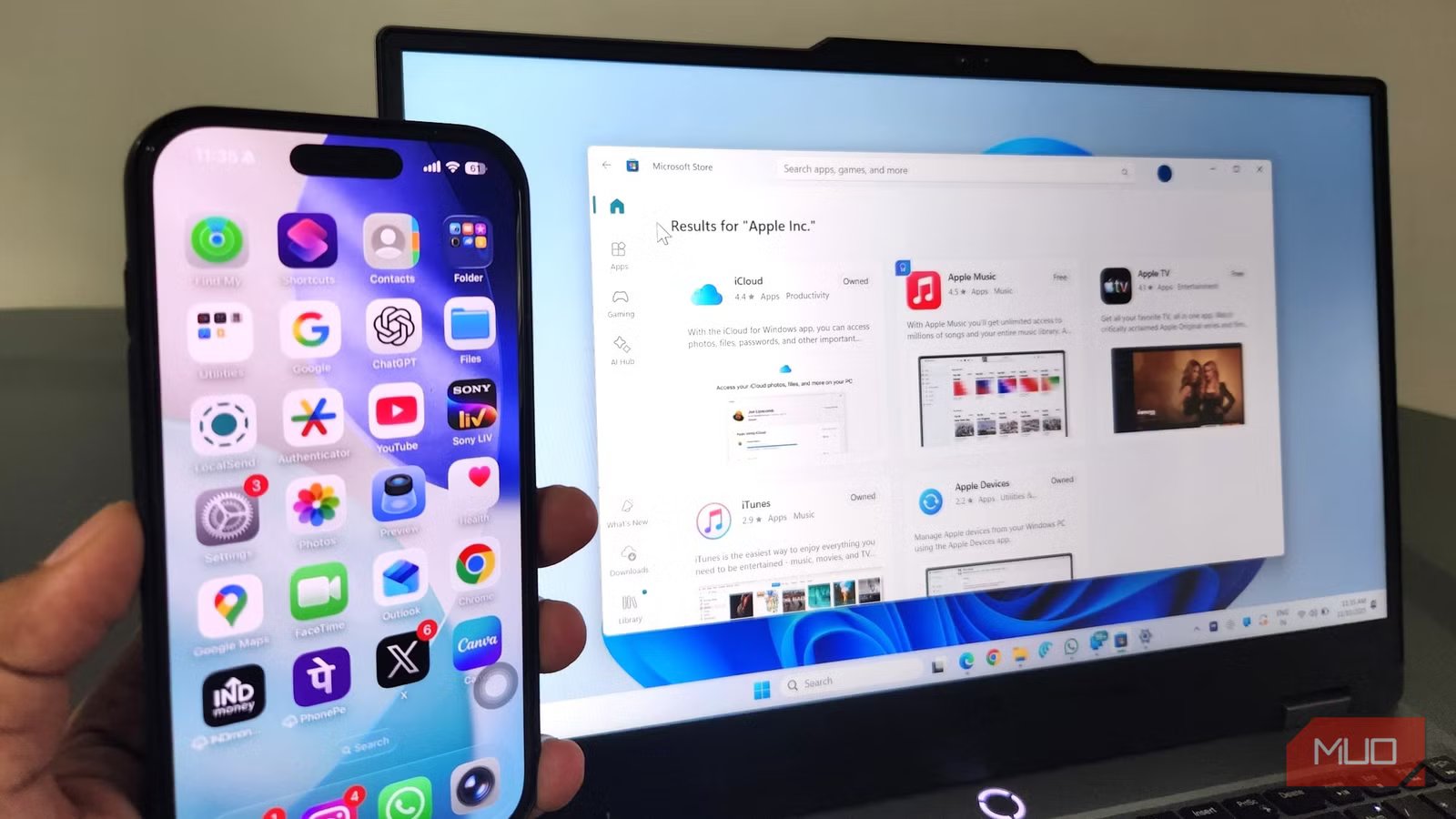
AirDrop’s biggest limitation is that it only works inside Apple’s ecosystem. While the support has now extended to Android, it’s restricted to Pixel 10 only. This makes file sharing to and from an Apple device to Android phones, Windows PCs, or even Linux machines unnecessarily frustrating.
LocalSend is a popular app that solves this problem, but it’s not the only option. There are several open-source alternatives that do a far better job. Some don’t require any apps at all, some are far more privacy friendly, and others offer a few extra features beyond basic file sharing.
PairDrop
Share files without installing anything
One of the biggest advantages AirDrop has over LocalSend is that you don’t need to install anything to get started. PairDrop gives you the exact same luxury while also being cross-platform.
It works entirely inside a web browser, which makes PairDrop ideal for one-time file transfers. And yes, it works across all platforms, including Windows, Mac, Android, iOS, and Linux.
Using PairDrop is also incredibly easy. Connect both the devices to the same Wi-Fi network, open pairdrop.net, and you’re all set. They’ll automatically detect each other, and you can start sharing files right away.
What I like the most about PairDrop is that it also allows sending files via the internet. This is handy when you’re away from Wi-Fi. Also, if you regularly need to send files to a specific device, you can add it permanently so it always shows up. Finally, when you need to share files with multiple people over the internet, you can create a room and share the invite link or QR code to the other device.
OS
Android, iOS, Windows, macOS, and Linux
Price model
Free
PairDrop is an open-source file sharing tool that works entirely via a web browser.
KDE Connect
More than file sharing
Screenshot by Pankil Shah — No attribution required
KDE Connect is ideal if you’re looking for a tool to share files only between your own devices. Like PairDrop, KDE Connect works across Android, iOS, Windows, Linux, and even SteamOS. On macOS, it’s only available via nightly builds, which isn’t ideal but still gets the job done.
Once you’ve installed KDE Connect on your devices and connected them to the same Wi-Fi network, you can pair devices with a tap. What makes KDE Connect worth using over LocalSend is everything it does beyond file transfer.
You can use it to share the clipboard, use your phone as a remote control, and run commands remotely. On Android, it even offers presentation controls, media controls, and notification sync. KDE Connect is not sharing files with others, but it’s a great option for moving files between your own devices. You can even use it to make your Windows and Mac computers work together.
Official logo of KDE Connect app
OS
Android, iOS, Windows, macOS, and Linux
Price model
Free
KDE Connect allows your phone and computer to work together seamlessly by enabling file transfers, notifications, text replies, and clipboard sharing between devices over a secure wireless connection.
OnionShare
File sharing that’s private and convenient
Screenshot by Pankil Shah — No attribution required
PairDrop is great, but it’s not exactly ideal for sharing files with a large number of people, mainly because it requires every recipient to open PairDrop at the same time. OnionShare doesn’t have this limitation. It lets you share files with others using just a link, much like Google Drive or iCloud. But the reason you’ll love it is that it’s completely private.
With OnionShare, you can select the files and folders you want to share, and the app generates a secure link. Anyone with that link can download the file using the Tor browser. That last bit may sound like a bit of friction, but the upside is that the recipient doesn’t need to be on the same network or online at the same time.
Another benefit of using OnionShare is that it doesn’t upload anything to a third-party server. Instead, it uses the Tor network, which means nothing gets stored anywhere permanently. The biggest convenience is that you don’t need to wait for anyone to connect.
Of course, sharing files via links carries some risk. To avoid that, OnionShare gives you the necessary controls. You can set up a private key for downloads, set an expiration date, and stop sharing the file from your end. And the best part is, there are no file size limits at all. This makes OnionShare ideal when sharing large files over the internet.
OS
Android, iOS, Windows and Linux
Price model
Free
OnionShare is an open-source tool that lets you share files over a secure network while also being completely anonymous.
The thing about file sharing is that there’s no single app that can handle every situation. There’ll be times when you’ll want something that’s fast and effortless, and other times something that doesn’t require installing apps or lets you stay anonymous. With options like PairDrop, KDE Connect, and OnionShare, you can pick the right tool for the situation and share files without any limitations.
