

Lucidchart is widely regarded as a top-tier diagramming and visualization tool by beginners and professionals alike for creating flowcharts, UML diagrams, mind maps, organizational charts, and other visual documentation. It offers a free plan, making it accessible to everyone. I even used it for a while when I was dipping my toes in the world of diagramming. However, the free plan comes with certain restrictions that make it unsuitable for large or complex projects. Instead of swiping your credit card, you have options.
Fortunately, there are open-source alternatives that can match Lucidchart’s functionality. At the same time, they offer greater flexibility and no subscription fees. If you thought creating professional diagrams requires paid software, prepare to have that assumption challenged. The options I discuss here might just be better than Lucidchart in some ways.
LibreOffice
For those who want a purely offline tool
LibreOffice is mostly known for being an open-source replacement for Microsoft Office. Beyond the standard editing of documents (Writer), spreadsheets (Calc), and presentations (Impress), it also has tools for databases (Base), calculations (Math), and — the one that will give Lucidchart a run for its money — drawing (Draw). With Draw, you have a host of tools to create diagrams and flowcharts offline.
Related
I ditched my Windows software subscriptions by using these open-source apps
Free software replaced my paid tools—and I barely miss the subscriptions.
LibreOffice Draw provides a surprising amount of freedom. It has a capable vector graphics editor with node editing, Bézier curves, and custom shapes. It can handle a range of technical drawings and link objects with smart connectors to show visual logic. Its vector editing capabilities are strong enough for vector art in general. Although I’d recommend using Inkscape for that because it’s a dedicated vector drawing app.
If you use LibreOffice as your main office suite, then embedding your diagrams in documents and spreadsheets takes just a few clicks.
The best part is that it’s free. While Lucidchart limits the amount of documents, shapes, and canvas space you can use, LibreOffice Draw is practically unlimited. It also allows you to export your diagrams in open formats like ODG and SVG, ensuring your creations remain future-proof and portable.
OS
Linux, Android, Windows, macOS
Developer
LibreOffice
Price model
Free (open-source)
The primary open-source alternative for offline work. LibreOffice handles complex, long-form documents and massive spreadsheets without requiring an internet connection or a cloud login.
Mermaid
Code-to-diagram is surprisingly fast and intuitive
Who said you can’t draw without looking? While Lucidchart relies on its drag-and-drop interface, Mermaid is all about building your diagrams using code. Don’t let that scare you off, though. Once you dive in, you might find that it’s faster to do it this way than dragging and aligning shapes to create diagrams.
As you have probably guessed, Mermaid has a steeper learning curve than Lucidchart. Coding makes it ideal for technical users, such as developers. However, the syntax is not that hard to learn, meaning non-technical users can easily pick it up and start building. It also helps to sketch out your diagrams beforehand to speed things along.
I learned the syntax simply by looking at the examples because they’re human-readable. Also, the Mermaid documentation is very good and takes you through everything. If you’re struggling, you can learn through vibe coding with an AI like Google Gemini or use Mermaid AI, which offers a free Basic plan with limited features.
Here’s some sample code for a flowchart describing a simple morning routine:
flowchart TD
A[Hungry] –> B{Cook or Buy?}
B –>|Cook| C[Make a meal]
B –>|Buy| D[Order food]
C –> E[Eat]
D –> E[Eat]
Here is what the rendered diagram looks like:
Once you’ve memorized the commands, you might find drag-and-drop interfaces like Lucidchart’s less appealing. Need to update a shape? You don’t need to delete it and drag in a new shape. You just go to its node (geometric shape) or edge (arrow or line) in the code and swap it out.
To use Mermaid, you don’t even need to sign up — you can do it all from its online editor. It lets you create anything from simple flow and sequence diagrams to complex Gantt charts and Kanban boards. You can export them as PNG, SVG, and Markdown.
Developer
Knut Sveidqvist
Price model
Free with paid tier, Open-source
Mermaid is a free, open-source tool that lets you create diagrams by writing simple text instead of dragging boxes around.
draw.io (officially known as Diagrams.net)
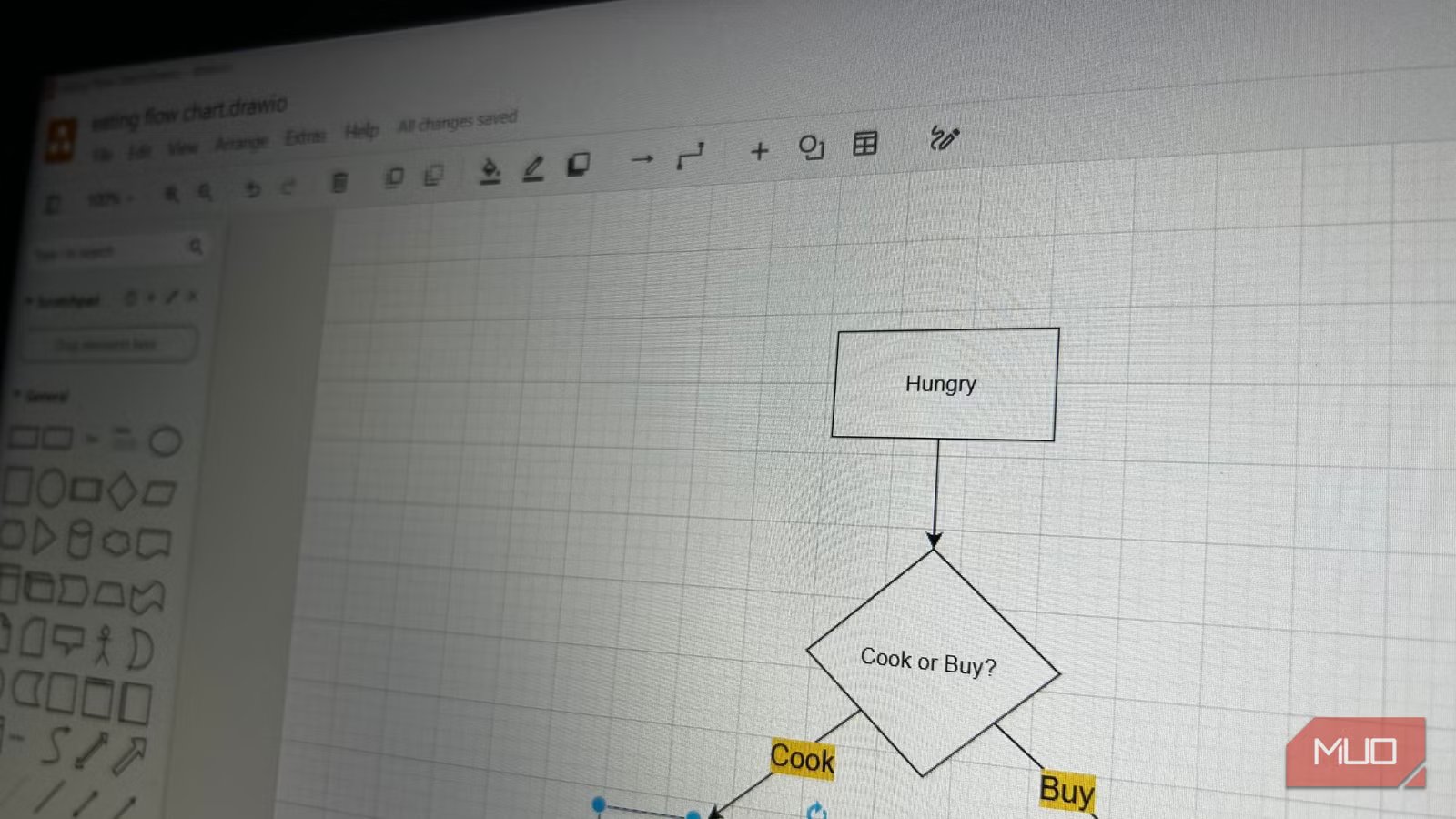
This one is personal to me because I once worked for a company where everyone had to document their workflow. We did most of the documentation in Google Docs, but the boss wanted a high-level overview of everything. So we turned to Lucidchart to create flowcharts detailing everything, including where he would come in to review and approve our work at each stage.
We quickly ran into the limits of the free plan. In particular, a limit of three editable documents and 60 shapes. That’s when he told us he found an alternative in the form of draw.io, and we need to migrate everything we have done so far to it.
He shared a Google Drive folder with all the flow diagrams we had created. He had imported everything from Lucidchart into draw.io. We were quickly able to continue working on the flowcharts with ease because the two are very similar. So, if you want a drag-and-drop interface with real-time collaboration—the qualities that make Lucidchart popular — but prefer a free option, draw.io is the closest alternative.
draw.io is suitable for small teams, but there’s an offline desktop version for those who want to use it locally. It might not be as polished or as feature-rich (in terms of advanced automation) as Lucidchart, but it gets the job done without costing you a cent.
Looking beyond Lucidchart for your diagramming needs
The real advantage of open-source tools isn’t just avoiding subscription lock-in; it’s about ownership and flexibility. With LibreOffice Draw, Mermaid, and draw.io, you control your data rather than leaving it on third-party servers. The best software doesn’t always come with a price tag, and these tools prove it. Furthermore, they’re backed by a community that is committed to keeping diagramming accessible, transparent, and adaptable for everyone.
