

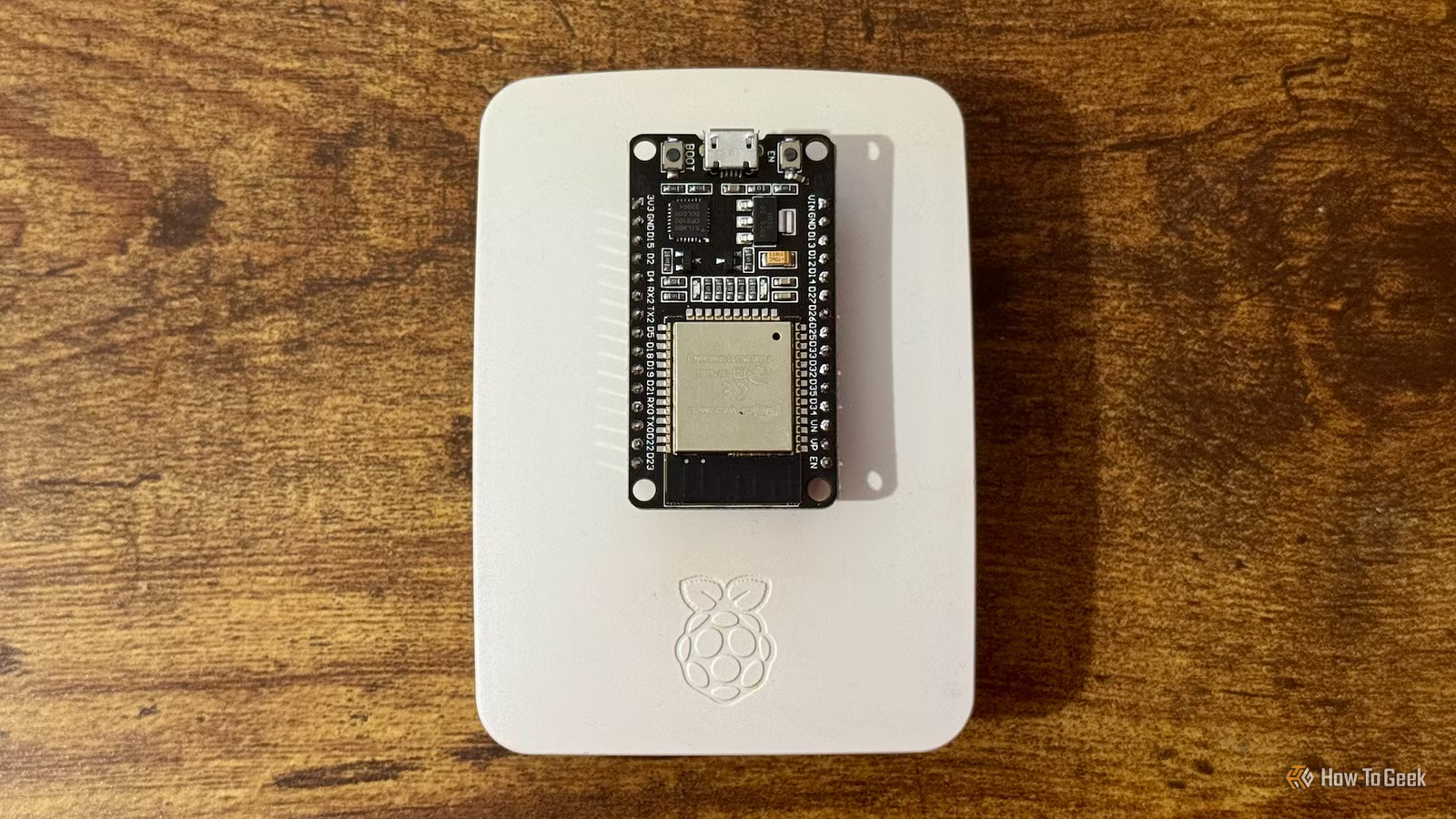
A Raspberry Pi can be incredibly versatile. There are also different models that are better suited to different jobs. For some things, however, an ESP32 is the better choice. It can do things a Raspberry Pi can’t, or can be put to use for tasks that would be overkill for a Raspberry Pi.
In this article, I’ll be focusing on the single-board Raspberry Pi models rather than the Raspberry Pi Pico microcontroller.
Battery-powered sensors
The perfect low-power option
If you want to build your own battery-powered sensors, this is something that an ESP32 can do far better than a Raspberry Pi. You want something that uses as little power as possible, and that’s where the ESP32 wins hands down.
An ESP32 has both light and deep sleep modes that allow it to draw very little power at all. It can wake up fast, take a reading, broadcast the reading, and go back to sleep again. It’s exactly what you want a sensor to do if you don’t want to keep chewing through batteries.
In comparison, even the small Raspberry Pi Zero models are full Linux boards with SD card storage and higher power requirements. They also have significant OS boot times.
The reality is that for a tiny sensor, you don’t want a small computer. You want a tiny board that does one job using very little power.
Small smart buttons and remotes
Size matters
Credit: Adam Davidson/How-To Geek
A smart button really only has one job. It just needs to sit there, waiting to be pressed, and then send a single event when that happens. This is a perfect job for an ESP32. You can fit these small boards into tiny enclosures and build buttons that can run on a battery for months or years.
A full-size Raspberry Pi is way too bulky for a small smart button or remote. A Pi Zero is a more practical size, but it still draws more power, needs an SD card to run on, and is overkill for a button that only does a single job.
WLED projects
An easy way to control LEDs
Credit: WLED Project
WLED is a popular open-source firmware that you can use to control addressable LED strips. Instead of turning on an entire strip in the same color, you can tell one LED to be one color, the next to be another color, and so on, and control when each LED turns on and off.
WLED was designed to run on ESP32 and ESP8266, and an ESP32 is the recommended choice. Using one is a no-brainer if you want to control LED strips for projects such as bias lighting, matrix displays, or holiday lights. You get a simple web interface, there’s no coding required, and you can talk natively to smart home systems such as Alexa, Google Home, and Home Assistant.
Using a Raspberry Pi for the same job is far more complicated, although it could do the job. Using an ESP32 makes things much easier.
Analog controls
An ESP32 makes a perfect knob
Credit: Andrew Heinzman / How-To Geek
We live in a digital world, but sometimes you need a bit of analog in your life. If you need a simple knob to control something in your smart home, such as changing the volume or dimming bulbs, many ESP32s have Analog-to-Digital Converters (ADC) built in, measuring analog voltages between 0V and ~3.3V.
This makes an ESP32 perfect for building an analog rotary knob, a slider, or even a joystick controller. It’s also great for making things such as a soil moisture probe or for creating an LED audio visualizer that listens to your music.
A Raspberry Pi can do these jobs, but not in such a direct manner. You’re essentially using a full computer to interpret a simple physical input, adding unnecessary complexity.
Related
4 ESP32 projects that solve real smart home problems
A tiny package with big potential.
Invisible light switches
Make use of capacitive touch
This is something really impressive that you can do with an ESP32 that a Raspberry Pi just doesn’t lend itself to in the same way. An ESP32 has specialized GPIO pins that can act as capacitive touch sensors, measuring the ability of an object, such as your finger, to store electrical charge. You can use an ESP32 to create a button that you can activate by touch rather than using a mechanical button.
The real magic is that capacitive touch should still work through a thin layer of non-conductive material. This means you can hide the ESP32 touch sensor under wood, in a plastic enclosure, or even behind a glass panel, and it should still work when you press your finger in the appropriate location.
A Raspberry Pi can’t do this natively as it lacks the necessary hardware. The GPIO pins on a Pi are purely digital.
Bluetooth proxies
Fill your house for the price of a Pi
Credit: Ismar Hrnjicevic / How-To Geek
Bluetooth proxies are a great way to get around the limitations of Bluetooth range in your smart home. If your smart home hub is too far away, it won’t be able to communicate with Bluetooth devices in some of the rooms of your home. Bluetooth proxies act as relay points that you can place closer to Bluetooth devices to pass on the necessary messages.
An ESP32 makes an ideal Bluetooth proxy, as many have Bluetooth on board. ESP32 boards have become a popular choice for Bluetooth proxies in Home Assistant, especially through ESPHome. You can place ESP32s around your home to pick up Bluetooth signals from smart home devices that are too far from your main hub and relay that data back over Wi-Fi.
One of the biggest benefits of using ESP32s over Raspberry Pis is the price; you can fill your home with ESP32 Bluetooth proxies for far less. Even if you used a cheaper Raspberry Pi Zero, you could buy four or five ESP32s for the same price.
A Raspberry Pi has its place
This isn’t to say that you should always use an ESP32 instead of a Raspberry Pi. A Pi is great when you need Linux, real computing power, or significant storage. There are plenty of small single-purpose jobs where a Raspberry Pi is overkill, however, and an ESP32 is an ideal fit.
