

Raspberry Pis are one of the most popular computers among tinkerers, and I use mine constantly for one thing or another. Despite their enduring popularity, they do have some downsides.
Self-hosting ignores one of Raspberry Pi’s best features
Despite their popularity as low-power self-hosting devices, most self-hosted projects don’t make use of one of their best features: their GPIO pins.
GPIO pins allow you to connect all sorts of interesting accessories, usually in the form of a hat, which physically mounts on top of the Raspberry Pi.
Related
What Is a HAT for Raspberry Pi, and What Can You Do With One?
Talk about a HAT trick.
If you’re not using a dedicated hat, the GPIO pins allow you to connect the Pi to a breadboard and then to any number of components, which makes prototyping a breeze.
Credit: mattcabb/Shutterstock.com
They have limited CPU power
Originally, Raspberry Pis were designed as a small single-board computer (SBC) as an educational tool, but it has grown to cover most other common applications for small computers.
Because of its nature, the original design didn’t emphasize packing in the single most powerful processor possible, and subsequent designs haven’t either.
As a result, even the most powerful Raspberry Pi lags behind the performance a mini PC at the same price point.
That isn’t a mark against Raspberry Pis in general—they’re great when you use them for their intended applications. However, they just lack the computational horsepower required to run a busy homelab with a ton of self-hosted services on 24/7.
There is no upgrade path
The flagship Raspberry Pi models, like the Raspberry Pi 3b, the Raspberry Pi 4, and now the Raspberry Pi 5 are available in several different configurations. Usually, these variations are limited to how much RAM comes on the board.
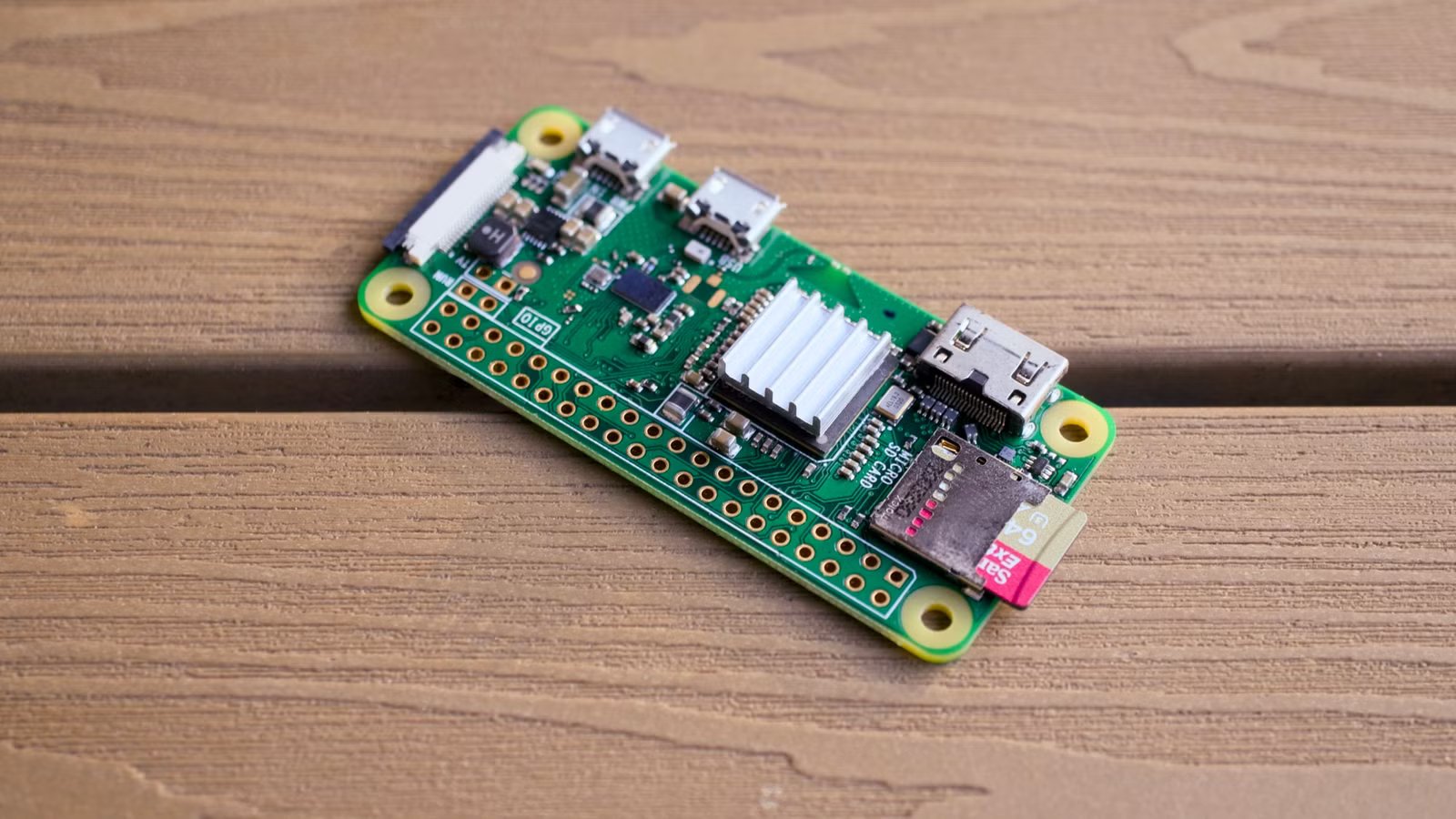
If you get something like a Pi Pico or a Pi Zero 2W, you don’t really have any variant options like that. You can get them with or without the GPIO headers attached—that’s it.
If you’re getting into self-hosting, a basic Pi can be fine for a few services, but if you start doing anything intensive, you’re likely to run into problems due to the fixed amount of RAM sooner rather than later.
It isn’t just RAM that is difficult to upgrade either. You can’t upgrade the CPU in a Pi, which means you can’t really upgrade the GPU either.
Realistically, you can only upgrade things that you can connect via USB, or less commonly, via the GPIO pins.
In practice, that means you can usually upgrade the Wi-Fi on something like a Raspberry Pi 5, since there are all sorts of USB Wi-Fi antennas out there. You can also upgrade the Ethernet port in the same way. If you’re willing to shell out, you can also buy a USB AI accelerator, which increases the ability of the Pi to perform the sort of low-precision calculations that are essential for AI applications.
Credit: Patrick Campanale / How-To Geek
Most of the things you can add via the GPIO pins—usually called hats—add connectivity or provide unique functionality, rather than augmenting base system specs. They’re extremely handy in a lot of cases, but most of them aren’t all that useful for most homelabbing projects.
On the other hand, if you repurpose an old Windows 10 PC to use as your homelab to self-host your mix of applications, you can almost always swap out the CPU for a faster CPU, add extra RAM, or attach a GPU if whatever you’re self-hosting benefits from one.
They’re not cost effective
Because of their limited upgradability, and the fact that their CPUs tend to be fairly low-power, Raspberry Pis just aren’t cost competitive with the other self-hosting options out there.
My first choice for cost-effectiveness is an old desktop PC, especially a Windows 10 PC that can’t be upgraded to Windows 11. More often than not, they’re perfectly capable PCs that would normally be good for several more years, but Microsoft’s strict hardware requirements have condemned them to an early e-waste grave.
You can usually pick these PCs up for relatively cheap, and they’ll have some upgradability if you’re willing to buy new parts.
Mini PCs are also usually a better value proposition. Even a mini PC with an N150, a low-power Intel processor, will run circles around a Raspberry Pi 5, and they start at around the same price point.
Credit: Bill Loguidice / How-To Geek
All of that isn’t to say that Raspberry Pis are bad, or that you should never use them. On the contrary, if you have one handy, there are a ton of lightweight self-hosted apps you can run. If nothing else, PiHole or Adguard can run on something as low-power as a Pi Zero 2.
However, if you’re going to buy new hardware, you’re better off buying an inexpensive mini PC, or an older, used desktop PC from Facebook marketplace.
