

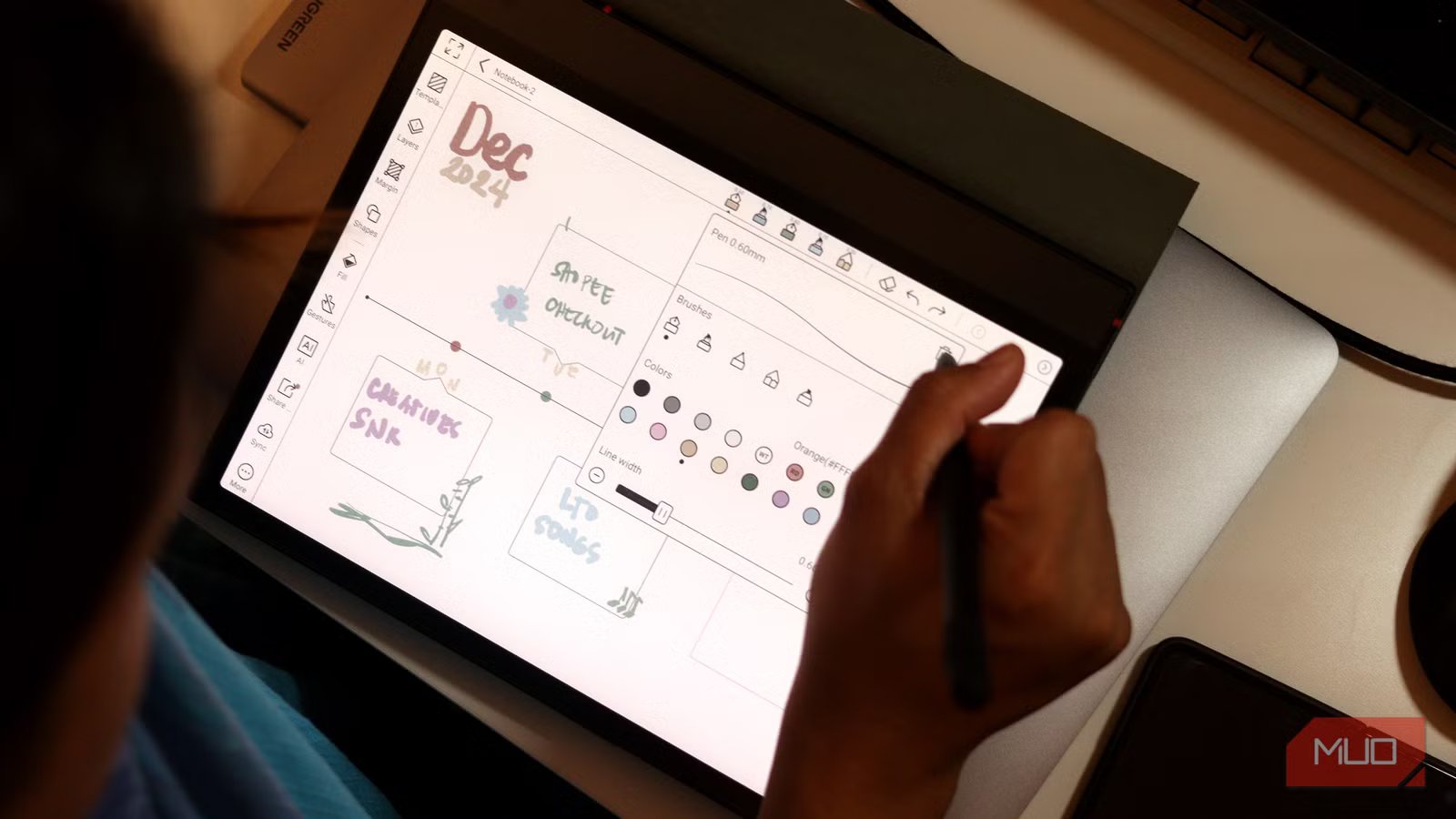
I gave up on note-taking with pen and paper a long, long time ago. The convenience of taking notes digitally is hard to beat. I started out by typing everything on my laptop, but it didn’t take long to realize that this approach just didn’t work for me. Not only was I retaining very little of what I wrote, but I also found myself constantly switching between pen and paper and my laptop.
My major involves a lot of mathematical-based courses, which means equations, and quick annotations, and typing simply couldn’t keep up with how my brain works in those moments. So, I spent over $600 on an iPad Air and an Apple Pencil. This combination has been my go-to for digital note-taking for years. However, I recently ended up with an e-Ink tablet (with the intention of using it for reading), and turns out it’s the best productivity decision I’ve made in a long time.
My eyes feel far less fatigued at the end of the day
This summer, I made it my mission to revive my reading habit. The Onyx Boox Note Air 4C was the device that ended up pulling me back into books. Given that I was already using the device for reading, and it came with a stylus, I naturally decided to start using it for all my note-taking as well. Initially, this was really just an experiment. My thinking was, “I already have this device, might as well try using it for notes too.” Turns out, that small experiment ended up completely changing my note-taking workflow.
The one thing I certainly didn’t expect was that it would completely make my iPad obsolete. The biggest reason why has, unsurprisingly, been its e-ink display. If you aren’t familiar with e-ink displays, they’re designed to mimic the look and feel of real paper. While I had grown used to the feeling of writing with an Apple Pencil on a glossy display (and frankly, I prefer it), the real game-changer is how much easier the display is on the eyes.
Given that I write for a living, I spend half my day in front of my laptop already. I’m also a full-time student (and I’m majoring in computer science), which means a lot of coding. Of course, that happens in front of a screen too. Unfortunately, this means that when I do sit down to study on my iPad, I’m piling even more screen time on top of an already screen-heavy day. I almost always end up with a raging headache or eye strain after long sessions.
This simply hasn’t been an issue since switching to an e-ink tablet. Since e-ink displays don’t have a backlight, they don’t push light out toward you. Instead, they reflect ambient light, which makes long note-taking sessions feel far more natural and less fatiguing. This reason alone has allowed me to study for longer stretches without discomfort. For that reason alone, switching to an e-ink tablet has been more than worth it.
I barely have to worry about battery life now
Credit: Jowi Morales / MakeUseOf
No matter what tablet you get, the maximum it will last on a single charge is usually a day (when you’re actively using it). Maybe two if you are lucky day. With my 5th gen iPad Air, I would find myself charging my device twice every day — once in the morning before classes, and again in the evening after a full day of note-taking. A lot of times, my iPad would be running low during my last few classes. With e-Ink note-taking tablets though, no matter the brand, battery life is in a different league altogether.
For instance, the Note Air 4C I have ships with a 3700 mAh battery, and I only charge it once every two weeks. Beyond using it for my classes and study sessions, I also use it for reading at night. Other than charging the tablet itself, I don’t need to worry about charging the stylus either! If you have an Apple Pencil, you need to charge it every few hours. Depending on the model you own, it charges magnetically by attaching to your iPad. Otherwise, you need to plug it into your iPad’s charging port.
I can’t count the amount of times I’ve reached class and realized my Apple Pencil is all out of juice! I then need to awkwardly wait for it to fill up, which is never fun. Either way, you need to charge it after a few hours of usage. The styluses that come with most e-ink tablets use EMR (Electro-Magnetic Resonance) pens that draw power from the tablet’s electromagnetic field, which powers a tiny coil within the stylus wirelessly. Ultimately, the pen never needs to be charged, and is always on.
I finally have a distraction-free study setup
While this might just be a purely me problem, I get extremely, extremely distracted when I’m studying on my iPad. While I strictly kept my iPad focused on studying when I first got it and refused to download anything that wasn’t college-related at first, that’s unfortunately no longer the case.
The funny thing, though, is that even if my iPad didn’t have all the apps that distract me, I’d still find a way to get distracted by it. My e-ink note-taking tablet has completely changed that. Even though I’m using an Android-based e-ink tablet (which technically means I could download almost any app I want), I simply don’t.
The e-ink display doesn’t make scrolling, browsing, or hopping between apps feel enjoyable, so I naturally stick to what the device does best: reading, writing, and focusing. That subtle friction has been surprisingly effective at keeping me on task.
I wish I got an e-ink tablet sooner
Given an iPad and the e-ink tablet I have cost roughly the same, I genuinely wish I hadn’t spent all that money on getting an iPad. Ever since I got my e-ink notetaking tablet, I’ve barely used my iPad for studying-related tasks.
