

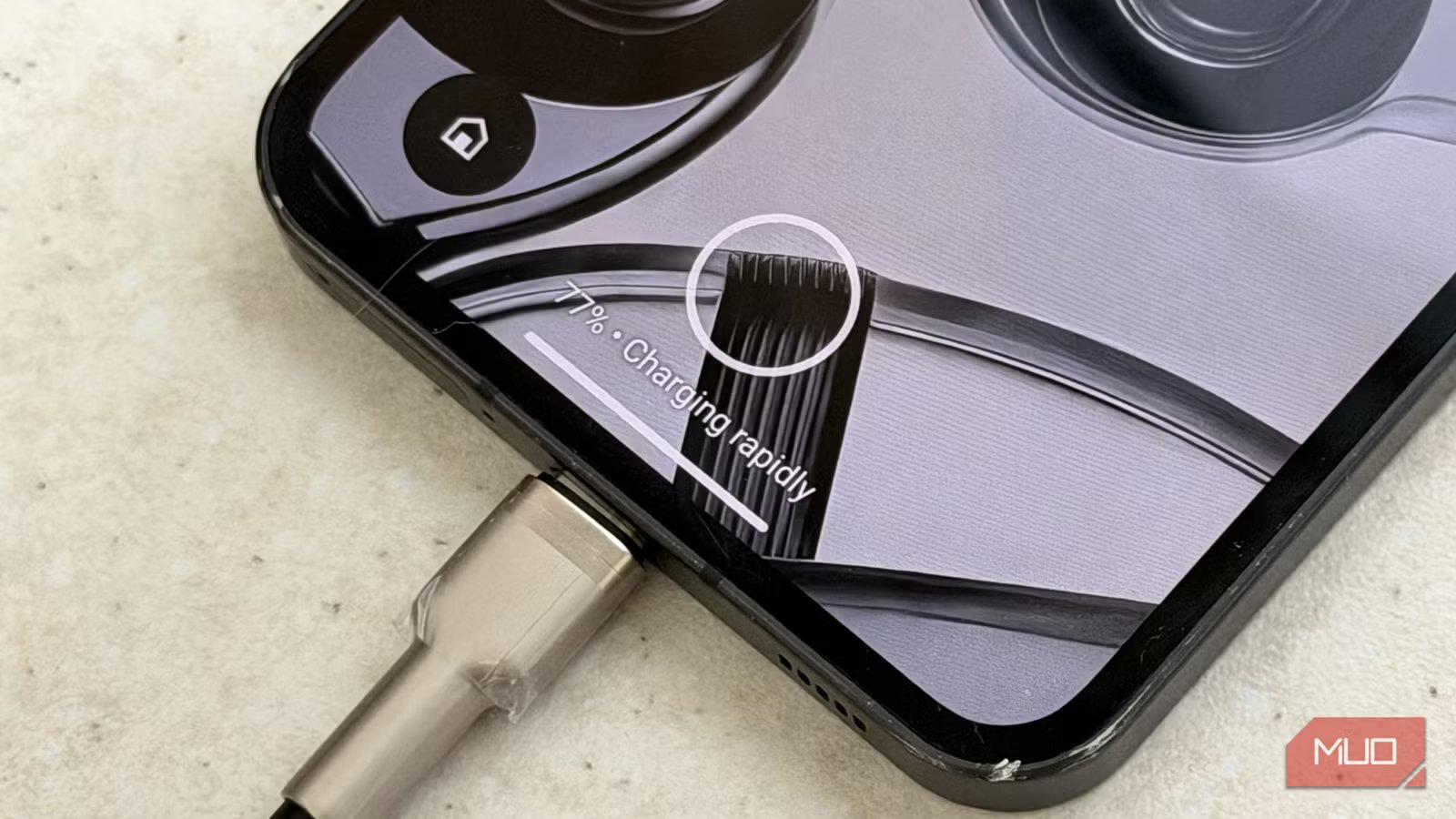
USB-C is a masterpiece of engineering — and to this day, still ahead of its time. The 24 pins packed into the tiny tongue of a USB‑C port can do some genuinely impressive things. But, for the two USB-C devices to talk, they need a bridge: the USB-C cable.
If the cable doesn’t support Power Delivery (PD), or if it lacks the high-speed lanes required for Thunderbolt, it doesn’t matter if your laptop and monitor do. The feature simply won’t work. To make matters worse, there are a lot of USB‑C cables out there, all with wildly different capabilities — and of course, none of them are going to write “terrible quality” on the box.
So how can you actually tell?
What actually enables fast charging over USB‑C
It all comes down to one pin
What I’m about to explain is the byproduct of me going down a USB‑C pinout rabbit hole. I didn’t even know USB‑C had 24 pins until I started looking into it. If you want a full breakdown of what each pin does, I’ve written about that separately. I’m going to discuss the technicalities before I get to my conclusion — if you want just the conclusion, feel free to scroll ahead.
One of the most important pins in a USB‑C cable is the CC pin. This pin is responsible for low‑level negotiation. It decides which device is the power source, which one is the drain, the orientation of the plug, and — most importantly — what charging technology should be used.
Amir Bohlooli / MUO
The CC pin is effectively the fifth essential wire in a USB‑C cable. The first four are VBUS (positive), GND (negative), and the D+ and D− pair for USB 2.0 data. In fact, most modern USB‑C ports — like the one on your laptop — are cold sockets. They won’t even deliver power unless the CC pin tells the charger that a device has been connected.
When you connect a PD‑capable charger to a phone that supports fast charging, it’s the CC pins on both devices that negotiate voltage and current. All of that communication happens through the CC wire inside the cable. That means all three components — the charger, the device, and the cable — have to agree.
In fact, most modern USB‑C ports — like the one on your laptop — are cold sockets. They won’t even deliver power unless the CC pin tells the charger that a device has been connected.
Why USB‑A breaks the chain entirely
The missing pin that changes everything
Amir Bohlooli / MUOCredit: Amir Bohlooli / MUO
Now that you know about the CC pin, we need to talk about USB-A. If you take a look at the USB-A pinouts, you’ll notice the key detail: USB-A does not have a CC pin. Even third‑generation USB‑A ports lack a CC pin entirely. That’s because USB‑A ports are not cold sockets — they’re always on. If you plug something in, power flows with no negotiation required.
An old USB-A to USB-C cable will still charge your phone, but without a CC pin, Power Delivery (PD) negotiation is physically impossible. There is no pathway for PD to even begin. Which brings me to the slightly… uncomfortable clarification of the title: you can’t always tell if a cable or charger will fast charge — but you can tell when it definitely will not.
Any USB‑A to USB‑C cable will not fast charge your phone using PD. If your charging brick has a USB-A port, it will not deliver true Power Delivery.
Any USB‑A to USB‑C cable will not fast charge your phone using PD. If your charging brick has a USB-A port, it will not deliver true Power Delivery. It doesn’t matter if the charger says 68W or 100W on the box. That power will never reach your phone through USB‑C PD. Adapters, OTG dongles, or USB‑A conversions won’t help. USB‑A lacks the physical means to communicate that level of power through PD.
When people talk about USB, they often mix up two different things: form factor (A, B, C) and generation (USB 2.0, 3.0, 3.1, and so on). The form factor dictates the physical shape. The generation dictates data speeds and capabilities.
USB-A can still charge “fast”
Just not that fast, or through PD
Amir Bohlooli / MUO
Of course, that doesn’t mean USB-A can’t charge fast at all. Standard USB 2.0 is a measly 2.5W. USB 3.0 hits 5W, and standards like BC 1.2 can reach 7.5W. The universal “fast” standard for USB-A is Quick Charge (QC), which hits roughly 15-18W by hijacking the D+/D- wires for negotiation. If you plug a PD-capable Android into a USB-A brick, it will likely fall back to this 15W QC speed, no matter how expensive your cable or charger was.
Standard
Max Voltage
Max Current
Max Wattage
Negotiation Type
Compatibility
USB 2.0 Legacy
5V
0.5A
2.5W
None
The barebones minimum
USB 3.0 Legacy
5V
0.9A
4.5W
None
Standard blue USB-A ports
USB BC 1.2
5V
1.5A
7.5W
Data pins shorted
Common charging USB-A ports
Apple 2.4A
5V
2.4A
12W
Specific data pin voltages
Older iPhones/iPads using A-to-C
Quick Charge 2.0
9V / 12V
2.0A
18W
Discrete voltage steps
Older Android Fast Charging
Quick Charge 3.0
3.6V – 20V
~3.0A
36W
Variable voltage steps
Most common “Fast” USB-A bricks
For iPhone users, it’s worse. Apple doesn’t support the QC protocol. A modern iPhone plugged into a generic USB-A charger will often fall back to the basic 5W speed.
However, proprietary standards like OnePlus SuperVOOC or Xiaomi HyperCharge can push 65W through USB-A. They do this by adding a secret fifth pin to the USB-A port and using a specialized cable. In these cases, the charger, the cable, and the phone must all be from the same brand. If you lose that specific cable, the magic 65W disappears. I had a 68W USB-A Xiaomi charger, but it would charge my Nothing Phone slowly, and my iPhone very slowly. Now you know why!
Standard
Brand
Typical Math
Max Wattage
Hardware Requirement
SuperVOOC / Warp
Oppo / OnePlus
10V / 6.5A
65W
5th pin A-port + proprietary Cable
HyperCharge
Xiaomi
11V / 6.1A
67W
PD-over-A hack + custom ID Cable
SuperCharge
Huawei
11V / 6A
66W
6A-rated brand cable (orange tip)
SuperDart
Realme
10V / 6.5A
65W
Same tech as SuperVOOC
FlashCharge
Vivo / iQOO
20V / 6A
120W
Dual-cell battery + brand cable
Related
Why charging your phone overnight isn’t bad anymore
Charging your smartphone overnight isn’t nearly as dangerous as everyone makes out.
The uncomfortable reality of USB‑C cables
And how to avoid getting burned
Amir Bohlooli / MUO
I know the landscape isn’t as black and white as we’d hope. While it is hard to tell if a random USB-C cable is high-quality, you can rest easy knowing that a USB-A to USB-C cable or charger will almost never provide the 65W Power Delivery experience (barring the proprietary exceptions).
USB‑C is just a connector standard. It specifies 24 pins, but it doesn’t require that all of them actually be wired. Many cheap USB‑C cables only connect the bare minimum. The good news is that, for 65W charging, you only need the five essential wires: positive, negative, data, and the CC line.
Once you move beyond 60W, the rules change. 100W is a massive amount of power. To ensure the cable doesn’t melt, the USB-C cable needs proof that the cable can handle it. That’s why high‑power USB‑C cables contain an e‑marker chip, which identifies the cable’s capabilities during negotiation. Only cables designed for that power — and usually only from reputable brands — will include one. Even if the box claims 100W support, there’s no easy way to verify it just by looking.
One rule to avoid slow charging forever
If you want the best performance, the rule is simple: Avoid USB-A. Don’t buy a USB-A charging brick, and don’t buy USB-A to USB-C cables for your high-power devices. Stick to a full USB-C ecosystem — charger and cable alike — and look for reputable brands that certify their E-marker chips. USB-A simply isn’t compatible with Power Delivery.
