

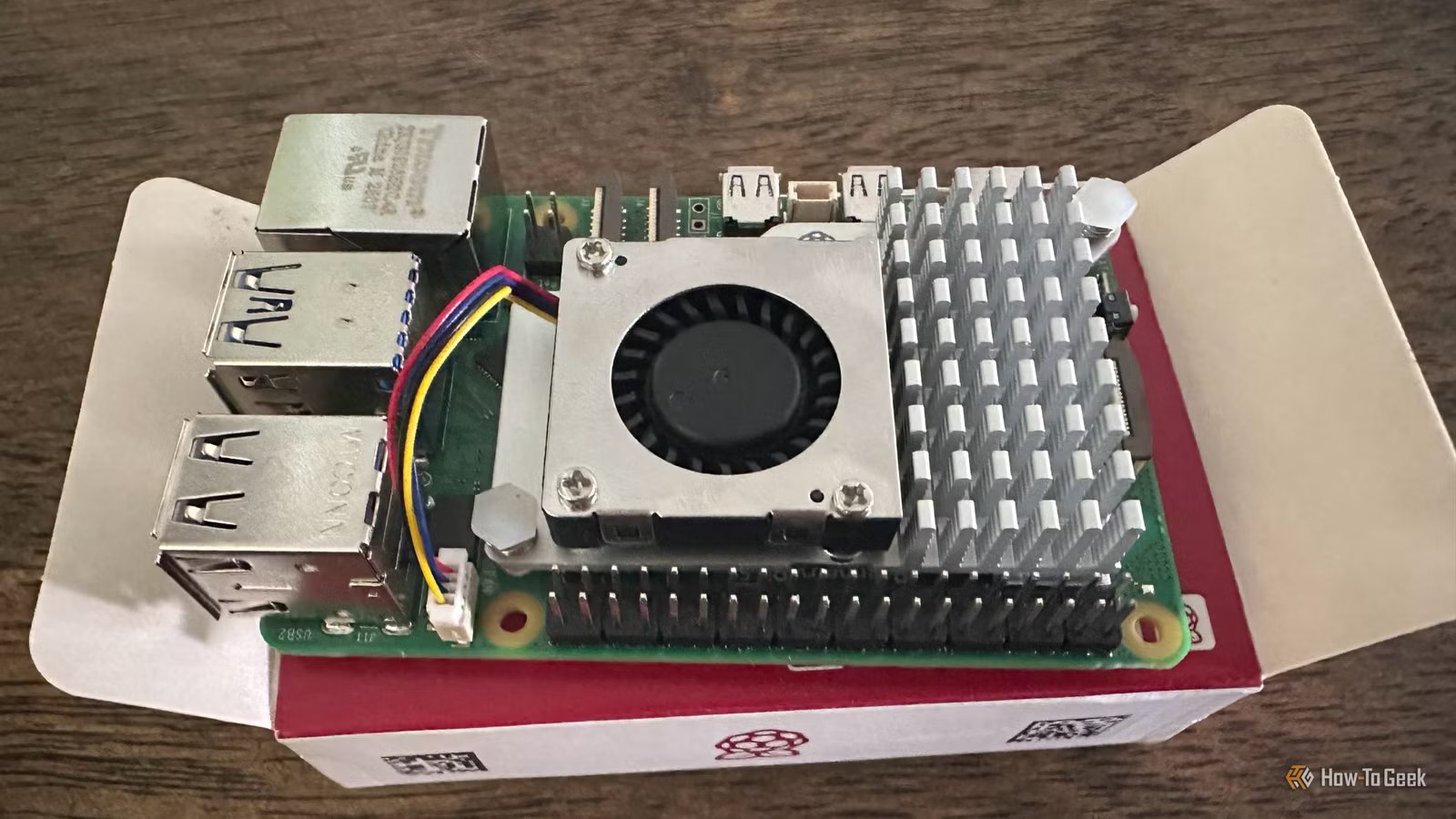
In case you haven’t heard, we are smack in the middle of a massive RAM crisis. DDR5 prices have gone through the roof, and kept going until it reached orbit. Since DDR5 is in so many devices, this affects everything, including the Raspberry Pi 5.
Of course, the Raspberry Pi uses LPDDR4X, not DDR5. However pressure on DDR5 supply has a knock-on effect on DDR4 as well, especially when you have a computer that’s designed to be as cheap as possible, which is probably why we now have a 1GB Raspberry Pi 5 option. That’s great from a pricing point of view, but what exactly can you do with so little RAM?
Turn it into a network-wide ad blocker
If you want to filter ads out of your web browsing, you could use a browser extension, but those are a bad privacy solution, and you’ve probably got other devices that need some sort of network-level solution to benefit from ad-blocking, such as your smart TV, which is probably spying on you.
Credit: Pi-hole
The answer here is Pi-hole, which only lists 512MB of RAM in its official requirements. Similarly, AdGuard Home provides this function just like other open-source DNS tools. You may need to use a low-resource OS like Raspberry Pi OS Lite or DietPi to get the most out of it with just 1GB of RAM, since some Pi-Hole users have reported issues with 1GB or 2GB SBCs, though likely ones with non-standard configurations or large block lists.
Using this method, you basically plug your Pi into your router using Ethernet, and then set it up as your DNS server. The Pi will then block anything on its block list from even reaching your devices, including trackers.
Build a simple retro gaming console
Credit: Craig Lloyd / Review Geek
The Raspberry Pi5 has a lot of CPU and GPU power compared to its predecessors, so that 1GB of memory does feel like a pointless limit here. Except, if you want to emulate games from old systems, which benefit from fast single-threaded CPU performance and can use that GPU power to add all sorts of enhancements. These days. you can add sophisticated CRT shaders and other effects that make a modern TV look more like the CRT TVs you remember. Though, personally, I prefer the real thing.
With just 1GB of RAM, you’ll be limited to PlayStation 1 era and older systems, not that more RAM would enable much here. PS2 emulation on Raspberry Pi is all over the place, so I wouldn’t get my hopes up.
Using an OS like RetroPi, Batocera, or Lakka you can turn your memory-limited Pi 5 into a dedicated retro-gaming powerhouse with all the graphical bells and whistles modern emulators allow.
Use it as a basic home automation hub
There are several home automation jobs a Pi with just 1GB of can perform. For example, you can set it up as an MQTT broker, run light Home Assistant tasks, use it as a Bluetooth gateway, and more. Running a headless operating system with headless versions strips away the biggest RAM hogs, and can still offer useful functions.
Related
Here’s How Much Raspberry Pis Cost in 2025
Which is the right Pi for you?
Don’t forget that the Pi 5 still has a GPIO header, which means you can also use it to control things like garage doors, or to read sensor data.
Host lightweight services at home
Apart from basic home automation, a 1GB Pi 5 can also be used to run network services. Sadly, 1GB is far too little for even a basic NAS or something like a media server, but services like Syncthing only use a few hundred megabytes, so a basic file sharing or backup service could work.
Likewise, nginx can happily serve static content on your local network, so if you want to dabble in running your own web server at home, you can work with those memory limits.
It’s also worth noting that the 1GB Pi5 still has PCIe just like the other models in the range. Which means you can use the M.2 HAT to add an SSD, which can help with memory swaps. If that extra cost makes no sense, then a USB SSD would also be helpful, since the Pi5 has fast USB 3 ports and SATA USB SSDs are inexpensive. It’s not advisable to use an SD card for home server use anyway, because they don’t have much write endurance. Regardless of how much RAM your Pi has, this is a built-in cost for this use case, so you might as well mitigate the RAM limits.
I don’t think the 1GB Raspberry Pi 5 is as pointless as some people online have rushed to proclaim, but at the same time I think the $10 it saves you versus the 2GB model isn’t really worth it. So if all you have is a 1GB Pi 5, the uses I outlined above are worth giving a go. However, if you haven’t bought your SBC yet, try and find the extra ten bucks. It will save you a lot of headaches.
Brand
Raspberry Pi
Storage
8GB
CPU
Cortex A7
Memory
8GB
Operating System
Raspbian
Ports
4 USB-A
