

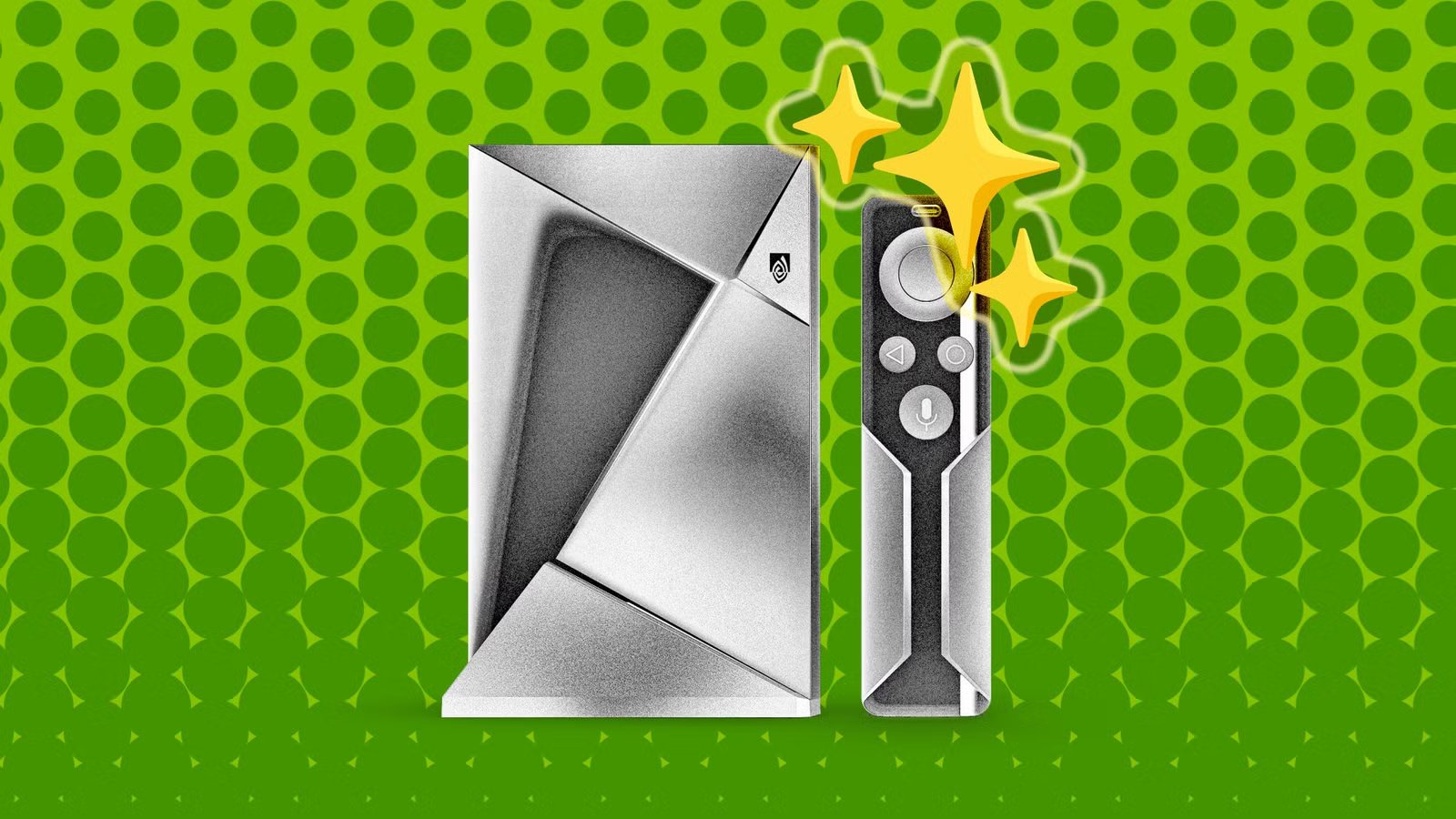
I know what you’re thinking—yeah, the Shield TV is old, but it’s still getting updates! While that’s true for some models, it’s not true for all of them. So, if you’ve upgraded to something new, we’ve got some ideas for that trusty NVIDIA Shield TV sitting in your media cabinet.
The most recent NVIDIA Shield TV launched a whopping six years ago, and that’s the model that typically still gets the occasional maintenance update. The 2015 and 2017 models receive fewer updates, and even the 2019 model went two years without an update from 2022-2024. There’s no shame in putting your old Shield TV to use in other ways.
One of the original selling points of the Shield TV was that it could be used as a Plex media server. In fact, it was baked right into the Plex app that comes on the device. All you have to do is open the Plex app and check the box to “Enable Plex Media Server.” You’ll be guided through the process of setting up the server and choosing which folders to scan for media. Load up an external hard drive full of your favorite movies and shows, and you can plug it right into one of the Shield’s USB ports—no need to buy a dedicated NAS or occupy an old PC.
Related
How I turned my old Android phone into a media server
Many of us have old phones shoved away in a box somewhere, and there are plenty of great ways to repurpose them. If you’ve been interested in getting into the home media server craze, you may be hesitant to buy a bunch of new hardware. What about that old Android phone?
Use it as a retro gaming console
Another one of the original selling points of the Shield TV was gaming. The Tegra chips are still very capable, and you probably still have the controller, too. It’s perfect for a retro gaming machine. Just download an emulator like RetroArch, set up a few controller profiles, and you’re ready to go. The extra power compared to a Google TV device means you can try to emulate old PlayStation or GameCube games, not just the Super Nintendo or Nintendo 64.
Maybe you don’t care about accessing your local media on network-connected devices. While we all love a good streaming service, you might just need a central device for accessing all your local media files. Apps like Kodi or VLC are built for this sort of thing, and the Shield’s hardware decoding capabilities mean it can handle virtually any file format or demanding bitrate you throw at it. Again, just load up an external storage device with media and plug it into the Shield’s USB port.
Watch OTA TV anywhere in your home
If you’ve cut the cord but still use an over-the-air (OTA) antenna, your Shield TV can allow you to watch those channels on TVs that can’t reach the coax cable. By combining the Shield with an HDHomeRun, you can “stream” OTA TV channels to a TV anywhere in your home. Also, if you want to be extra, since the Shield TV works as a Plex server, you can configure it to be the device that records live television onto the attached hard drive. Pretty cool.
Connectivity
Ethernet
Dimensions
7″L x 5″W x 2.2″H
Keep an eye on security camera feeds
Here’s a simple one. If your old Shield has a hard time handling anything more than opening a single app, you could turn any TV into a dedicated security monitor. Install an app like TinyCam Pro and configure it to display a grid of feeds from all your Wi-Fi or local network cameras. You can set up a TV in your office or even your garage to keep an eye on the camera feeds like you’re Lucious Fox in The Dark Knight.
Install Ubuntu Linux on it
And here’s a very complex one. If you want to go all out in giving your Shield TV a new life, you can ditch Android altogether and install Linux on it. There’s a version of Ubuntu designed to run on Tegra chips, and the folks in the XDA Forums have all the details for getting it up and running. This isn’t for the faint of heart, but for the serious tinkerer, the payoff is a surprisingly capable little box running a full desktop operating system.
The real key to utilizing an old set-top box like the NVIDIA Shield TV is to keep things simple. Remove all the superfluous apps and turn it into a unitasker. Whether that’s a retro gaming console or a security monitor, it can handle the job with ease.
Related
I found out my Google TV was tracking me, here’s how I stopped it
I recently purchased a TCL CM6K mini-LED TV, and I’ve been extremely happy with it. This is basically a regional variant of the excellent TCL QM6K, and as such it also comes with a built-in Google TV that serves as the operating system for the set.
