

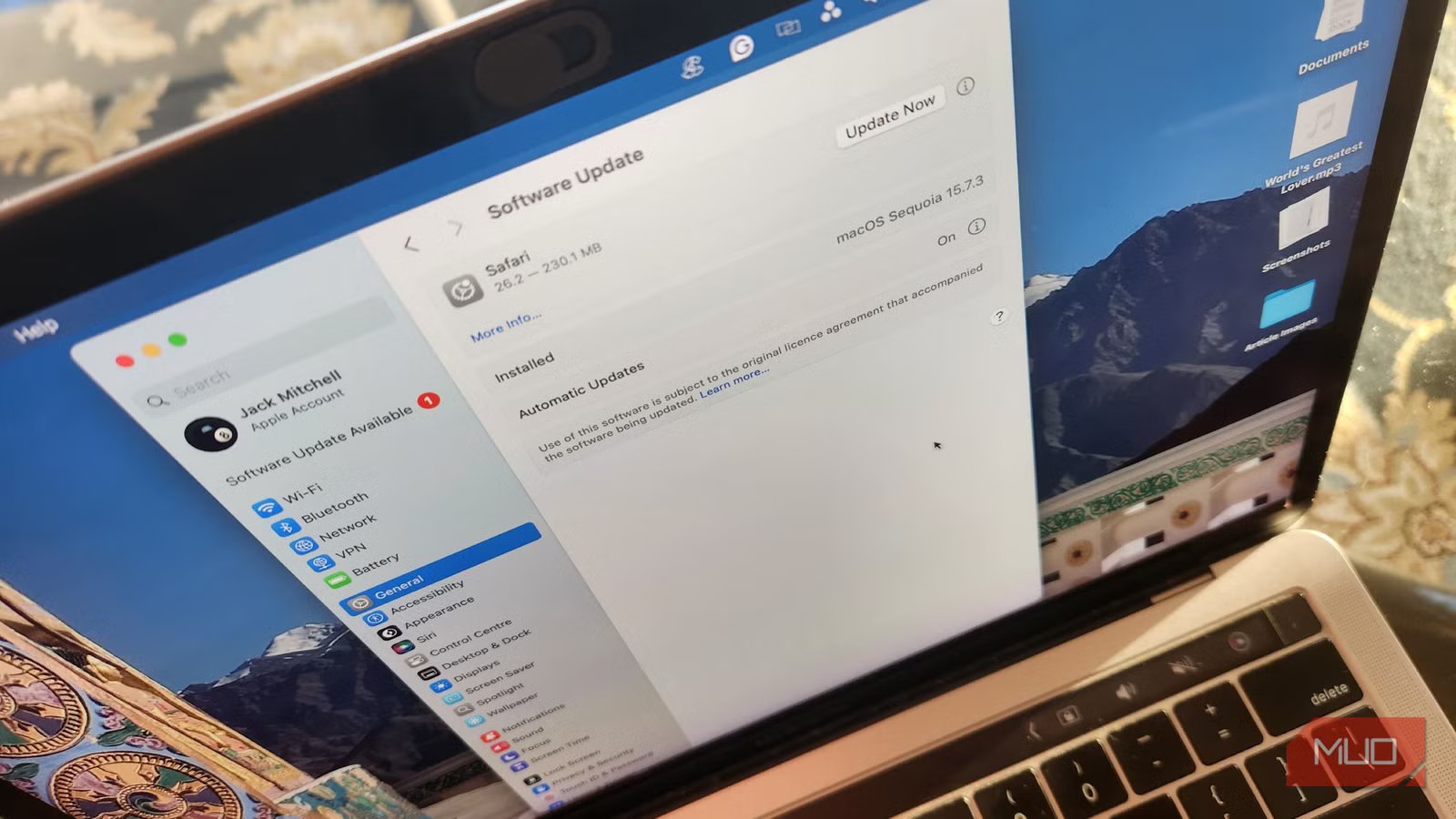
I spent years building my project music studio, relying more and more on third-party software to achieve what I thought was my “signature sound.” That was until, to my dismay, I learned that multiple installations weren’t compatible with the latest OS update for my Intel Mac. My answer was to ignore future updates, and as you might expect, that didn’t go well.
This may sound like a niche problem, but people ignore software updates for all kinds of reasons, and the consequences can be equally damaging. Ultimately, it was far more worthwhile to overhaul my entire system, and I came to realize that when it comes to digital housekeeping, there really are no shortcuts.
Why do people delay software updates?
Short-term convenience, mistrust, and the psychology of avoidance
Updates can feel incessant. We can all relate to being inconvenienced by the barrage of requests concerning mobile security patches, forced Windows restarts, browser updates, firmware updates, and mobile app updates. Not only do these often appear at the worst possible time, but human psychology and mistrust also play roles in refusals and delays to updating our software:
- Updates feel disruptive, work is interrupted, and there may be a fear of losing saved projects.
- Many adopt an “if it ain’t broke, don’t fix it” mentality, especially as the benefits of updates are usually invisible.
- There may be a fear of negative changes, like slower performance or broken features.
- There may be a lack of understanding of security risks, or a feeling that cyber threats won’t affect us personally.
- There may be trust issues regarding tracking and data collection, as well as indignation at planned obsolescence.
- There is often poor communication from developers, with vague explanations as to what the update is and why it matters.
In short, many folks prioritize short-term comfort over long-term security. And software updates sell security, not comfort and convenience.
Potential issues with ignoring updates
How postponing updates quietly compounds risk and instability
Many of us are aware of the potential issues that arise from ignoring updates. However, it never hurts to remind ourselves of the considerable risks faced when we don’t keep our systems current:
- The biggest risk is security vulnerabilities. Updates often patch known security holes; once these are public, attackers actively exploit them. Malware, ransomware, identity theft, and data breaches become much more likely.
- Outdated software may cause data loss or corruption. Crashes may become frequent, unfixed bugs can corrupt files, and ransomware attacks become more likely.
- You may experience compatibility problems, as newer apps, websites, or files may stop working. Hardware drivers may also become incompatible.
- You might also run into performance and stability issues, with memory leaks, slowdowns, and crashes being common. Over time, your system will begin to feel old.
- There will likely be a loss of support, whereby, over time, vendors stop assisting with technical issues and bug fixes and see you as a potential security risk.
For me, a big concern was the knowledge that I was falling behind technologically, missing new features that improve usability and efficiency. I also worried about having less integration with the latest tools and suffering from a below-par user experience.
What happened when I delayed my software updates
Over time, a few minor glitches escalated into a systemic failure
Initially, the signs were subtle. A while after pausing automatic updates, applications would freeze for a moment, then recover. I chalked this up to my aging system; however, these crashes became more frequent and unpredictable. In the worst cases, these would occur while I was in the middle of important work.
Eventually, I started experiencing frequent file corruption, and apps that used to run smoothly crashed on launch. Even when performing the most basic tasks, my system felt unstable, like a house with cracks in its foundation or a car with a worrying rattle in its engine. Ironically, some of the third-party software I’d been protecting was now part of the problem. Updated versions were expected to run on a newer OS, while older versions were vulnerable to mounting bugs. My attempts to avoid compatibility issues had created far worse ones.
Is it always worth updating your software?
How informed, deliberate updates beat blind urgency or neglect
Credit: Jack Mitchell/MakeUseOf
What I learned from this experience is that there’s a smart method to updating your software. There are valid reasons to pause updates, especially in professional environments that depend on specialized software—or in my case, when dealing with niche plugins for specific tasks. But pausing isn’t the same as ignoring.
A better approach is informed updating. Check compatibility lists. Read release notes. Back up your system before major updates. If you rely on third-party tools, plan upgrades instead of indefinitely postponing them. Minor updates, especially security and stability patches, are almost always worth installing promptly. They’re designed to fix problems, not introduce them.
Running tight digital maintenance has solved all my issues
Ultimately, I updated my programs and sought software alternatives to my obsolete plugins. This digital spring clean has not only future-proofed my system but also given me a fresh approach to creativity, where I am not relying on tired methods.
The difference has been dramatic. There have been no random crashes, no corrupted files, and no constant anxiety about when the system might fail next. My machine may be old, but it’s stable. And that stability comes from maintenance, not neglect.
This mistake taught me that ignoring software updates didn’t preserve my system; it gradually undermined it. I have come to accept that obsolescence is simply a reality of the digital age. It’s better to upgrade frequently; not necessarily right on the cutting edge, but not out of sight of it either.
