

Anyone who takes their online safety seriously can still be lulled into a false sense of security, myself included. I used to think my accounts were secure enough, with complex passwords, occasional security updates, and a feeling of confidence that platforms would warn me if something went wrong.
However, over the years, certain signals have alerted me to the fact that my accounts weren’t as watertight as I thought. While I never experienced a dramatic hack or emptied bank account, a series of warning signs showed me that my digital life was more exposed than I believed. And while tools helped expose risks, my own behavior and awareness were key to minimizing threats.
Google and Microsoft security activity pages
My login histories revealed patterns I didn’t expect
Both Google and Microsoft provide detailed security activity dashboards, and aside from the occasional check when prompted, I had largely ignored them. When I eventually paid attention, I noticed some login attempts that didn’t match my routine with IPs from unfamiliar locations. Other hazards I looked for included unrecognized devices and sign-ins at odd hours.
As it turned out, none of these events was a confirmed breach on its own. Some were likely travel-related, VPN use, or background services. All the same, these dashboards highlight my normal behavior, so with regular checks, I can easily identify changes in my patterns that could signal my accounts have been compromised.
Breach alerts from Have I Been Pwned
Seeing my email in a breach changed my mindset
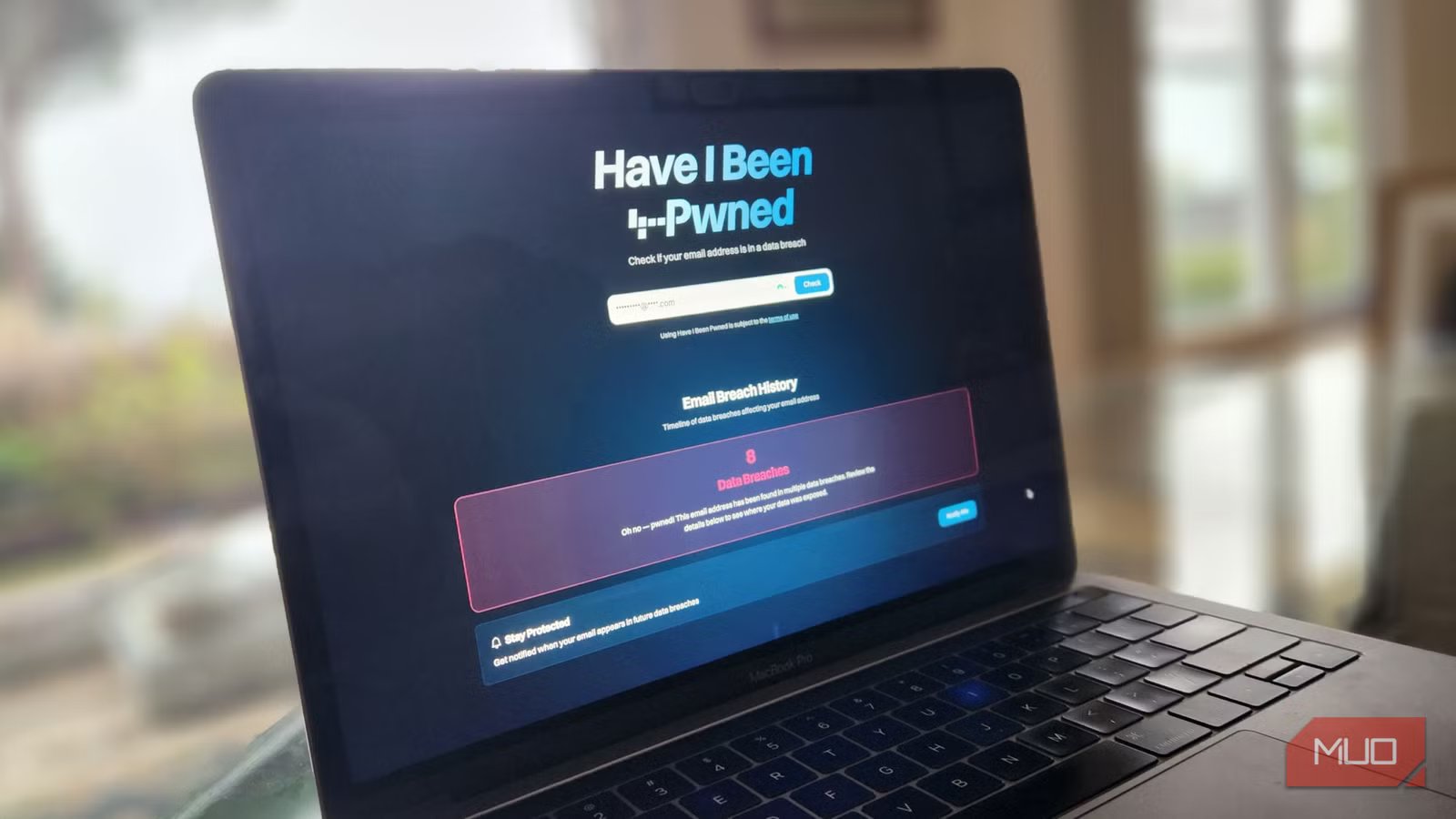
One of the most significant wake-up calls came from the data-breach-checking website Have I Been Pwned. In this context, the slang term “Pwned” means your online account (email, username, password) has been compromised. In my case, typing in email addresses associated with my accounts exposed an unsettling number of data breaches.
This is a useful tool for exposing how your data has been compromised. Breached email addresses, usernames, and metadata can be reused in phishing, credential stuffing, and social engineering attacks. I was provided with context about where my information had been leaked, which allowed me to decide how best to respond by changing my habits and, when necessary, my login credentials.
New login alerts from unfamiliar locations
Alerts are only beneficial if you don’t ignore them
author screenshot by aya masango – no attribution needed
We are all familiar with the fable of “The Boy Who Cried Wolf,” and in a similar manner, login alerts, rather than provide reassurance, become background noise. I always have alerts enabled, but I tend to skim them. All this changed the day I received a login notification from a country I’d never visited, on a device I didn’t own, for an account I rarely used.
While on this occasion access was blocked, the attempt itself was significant, as it showed that my credentials were being tested somewhere. Now, whenever I see anything amiss, I check recent activity, log out of all sessions, and consider updating my credentials. Login alerts are valuable tools, especially as login scams are continually on the rise, but the speed and nature of the response determine whether they escalate into a full-blown breach.
Unexpected password reset emails
Sometimes reset requests have sinister underlying motives
NAR by Gavin
Every now and again, it’s normal to receive password reset emails as routine digital housekeeping, or if an account may have been compromised. However, I recall a time when I received multiple reset requests across different services within a relatively short period.
This was significant because it could indicate credential testing using data from elsewhere. Even though the attacker didn’t succeed, the attempt itself meant my email address was on a list being actively used. In this instance, I had to use judgment to decide whether this was a harmless mistake, noise generated by bots, or a precursor to an attack. I ultimately decided that repeated reset emails were reason enough to change passwords and review my account protections.
Account recovery emails you didn’t request
Recovery attempts are a sign of malicious intent, not accidents
Brady Meyers / MakeUseOf
Account recovery emails are more serious than password resets, as they suggest someone is trying to bypass your normal login entirely. The first time I received one I hadn’t requested, I assumed it was an error. The second time, I paid attention.
Recovery procedures are often requested after attackers gather personal details from data breaches or public sources. Receiving emails of this nature told me someone wasn’t just guessing passwords; they were attempting to take control of my account.
In this instance, it’s best to pull out all the stops. Review recovery settings, remove outdated phone numbers or email addresses, and confirm that two-factor authentication is enabled and working across devices. If you ignore such alerts, it is possible that you could lose access to that and other linked accounts.
What I ultimately learned from these quiet warnings
I imagine that everyone reading this has experienced at least one of these warnings in some form or another. None of them is particularly dramatic. There’s no explicit “you’ve been hacked” moment. There are simply tools presenting data and signals that require interpretation.
What I have learned is that there’s more to security than using a password manager, activating alerts, and enabling 2FA. Breach databases, activity dashboards, and email notifications are only effective when approached with awareness and addressed with appropriate action. Real security comes from recognizing small signals as potential threats before they become a bigger problem.
