

Follow ZDNET: Add us as a preferred source on Google.
ZDNET’s key takeaways
- iOS 26.1 lets you control the Liquid Glass design.
- iOS 26.2 offers better security for AirDrop.
- Most of all, iOS 26 patches several nasty security bugs.
My wife and I both own iPhones. But differences exist between our respective ownerships. I quickly install each new OS update, both for personal and professional reasons. My wife, however, balks at this onerous task, complaining that the update will mess up her phone, change familiar things, and force her to learn new stuff.
Other iPhone users seem to feel the same way as my wife, though reports differ over how many people have jumped to the new version since its debut last October. Analytics service StatCounter says that iOS 26 has only a 16% adoption rate, while TelemetryDeck pegs the rate at around 60%. Even if we take the higher number as more accurate, the uptake of iOS 26 is slower than most prior iOS versions at this point.
Also: Liquid Glass too clear for you? iOS 26.1 has a new switch that fixes it – here’s how
Why? Probably for the same reasons that my wife asserts. Updating can be a hassle. Snafus can occur. Familiar features change. And you need to learn new stuff. With iOS 26 in particular, though, people have been complaining about other hiccups.
As with any new update, battery life feels worse. The new Liquid Glass aesthetic has been a turnoff for many. Plus, there are no must-have new features in the latest OS. For those reasons and more, a number of iPhone owners have been content to remain with iOS 18.
But I think that’s a mistake. And here are my reasons why.
1. Battery life and performance will improve
After you install any major new OS update, your phone has to perform a lot of housekeeping chores. That means it must re-index all your files, update your apps, and tweak certain settings. All of that can put a strain on the battery and overall performance. But once all the housekeeping is done, you usually find that the battery charge goes back to normal.
2. Control the Liquid Glass aesthetic
The new Liquid Glass design has been divisive, with some loving it and others hating it. If you don’t like it, you can reduce its effect on your device or give it a more tinted look courtesy of a setting in iOS 26.1. I applied the tinted look, and I’ve been happy with the design since then.
Also: Apple’s iOS 26.0.1 fixes a bevy of glitches – update your iPhone now
3. Better AirDrop security
With AirDrop, you’re able to share files and other items with nearby Apple users. In the past, you could share content only with your contacts or with everyone for up to 10 minutes. Thanks to iOS 26.2, you can now use a one-time code to allow transfers with people not in your Contacts list and for more than just 10 minutes. That means you can more conveniently use AirDrop and still keep your security tight.
4. Security patches
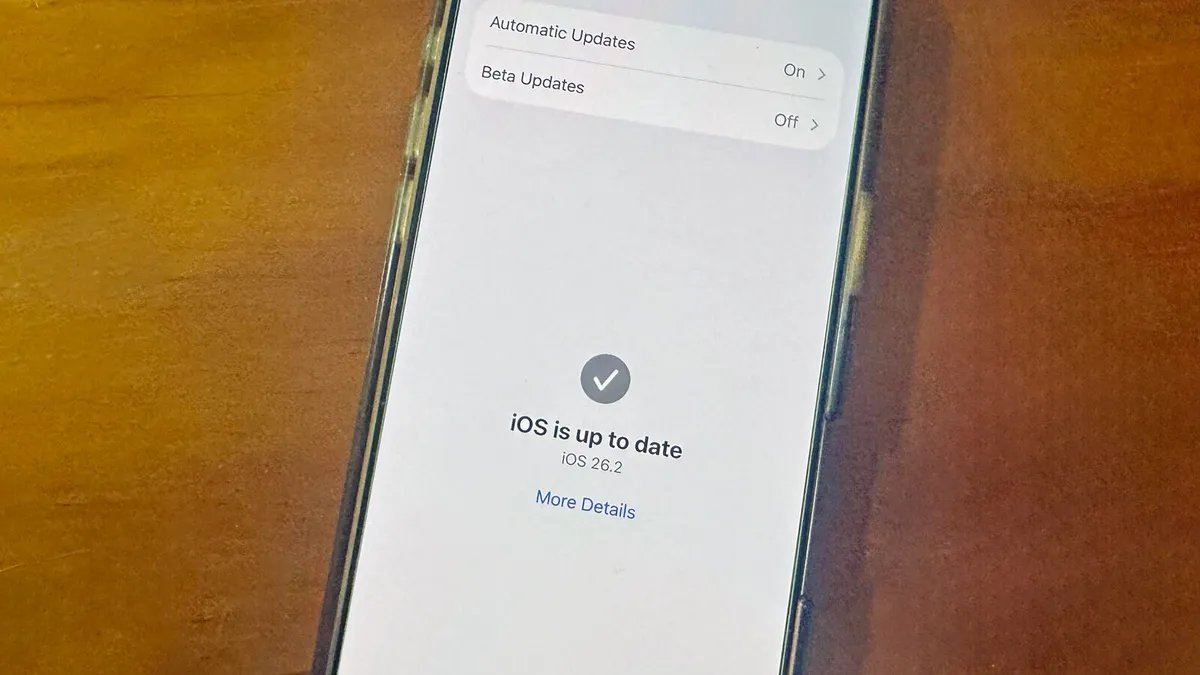
Speaking of security, here’s the final and top reason I recommend moving to iOS 26.2, the latest version at this point. Since the launch of the new OS, Apple has pushed out a number of patches to resolve known and serious security vulnerabilities.
iOS 26.0.1 fixed a flaw in Apple’s FontParser framework through which an attacker could have created a malicious font to corrupt memory or crash an application. iOS 26.1 resolved more than 51 security flaws, any of which could have been exploited by hackers.
With iOS 26.2, Apple clobbered 25 different bugs that affected the App Store, FaceTime, Messages, Photos, and other apps. But the most important were two zero-day vulnerabilities. Reported as exploited in the wild, both zero days may have been used in extremely sophisticated attacks against targeted individuals still running versions of iOS before iOS 26.
That last line should give you pause, as versions of iOS prior to iOS 26 can still be vulnerable to certain security flaws. So you may gripe about Liquid Glass. You can complain about the lack of exciting new features. You might not like change in general. But if you value your security, you’ll want to install this latest version.
