

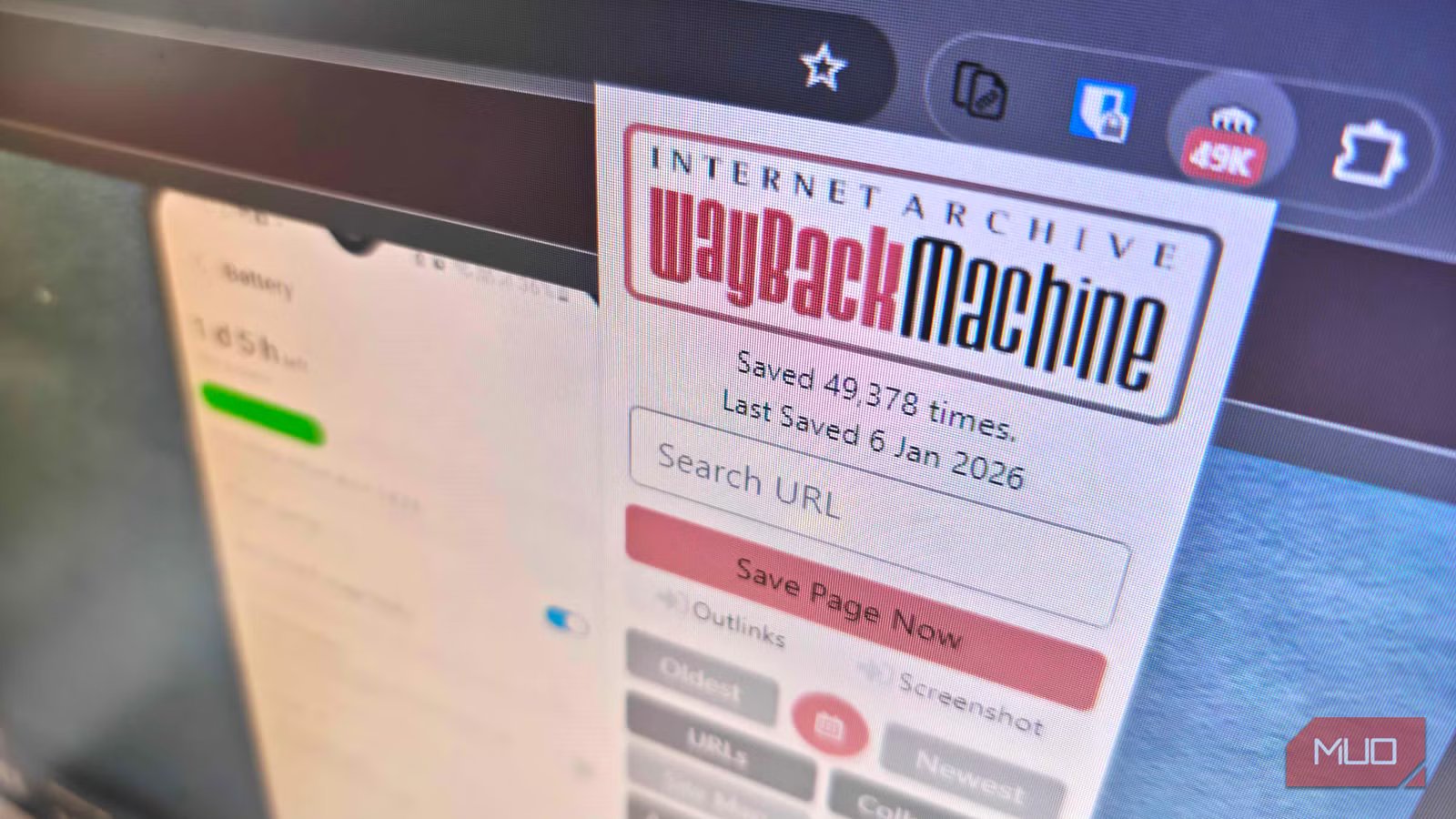
I’ve long considered the Internet Archive one of the most underrated entertainment sites on the internet. But aside from serving as a global backup for all kinds of media, it also has another ridiculously useful feature: the Wayback Machine.
The Wayback Machine lets you peer back in time to see old, archived versions of websites, which is super handy for finding old links, downloads, and more. I’ve used it on numerous occasions to check changes to terms and conditions, find data I know used to exist, and more.
But little did I know that the Wayback Machine has a Chrome extension designed to make finding old data easier, and once installed, it made sure I’d never see a blank web page again.
I’ll never see a timed-out web page again
The Wayback Machine extension can delve deep into the past
So, as said, the Wayback Machine is a huge internet archive with heaps of cached pages for old versions of websites. Not every website appears in the archive, as that would be frankly bonkers, but the Wayback Machine has an unfathomably deep range and is one of the best sites for exploring the hidden internet.
For example, if I search for MakeUseOf, I can see that the Wayback Machine has captured the site 49,378 times (at the time of writing), spanning the years 2006-2026 (yes, it’s MakeUseOf’s 20th year!). I can step back in time to the very origins of MUO and see the original “Hello World” post on WordPress all those years ago, all from the Wayback Machine site.
Now, the Wayback Machine’s extension means I don’t have to leave the site I’m on to start delving into its past. It shows me the last time a page was archived, as well as letting me instantly display the oldest or newest archived page.
It’s this feature that means you’ll never stare at a “page not found” problem ever again. Whenever you encounter that error, open the Wayback Machine extension and select Newest, and it’ll take you to one of the latest archived pages. While there is the option of the Oldest page, for best results, I’d suggest the latest page, unless there is something specific you need to find on an older archived page.
Better still, you can actually enable the Wayback Machine extension to automatically provide an archived page when you encounter a 4xx or 5xx error while browsing. This setting is turned on by default, but can be adjusted in the extension settings.
- Select the Wayback Machine icon in your browser extension tray
- Select the Cog icon to open the Settings
- Open the Context tab, then check the 404 Not Found, etc… is selected.
You can also select the red calendar icon to jump to the Wayback Machine’s calendar view, showing all of the archived pages, or archive a specific page using the Save Page Now option.
You can also check social networks, word clouds, and more
It’s an all-in-one package
The Wayback Machine extension has a few other tricks up its sleeve, too.
The extension’s Search Tweets button lets you see if a specific URL has been mentioned on X, letting you track other engagements with the page and see what other folks are saying. Similarly, if you want to post about the archived page via the extension, there are social integrations for X, Facebook, and LinkedIn.
Something I wasn’t expecting was a specific link to the Hypothesis app, which allows you add public annotations to websites for other folks to view and respond to. I’ve not really used this app myself, but it’s interesting see what others have written about websites that you frequently visit.
One feature potentially worth turning on is Auto Save Page, which does as it sounds and automatically uploads unarchived pages to the Wayback Machine. Depending on your browsing habits, you may well end up saving versions of web pages that wouldn’t normally end up on the Wayback Machine; you basically become a web archivist without even trying.
Related
I found all of my favorite childhood magazines on the Internet Archive
It’s like flipping through your old magazines, but without the paper cuts.
Never see an error page again
I’ll admit that it doesn’t always work exactly how you want. I’ve found that in most cases, the Wayback Machine has at least a page that shows me information, but depending on the size of the site, it may not have been crawled or archived recently.
Still, in many cases, it’s way better than nothing!
