

Are you confused about why anyone would pay for Linux when it’s supposed to be free? Wondering if Zorin OS is exploiting newcomers with a paid distro? Well, here’s a quick look at what you’re actually paying for—and why that’s worth the asking price.
This article is not sponsored by Zorin OS. All opinions are my own, based on 10 years of using Linux and helping friends and family make the jump to the penguin side of computing.
Why is Zorin OS Pro a paid Linux distro?
To be fair, Zorin OS has a free version called Zorin OS Core, and you can use it as a full-fledged operating system without any practical limitations. I’d go as far as saying that the free version is one of the best distros we have available right now—especially for folks coming from Windows. That said, if you want some “extra” goodies—things that aren’t needs but rather wants—you can get them by paying $48 for Zorin OS Pro.
I can understand why this premium version might be confusing. Linux is famously free-to-use and its code is openly available—so why do you need to pay for this distro?
Here’s the thing, while you’re free to use FOSS software, you still need to configure it, customize it, check its compatibility with other software, and sometimes even compile it. All of this takes time—which is why many people say Linux doesn’t cost money; it costs time.
Related
Why open source isn’t free (and never was)
It doesn’t let you do everything and you might still have to pay.
Now, many people simply don’t have that kind of time to invest, but they still want to use the OS—after all, Linux’s appeal isn’t limited to having a zero-dollar price tag. This is where paid distributions come in. Developers invest their time into customizing and optimizing the system so you can download it and start using it right away, without worrying about setup.
It’s also worth noting that Zorin OS Pro isn’t a unicorn—there are other paid Linux distributions like Archcraft Prime, XeroLinux, and Linspire. All of these offer pre-configured Linux desktops for a one-time fee. This is a legitimate business model in the Linux world—and a solid way to support projects you like.
What premium goodies are you getting for your money?
So what exactly do you get with Zorin OS Pro for that $48?
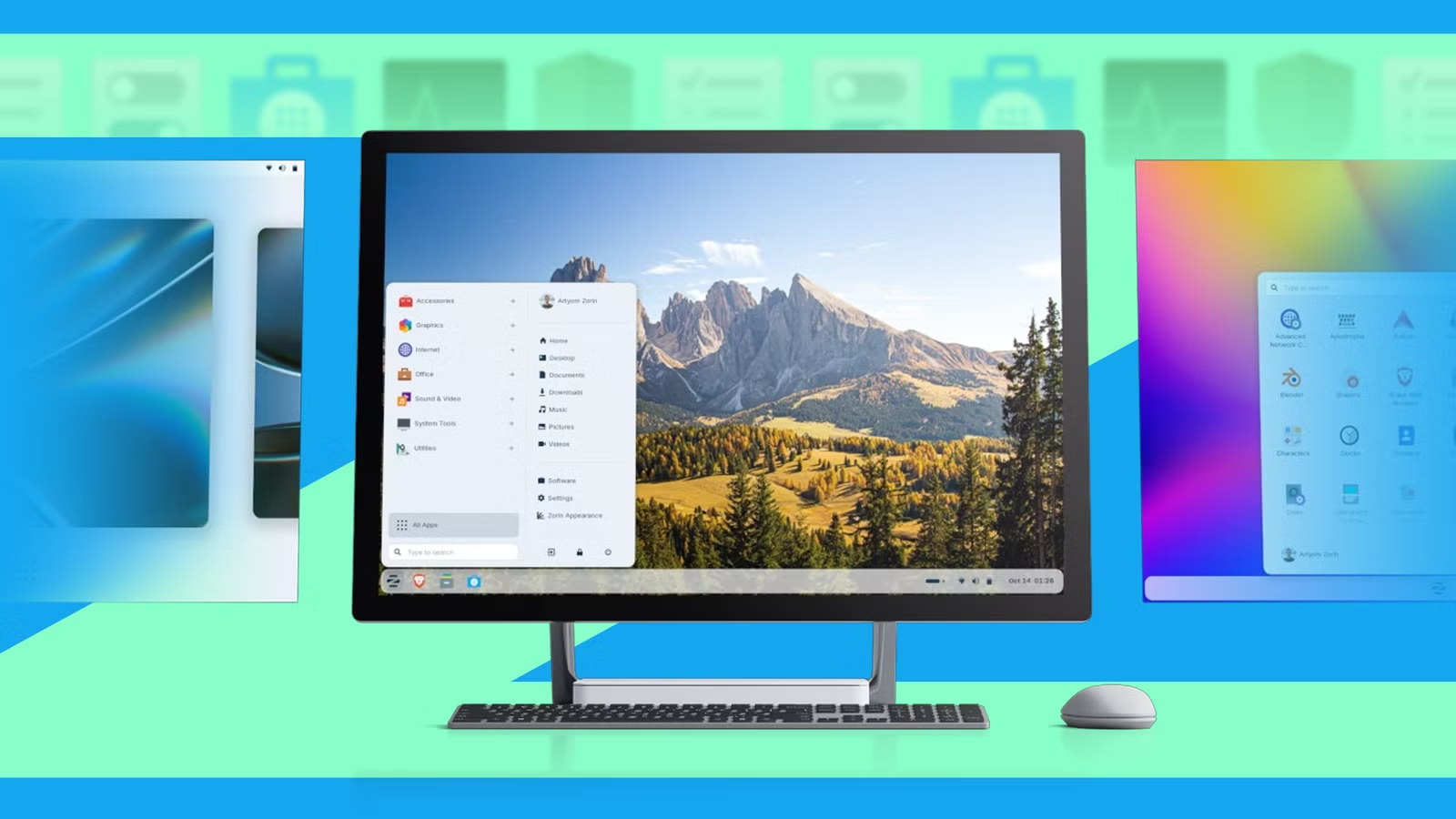
For starters, you get access to eight premium desktop layouts through the Zorin Appearance app, on top of the four layouts included in the free version. Using a layout that closely matches your existing workflow can genuinely improve productivity, and Zorin OS Pro gives you 12 different layouts to choose from. These include popular options inspired by Windows 11, macOS, ChromeOS, Ubuntu, and even Linux Mint.
Next, you get a curated suite of professional-grade software pre-installed. At the time of writing, here’s what they are shipping with:
Audio production & editing:
- Ardour (DAW)
- Audacity (audio editor)
- Mixxx (DJ software)
- Blanket (ambient sound mixer)
Video production & editing:
- Blender (3D modeling, animation, video editing)
- Handbrake (video transcoder)
- OBS Studio (streaming/recording)
- OpenToonz (2D animation)
- Kdenlive (video editor)
Image editing & graphics:
- GIMP (raster graphics)
- Krita (digital painting)
- Inkscape (vector graphics)
- Darktable (photo editing/RAW processor)
- Eyedropper (color picker)
3D and CAD:
- FreeCAD (parametric 3D CAD)
- LibreCAD (2D CAD)
Office and productivity:
- LibreOffice (office suite)
- Foliate (ebook reader)
- Scribus (desktop publishing)
- Xournal++ (note-taking/PDF annotation)
Note-taking and knowledge management:
- Logseq (knowledge management)
- Minder (mind mapping)
Task management and productivity:
- Pomodoro (productivity timer)
- Planify (task/project management)
Utilities and system tools:
- Brasero (CD/DVD burning)
- Kitty (terminal emulator)
- Remmina (remote desktop)
- Secrets (password manager)
Finance:
- Denaro (expense tracker/finance manager)
Zorin OS developers can replace any of these apps with better alternatives in the future. This means you don’t need to research what’s the best app out there, the devs have got your back. Of course, you are free to keep using these apps, even if they aren’t shipped by default, if you enjoy the workflow.
I should also mention that it adds advanced productivity tools like the Network Display app, which lets you wirelessly share your desktop with other displays, and Deskflow, which allows you to control multiple computers using a single keyboard and mouse.
Who is Zorin OS Pro for—and why is it worth the price
Now that you know what you’re getting with Zorin OS Pro, it’s time to answer the big question: is it worth the $48 price tag? To get there, we first need to understand who Zorin is actually built for.
According to Zorin’s About page, the distro is designed to be “as easy as possible.” The goal is to give you a familiar desktop layout so you can jump straight into using your computer instead of learning how to use it. Along the same lines, Zorin ships with most of the apps and tools you’ll need for your day-to-day work already installed, saving you the time and effort of hunting them down yourself.
That extra convenience is what Zorin OS Pro is really charging for. In theory, you could recreate the exact same experience for free. You could customize the desktop layout on your own, research the best open-source app alternatives to popular proprietary apps, install everything manually, and fine-tune the setup until it works just right. And you can do all of that without spending a single dime—but at the cost of your time.
To put that into perspective, imagine you’ve never used Linux before and start with something like Ubuntu, which Zorin OS Pro is based on. Your goal is to recreate a familiar, Windows-like workflow that feels just as polished as Zorin OS Pro. That process can take 40–50 hours, especially if you’re not a tech-savvy user—and that’s far more than a casual weekend project. By going premium, you’re essentially buying time and convenience.
So, if you value 48 hours of your time at more than $48, Zorin OS Pro makes a lot of sense. And that, ultimately, is its value proposition.
