

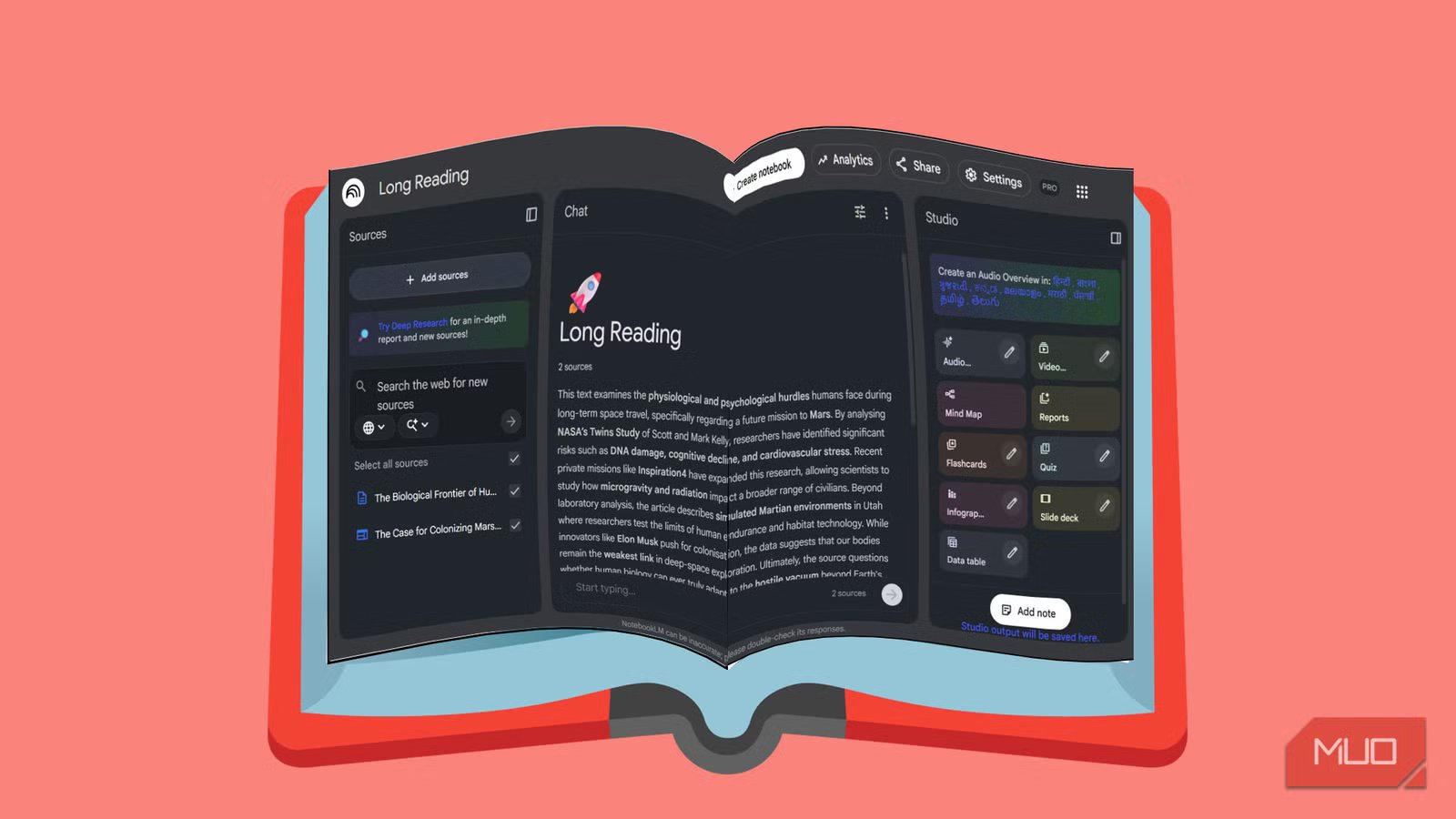
Reading difficult texts is getting harder because of dips in attention spans for some of us. We mistake approaching long-form essays, nuanced reporting, and research-heavy articles with the same habits we use for news feeds and newsletters. We skim and move on. Often not realizing that familiarity isn’t understanding. My first attempt was to take better notes. My second attempt is using NotebookLM as a slow reading companion. I already use NotebookLM for reading a hoard of bookmarked articles. So, it’s a natural experiment to use it for longform articles without sacrificing focus and momentum.
I stopped treating NotebookLM like a summary machine
Slow reading is just about a mental shift
Most people use NotebookLM to get answers quickly. Upload a document, ask for a summary, skim the highlights, and move on. That’s useful, but it’s the same rushed skim-first instincts as we think we will miss out on another great article.
The change started when I felt the frustration of not being able to recall anything I read. I stopped asking NotebookLM to summarize entire documents. Instead of treating it like a shortcut, I have begun treating it like a reading partner that moves along with me as I patiently read a longform article. The goal isn’t speed. It is staying with the content long enough to understand all the shades that can get lost in a summary.
To support this reading and learning system, I now create a separate notebook for each long or demanding text. That single-text focus matters. It keeps context intact and discourages jumping around between ideas before they’ve settled. A single article or a PDF can be the start of building a knowledge base for research and learning on NotebookLM.
I also rely on a simple NotebookLM custom instruction to enforce slowness. Select Configure notebook> Custom and enter the instructions in the field. Mine looks something like this:
You are my slow-reading partner. Do not summarize entire sections unless I explicitly ask. When I paste a paragraph, help me paraphrase it carefully, surface assumptions, and highlight ambiguity. Please prefer questions over conclusions.
This one instruction can help change the tone of every chat. I have found that sometimes it can work like a speed breaker for NotebookLM and help me linger with the text. NotebookLM pauses and asks me to consider the questions that are raised by the article.
Reread one paragraph at a time and never rush past confusion
Write prompts that resist shortcuts
Saikat Basu/MakeUseOf
On the first pass, I use NotebookLM’s suggested questions to take an overarching look at the content. On a second pass, I paste just one or more paragraphs into NotebookLM while deselecting the main source. That constraint is intentional for the really complex articles. Difficult writing often packs multiple ideas into a few sentences, and we can miss those with shallow interpretation. One paragraph makes me slow down.
Instead of using NotebookLM’s default questions to continue my understanding, I have the option of asking my own follow-up questions. For example:
Generate five probing questions that would force a careful reader to slow down and notice complexity in this paragraph
.
Some other example questions can resemble these:
- What assumptions does this paragraph make about the reader or the broader context?
- What part of this argument depends most on earlier sections of the text?
- How could this paragraph be misunderstood if skimmed?
- What would a thoughtful critic challenge here?
These prompts can help to reveal tremendous gaps in my own understanding. That’s the point. When I reread with questions instead of plowing through, confusion stops feeling like failure and starts feeling like progress.
Over time, I’ve noticed something subtle but important. My third reading of a paragraph is often less about clarity and more about perspective. I’m no longer asking what the author is saying. I’m asking why they chose to say it this way.
Use active-reading micro-drills instead of passive notes
Short exercises replace highlights and summaries
Saikat Basu/MakeUseOf
Traditional note-taking breaks down with complex material. Highlights pile up. Summaries kill nuance. Worse, simple reading or skimming gives the illusion of understanding without testing you.
Instead, I now ask NotebookLM to generate small, targeted micro-drills after each major section. These aren’t study aids in the traditional sense. But complement them with NotebookLM’s powerful study tools, and you can reveal weak understanding early.
Some prompts I return to often include:
- Generate a three-question quiz that checks if I truly understood the argument.
- Turn this section into a “why–because” chain that links claims to reasoning.
- Which idea in this section would collapse if one assumption were removed?
What makes these effective is their scope. They’re short enough to complete immediately, but demanding enough to expose gaps. When I get stuck, I don’t push forward; I go back and reread the specific paragraph that caused the friction.
My own prompts on quizzes often return different results compared to NotebookLM’s own Quiz and Flashcard tools. They are valuable as a final test once you have gone through the entire article.
Interactive testing is a time-honored learning methodology that NotebookLM excels at. It forces me to test my understanding in real time.
Slow reading is a skill you can rebuild one day at a time
Using NotebookLM this way hasn’t made me finish texts faster. It’s made me return to them more willingly. I use a similar approach with learning from long YouTube playlists with NotebookLM. By slowing down, limiting scope, and asking better questions, rereading starts feeding my curiosity. Of course, there’s one essential quality that no AI tool can give you — patience. But if you want to try using NotebookLM for difficult text, start small. Just go for one long article, one paragraph, one reread. That’s often enough to reboot a deep reading habit.
