

Raspberry Pi devices are popular among retro enthusiasts looking to emulate old computers and consoles, but this usually only goes as far as software. What you might not have considered is that the Raspberry Pi can also play a role in reviving old hardware.
Replace whole computers with emulation
Credit: Tim Brookes / How-To Geek
Nothing lasts forever, and that includes old hardware. As these machines age, boards go bad, capacitors leak, and repairs can become untenable for all but experts in the field. Sometimes, the damage is so extensive that the machine is considered too far gone to repair.
Just because the innards have spoiled doesn’t mean you have to throw the whole machine out. That’s especially true now that we live in an era of cheap single-board computers that have enough power to comfortably emulate early home computers and consoles. Small computers like the Raspberry Pi fit neatly inside older oversized chassis and can boot directly into a period-appropriate operating system of your choice.
One such project is the Raspberry Pi 4 built into an Amiga 500 case. This project uses the original keyboard, works with the existing floppy drive, and uses an SSD instead of a microSD card for speed and reliability. It also includes photos documenting the build and 3D-printable STL files (plus the original CAD files in case you need to make any adjustments).
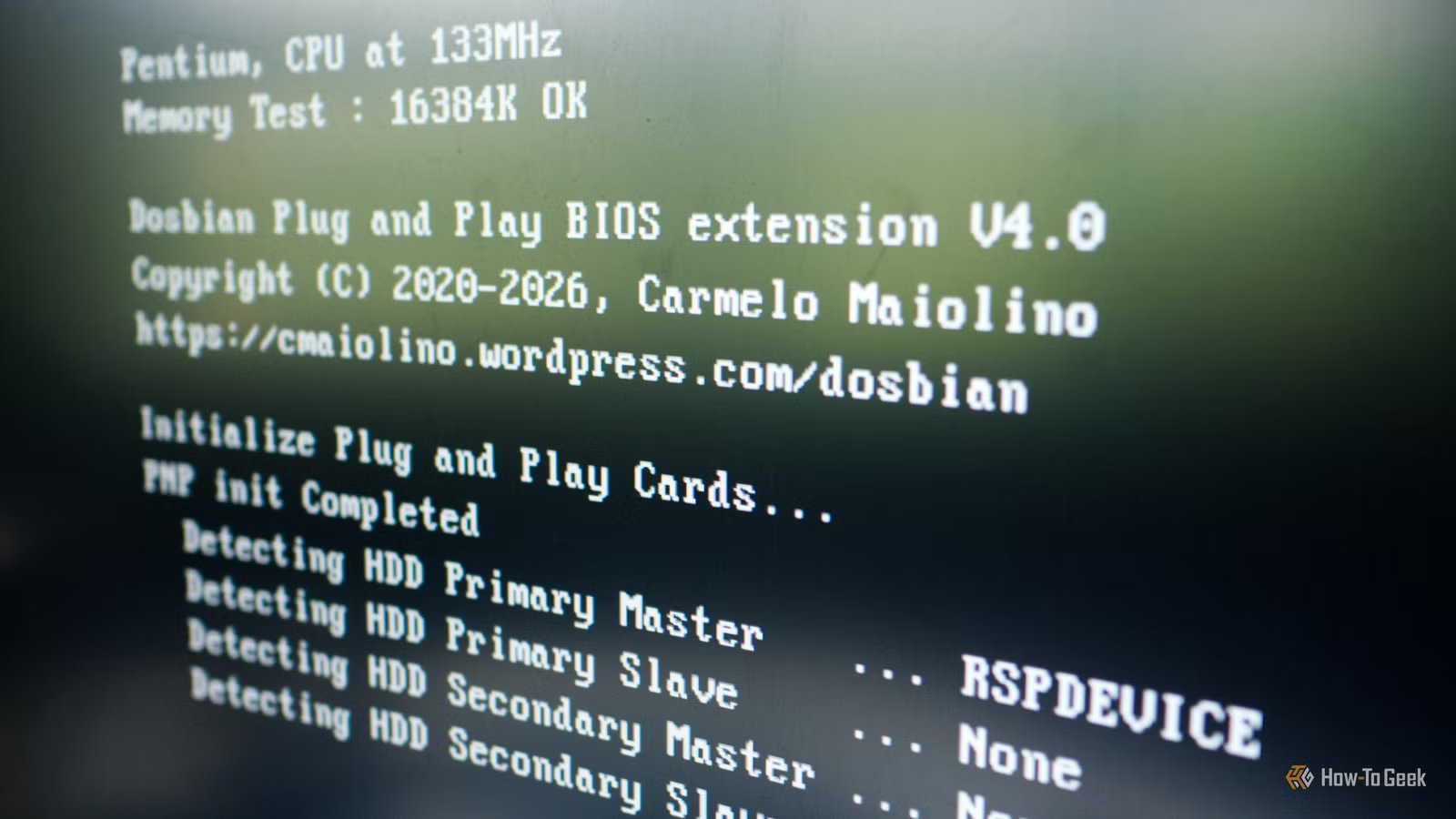
This is just one example; you could do the same with an older beige computer case and a copy of DOSBian. Pico Micro Mac is a similar project, though it doesn’t use original hardware but rather focuses on turning the Raspberry Pi Pico into a Mac 128K. There’s no reason this wouldn’t work with an old console, either.
Revive old game controllers with USB converters
Credit: Tim Brookes / How-To Geek
Here’s a project I’ve been meaning to try myself ever since I found out about it. I have an old (and sadly non-functional) Amiga 1200 that’s just waiting for me to dump hundreds of dollars and a few weekends of my life into it, and I also have the original Zip Stik joystick controller.
This controller has a 9-pin connector that connects to what was commonly referred to as the “Joystick” port on the back of the Amiga. This port was used by quite a few other machines at the time, but it’s sadly not usable on modern machines with a simple 9-pin to USB adapter.
Instead, you can build a converter using a Raspberry Pi Pico and the PicoGamepad project. There’s even an Instructables guide that you can follow, including the necessary code that you can copy and paste.
The alternative would be to purchase a purpose-built adapter like the Monster Joysticks 9-pin to USB (around $20), but isn’t building your own more fun? Another example of this was featured in The MagPi magazine and demonstrates using the Raspberry Pi’s GPIO interface to revive some old heavy-duty flight sticks.
Use old “stranded” CRTs as monitors
Credit: Apple
I’m always keeping one eye on Facebook Marketplace for bargains and sought-after items, one of which is an old iMac G3. I once came close to picking one up, but the two-hour drive for a machine that was sold as-is with a vague description and a clueless seller didn’t instill confidence.
Even so, I did some research about how I might make use of such a machine in non-working condition. Many of these are sold with the innards completely removed, effectively being just a CRT in a colorful plastic shell. It was around that time that I discovered a project that makes it possible to repurpose the CRT using a Raspberry Pi, with a handy video showing the process.
It’s involved, but it allows you to save a beautiful piece of retro hardware from the landfill and put it to good use.
Emulate storage mediums like floppy and tape drives
Credit: Tim Brookes / How-To Geek
Having an old computer that’s still in working condition is a blessing, but it’s the mechanical components that are often the first to go. This is especially true of old floppy drives, like those on an old Amiga. Thankfully, there are projects like Pi-Floppy and Amiga Drive that allow you to emulate the floppy drive interface on a real working Amiga.
Though this means you won’t be able to use your old disks, you will be able to use a storage medium like a memory card or (in the case of Pi-Floppy) a network share to load images. It’s the perfect combination of retro and modern hardware, working in unison.
Another example is CBM Tape Pi, a project that, in its most basic form, uses a breadboard to emulate the tape drives that were used on old Commodore computers (including the 64 and VIC 20).
Bring an arcade cabinet back from the dead
Credit: Marti Bug Catcher/Shutterstock.com
Many old arcade cabinets spend years rotting away in storage, with boards that no longer work. While restoring original hardware should always be the goal, this is a skill few of us possess. In many cases, the guts are missing entirely, leaving a shell of an arcade cabinet with an old CRT monitor and a couple of analog controllers.
Fortunately, the “brain” of the cabinet can be replaced with a Raspberry Pi that can play more than the original title. Retro-focused gaming distros like Recalbox and Batocera make this trivially easy to accomplish in software. Arguably, the two biggest hurdles are adapting the original controls and making use of the (presumably original) CRT.
Adapting controls often requires translating analog inputs to digital ones, for which you can use something like an I-PAC (Interface for PC to Arcade Controls). Exactly which you need depends on how many inputs you require. For example, the I-PAC 4 ($65) has 56 inputs, making it ideal for four-player machines.
Adapting a display ultimately depends on what is in use, but the aforementioned iMac G3 example shows what is possible. Some have documented their builds and the solutions used, with one blog post from 2012 demonstrating success using a Pi that outputs to an HDMI to VGA converter that’s connected to a VGA to RGB downscaler.
If getting your hands on old hardware sounds like too big of an ask, you can still have some retro fun with your Raspberry Pi by turning it into an Amiga or installing Windows 3.1.
