

Home Assistant is by far the strongest of all the smart home platforms, but even the best solutions have room for improvement. Though I’ll continue to recommend Home Assistant to everyone and anyone who’ll listen, it doesn’t hurt to be aware of these limitations.
The complexity can be off-putting
While most smart home platforms are limited by their closed nature, they also have the benefit of simple interfaces and pain-free setup. Home Assistant gives you more tools than you know what to do with, and the unending possibilities that this level of depth offers can trip people up.
I maintain that Home Assistant is only as complex as you want it to be, but there’s no denying that a certain level of technical know-how is required to even get a foot in the door. Setting up Home Assistant requires that you install the platform either directly on a computer like a Raspberry Pi, using some sort of virtualization, or a containerized (Docker) install.
By comparison, platforms from Google or Apple require only a hub and a smartphone app. You can add all sorts of devices to your Home Assistant server, but you might need additional hardware like mesh network radios and optional software integrations in order to do so. Other platforms are much more limited, but adding devices rarely gets any more complicated than scanning a QR code or entering a code.
I’d be remiss to not mention the hard work put in by the Open Home Foundation to make the platform more user-friendly. Home Assistant Cloud simplifies all manner of processes for $6.50 a month, the automations editor is continually revised to make it easier to use, and work is always ongoing to improve device compatibility and the integrations they rely on.
You need to sort out a server
Credit: Bertel King / How-To Geek
The fact that Home Assistant runs on dedicated hardware so that it can control your smart home locally is far from a weakness, but having to get that server up and running can be enough of a hassle to put some people off altogether.
The easy route is to go Home Assistant Green, a turnkey server solution that costs $150 and supports the Home Assistant project directly. But this requires you put money down immediately, before deciding if you’re sticking with the platform. By comparison, trialling Home Assistant by rolling your own server requires a bit more know-how.
It’s not like other smart home platforms are entirely free, but even Apple’s pricey HomePod mini ($99) doubles as a hub and wireless speaker if you decide that Apple Home isn’t your jam. For anyone nodding along, I’d recommend going the VirtualBox route or picking up a cheap second-hand single-board computer like a Raspberry Pi (for which you can use the official imager tool to get Home Assistant up and running).
Dimensions (exterior)
4.41″L x 4.41″W x 1.26″H
Weight
12 Ounces
Home Assistant Green is a pre-built hub directly from the Home Assistant team. It’s a plug-and-play solution that comes with everything you need to set up Home Assistant in your home without needing to install the software yourself.
Brand
Raspberry Pi
Storage
8GB
It’s only recommended for tech-savvy users, but the Raspberry Pi 5 is a tinkerer’s dream. Cheap, highly customizable, and with great onboard specs, it’s a solid base for your next mini PC.
Remote access requires additional steps
Credit: Tim Brookes / How-To Geek
Not everyone needs remote access to their smart home, but it’s something that most of us want. This is something you get by default with other mainstream smart home solutions, which is an upside of their cloud-friendly nature. That’s not the case with Home Assistant, which is only accessible via computers and mobile devices on the same network in its default state.
The easiest fix here is to sign up for Home Assistant Cloud, which gives you remote access and cloud backup for a relatively affordable monthly fee. There are many reasons to feel good about paying for this beyond the benefits, but not everyone is fond of a subscription (particularly when other platforms offer this for free).
Your other options include using a VPN tunnel or opening ports on your router and ensuring you don’t leave your server vulnerable to attack.
Voice assistant integration is far from perfect
Credit: Bertel King / How-To Geek
Alexa and Google Assistant (which is being replaced with Gemini) are surprisingly good voice assistants, and even Siri has its moments when it comes to smart home control. Home Assistant does have a voice assistant, known as Assist, but it’s arguably the weakest of the lot.
For best results, consider dedicated Home Assistant Voice hardware. This gives you access to Nabu, which is something of an open-source Alexa alternative for smart home control. It’s not going to answer trivia questions or search the web for you, but it can turn lights on and off or play music.
With an optional Home Assistant Cloud subscription, you can opt to use Google and Amazon’s models for far richer voice assistant integration. You also have the option of using a better cloud-based version of Assist, though all of these options forfeit the obvious privacy benefits of local voice processing.
Dimensions
84x84x21 mm
Weight
96 g
Home Assistant Voice Preview Edition is a privacy-first smart speaker built as an alternative to the likes of Amazon Alexa and Google Nest Mini. It adds voice assistant capabilities, including local-only processing, to a Home Assistant-powered smart home.
Inconsistency can be worse than missing functionality
Credit: Tim Brookes / How-To Geek
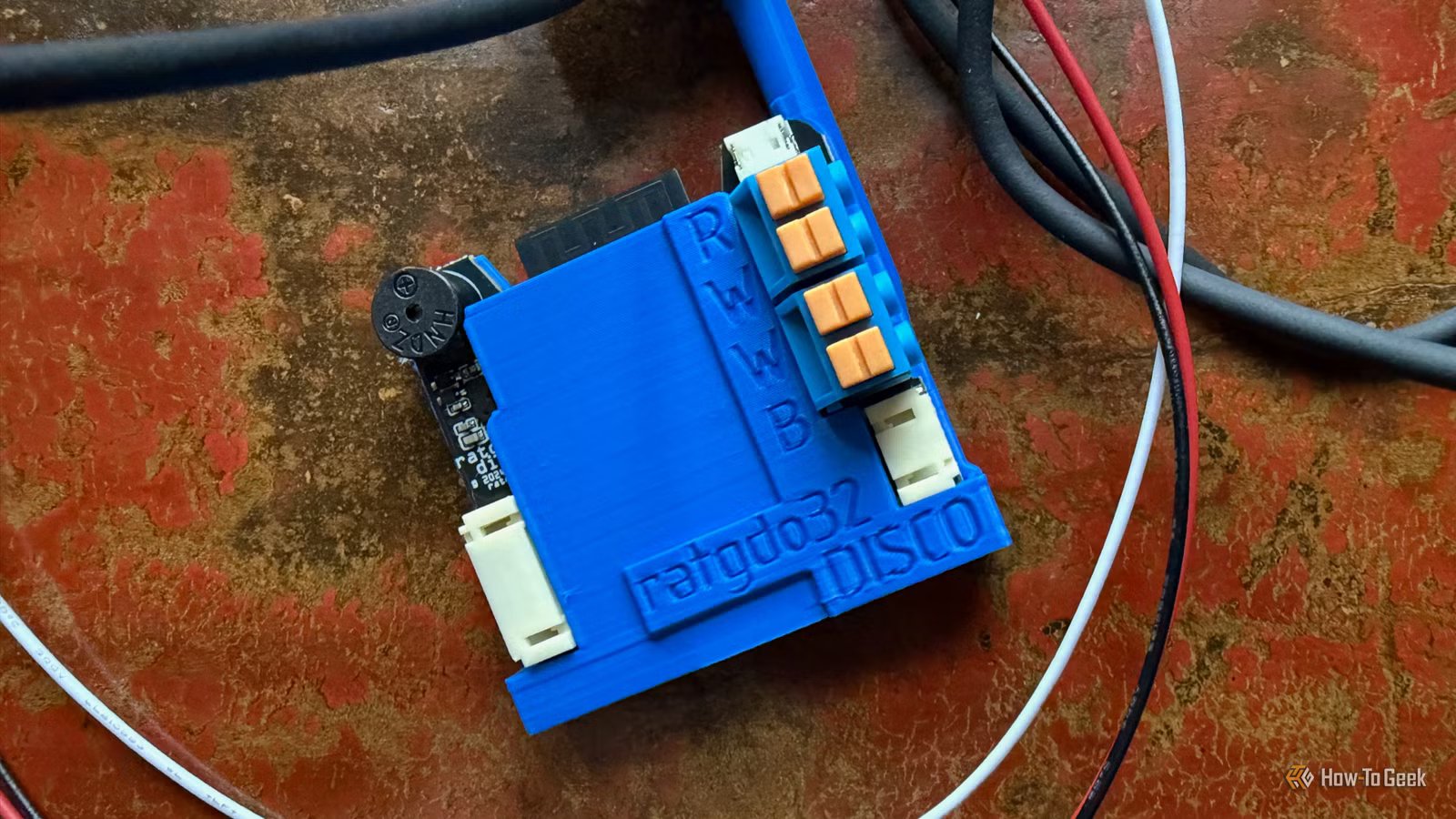
Inconsistency can be a deal-breaker. For some, it’s better not to have access to a feature than to have access to a feature that cannot be relied upon. Inconsistency fosters doubt, which leads to constant second-guessing about whether something will work. This is unacceptable for something important, like a garage door opener.
With Home Assistant, not everything has an integration out of the box. Many features can be added via third-party resources like the Home Assistant Community Store (HACS) and GitHub repositories. This is something to be celebrated, but it can also lead to a reliance on software that’s not quite there yet.
The sensible thing to do would be to bow out and stop using integrations that cannot be relied upon, but my lizard brain doesn’t work that way. It’s a good excuse to get involved in improving the project however you can, if nothing else.
In spite of these downsides, Home Assistant is still absolutely worth it to anyone interested in building an open smart home that’s locally controlled and compatible with a huge variety of devices.
