

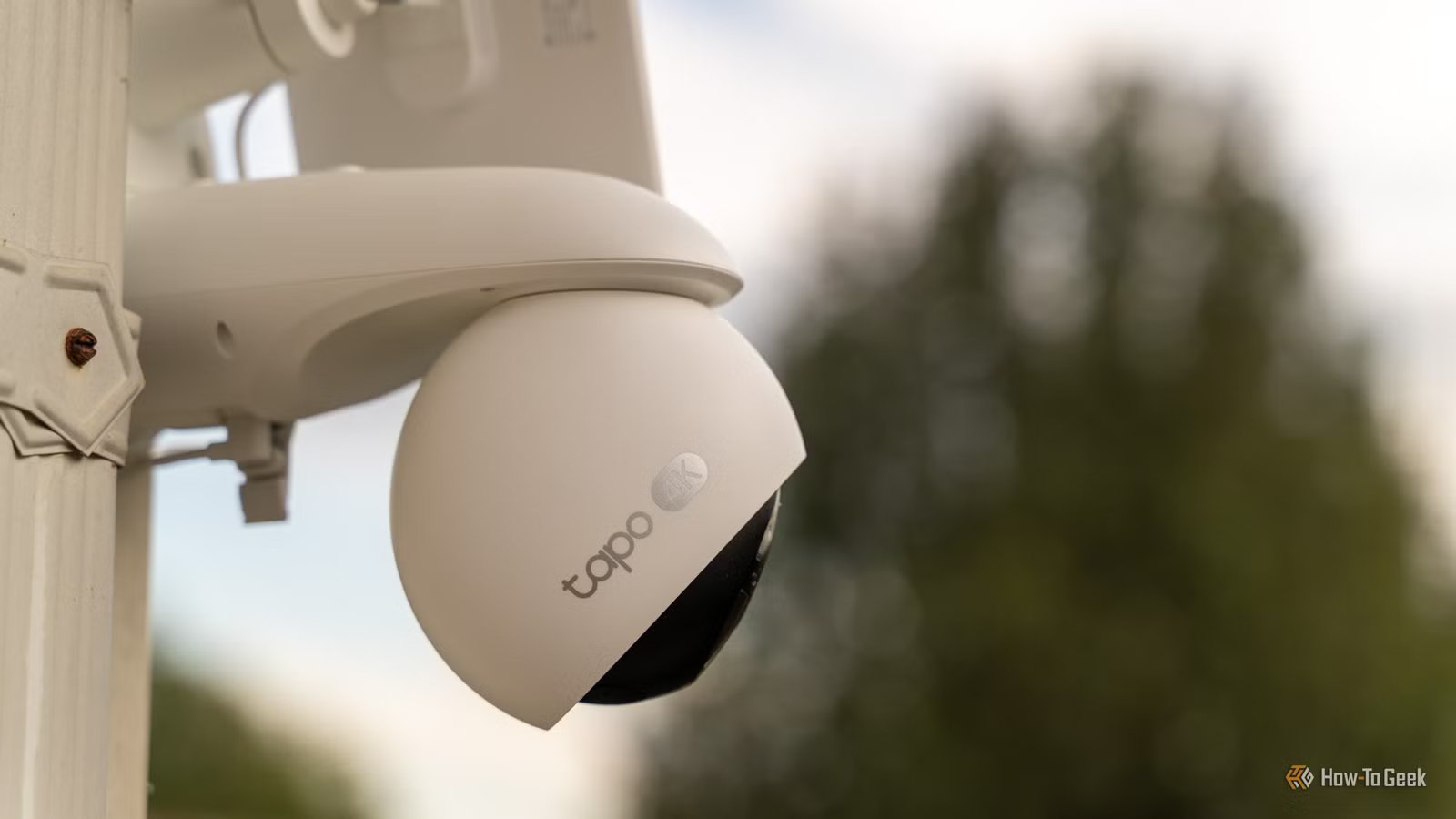
Smart security cameras can be a great way to monitor what’s going on in and around your home. Used well, they can play an important role in keeping your home safe, but you may not be using them to their full potential.
Fix the biggest smart camera problem
Most smart cameras can send notifications when motion is detected. When the camera detects motion in its field of view, a notification can pop up on your phone alerting you. In theory, this sounds really useful.
In practice, however, it can quickly become a storm of notifications. You can get multiple notifications every time the neighbor’s cat walks past, or when a spider decides to build a web across your camera that keeps blowing in the breeze. Eventually, you’ll end up turning the notifications off just to get some peace.
It doesn’t have to be this way, however. There are plenty of ways to limit the notifications so that you only get alerts when you actually need them.
Credit: Adam Davidson / How-To Geek
One simple way is to use person detection if your cameras support it. This way, you won’t get alerts when the cat walks past, but you will get one when a person approaches your home.
Another effective way to reduce unnecessary notifications is to set a detection zone in your camera’s app. You can define the areas where motion should be detected and block out any areas that might cause false positives. Once you’ve tamed your notifications, they go from being a nuisance to being a useful feature again.
Related
6 Smart Doorbell Automations You Should Be Using
These doorbell automation ideas will inspire you to create your own.
Place them where you actually need them
Another reason why your security camera notifications may not be all they should be is that your cameras aren’t in the right positions. If you’re restricted to being close to power sources, you can end up putting the cameras in less than optimal spots. You then either miss alerts that you should be getting or get overrun with them.
Credit: Cianna Garrison / How-To Geek
The best option is to place your cameras where you need them the most, even if it makes it more challenging to install them or power them. For example, your video doorbell should ideally be positioned so it can cover the area where packages are likely to be left, as well as being able to spot people approaching your front door. You can make your life easier when you’re trying to position and power your cameras by using the next trick.
Make your cameras more reliable with better power and Wi-Fi
You can buy battery-powered security cameras that give you far more options about where to place them, without worrying about having to run power to them. There are two main issues with these types of cameras, however.
The first is that you have to recharge the batteries, which means inevitable downtime for your security cameras. They may also go to sleep to save power, which can cause them to miss important events.
The second issue is that they rely on wireless communication, either to the internet or to a dedicated base station. If your network connection isn’t great, you can have poor-quality streaming or even lose connection completely.
Credit: Unifi
An effective solution to this problem is to use Power-over-Ethernet (PoE). As long as your camera supports PoE, you can provide both power and a stable wired connection through a single Ethernet cable. Running an Ethernet cable can be simpler than trying to get power to an awkward location, and you don’t need to worry about how far your camera is from your router, either.
Not all cameras support PoE. If you’re looking to buy some security cameras, it’s a feature that’s definitely worth considering if you want solid reliability.
Store recordings locally
Many smart cameras and video doorbells offer subscriptions that let you access your camera’s recordings remotely via the cloud. This can be really useful, but it’s not the only option. Many cameras can store your recordings locally, on local storage such as a microSD card, on a dedicated Network Video Recorder (NVR), or on a NAS.
Credit: Wyze
There are several benefits of storing recordings locally, not least of which is that you can often avoid paying subscription fees. Perhaps the most important benefit, however, is that your recordings never leave your home, giving you better privacy and control.
Turn camera events into smart home automations
Smart security cameras are ultimately smart home devices, so if you’re not integrating them into your smart home, you’re missing out. There are many ways to do so, from the relatively simple to the more complex.
Credit: Adam Davidson / How-to Geek
For example, if you have Ring cameras and Echo Show devices, you can get your smart display to show the live feed from your cameras when a person is detected, or whenever you ask Alexa. At the opposite end of the spectrum, you can use the Home Assistant smart home software to do almost anything you can imagine, including getting an AI-generated description of the person detected by the camera.
A few small tweaks can make a big difference to your smart cameras. By cutting down noisy alerts, mounting them where you need them, and ensuring they have reliable power and connectivity, your cameras can go from being spam machines to genuinely useful devices.
