

What you need to know
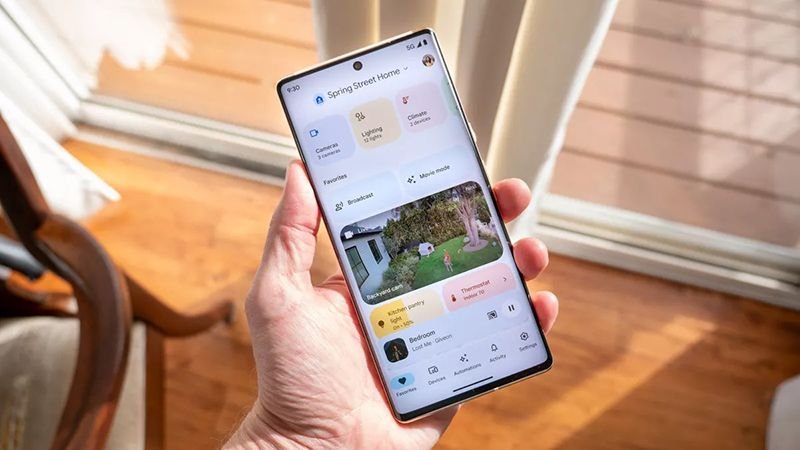
- Google Home v4.8 brings smarter automations and more reliable camera playback.
- Smart buttons finally work properly, letting you trigger routines with taps, double-taps, or long presses.
- Camera feeds are more dependable, cutting down on “video not available” errors when alerts matter most.
Google’s smart home hub has a new update that changes how your devices talk to each other. The latest Google Home app (v4.8) focuses on making automations more flexible and cameras more reliable, which many users have been waiting for.
Until now, Google Home’s automation tools have been basic: useful, but limited. Users could set up simple routines, but more complex actions, like reacting to sensor data or physical inputs, were mostly unavailable. This update changes that.
The update unlocks a wider range of automation triggers and conditions, letting your smart home react to real-world situations more intelligently. For example, you can now set your lights to change color when humidity rises, or have your robot vacuum start routines when it docks. Those scenarios are now on the table.
You may like
Smart buttons are finally first-class
A key part of this update is support for smart buttons in automations, which many users have requested. Before, these small button accessories couldn’t reliably start routines in Google Home. Now, you can program a tap, double-tap, long press, or release to trigger almost any action in your smart home.
There’s also a big quality-of-life fix tucked into this update: better close-to-live camera playback. If you’ve ever tapped a Nest Cam alert and saw the “video not available” message, this should improve things. Google says playback is now more reliable, so there are fewer gaps between recording and viewing.
In the background, new triggers like battery level, leak detection, and open or closed status give Google Home users more ways to control when automations happen.
Keep in mind that some features, such as smart button support, are just starting to roll out. Compatibility with certain accessories may differ.
Android Central’s Take
Overall, this update moves Google Home beyond a simple remote control and makes it more of a smart system for managing your connected home. I think this is important, especially if you want your technology to work for you. With better camera performance, smarter triggers, and support for real buttons, this update makes your home feel more responsive and alive, not just connected.
