

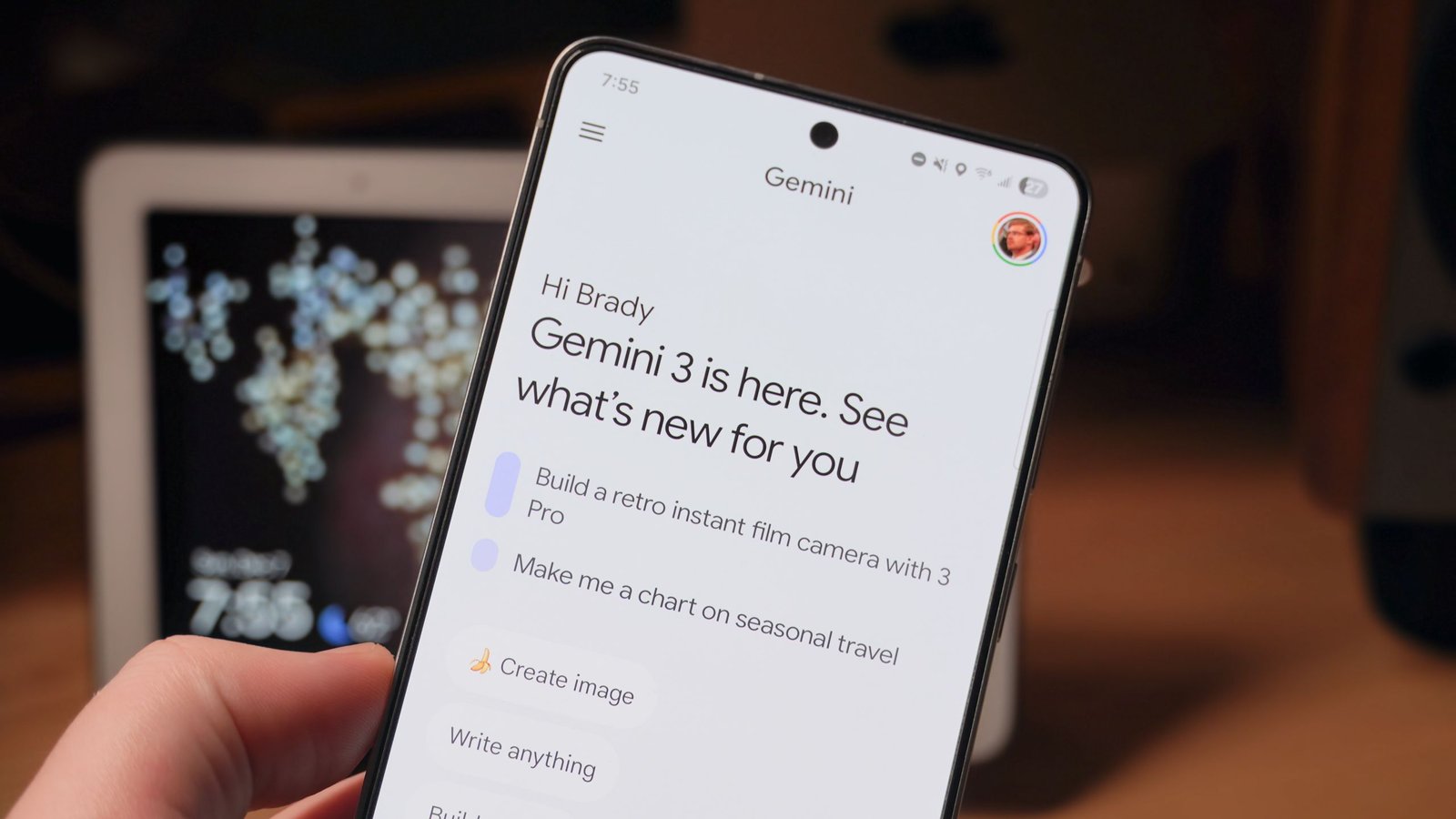
Google recaps the latest upgrades in the Gemini app each month, and the January 2026 Gemini Drop might prove to be one for the record books. The company launched a new Google AI Plus subscription tier, brought new features, and finally built Gemini into Chrome. In case you missed any of the numerous Gemini app upgrades we saw last month, this is the full list of the new features and changes you can try for yourself right now.
Gemini Personal Intelligence knows you better than you do
(Image credit: Brady Snyder / Android Central)
The highlight of last month’s Gemini upgrades was Personal Intelligence, a new feature that lets the AI chatbot tap into all the information you store in your Google account. To be clear, Gemini Personal Intelligence is an optional feature, and users can select exactly what information they want to share with Google AI. It’s a much smarter version of Personal Context, a feature added to Gemini over the summer.
Personal Intelligence allows Gemini users to connect Google apps with Gemini. “You can choose to have Gemini use insights about you from some Connected Apps to personalize your experience and help you get more done,” the company explains. Google Workspace, Google Photos, Google Home, Google Search, and YouTube are just a few Google services that can contribute to Personal Intelligence data, if you opt-in.
You may like
While it’s easy to be apprehensive towards the idea of Personal Intelligence, it’s not as scary as it might sound. Google says it won’t use your personal data to train its AI models — it’ll only use your generic prompts. Additionally, since this data is already stored with Google, the company says users “don’t have to send sensitive data elsewhere” to start personalizing their experience. I’ve decided to keep it off, but that’s mostly because I can already share my personal data with Google on my own terms via Gemini Personal Context, Ask Photos, and Gemini in Workspace.
You can try out Gemini’s Personal Intelligence by tapping your Google account photo in the app and selecting Connected Apps. Then, select the Google apps you’d like to connect with Gemini. From there, Gemini will have the knowledge of your personal data in the apps you selected available for use in future chats.
Gemini in Chrome can browse for you
(Image credit: Google)
The biggest upgrade to Gemini in Chrome yet debuted last month, and it’s built on the company’s latest Gemini 3 model. For all users on macOS, Windows, and Chromebook Plus, there’s a new Gemini side panel experience that puts the AI assistant a click away at all times. The implementation is similar to how Gemini in Workspace appears as a collapsible and expandable sidebar.
This makes it possible to use Gemini in Chrome while continuing a browsing session. Additionally, the upgraded sidebar experience now supports Nano Banana, so you can generate, upload, and edit images with Google AI straight from Chrome. Previously, users needed to open a dedicated Gemini tab in Chrome to access Nano Banana image editing.
Gemini in Chrome: Help right where you need it – YouTube
Watch On
The AI browsing features tap into Gemini’s Personal Intelligence features. Integrations with Connected Apps, like Gmail, Calendar, YouTube, Maps, Google Shopping and Google Flights, help you get things done while browsing in Chrome. While Connected Apps are available now, Personal Intelligence will come to Chrome “in the coming months.”
Personal Intelligence in Chrome transforms the browsing experience from a general purpose tool into a trusted partner that understands you and provides relevant, proactive and context-aware assistance.
For Google AI Pro and AI Ultra subscribers, the big new feature is auto browse. This tool is an “agentic experience” that lets Gemini do the browsing for you, completing multi-step actions independently.
Practice for the SATs for free with Gemini
(Image credit: Google)
Another major Gemini feature that debuted in January 2026 is support for practice tests. If you’ve ever studied for a key exam, you probably know that the study process is strenuous. More importantly, study materials, practice tests, and tutors are expensive. As such, it can become more difficult for low income families to prepare for important tests. Google is trying to make practice tests available to everyone within Gemini, completely free.
You may like
Gemini supports practice tests for the SAT exam for now, “with more tests coming in the future.” Google says these a “full-length, on-demand practice exams” available within the Gemini app. It worked with education giants such as The Princeton Review to ensure accuracy and vet practice test content.
Google isn’t the only company offering free SAT resources online — Khan Academy and College Board teamed up to provide free practice tests previously. However, the more resources that are available, the better. One way Gemini differentiates itself is by offering immediate feedback and detailed analysis in real time based on a learner’s individual needs. If you or someone you know is studying for the SAT, this tool is definitely worth trying out.
Everything else you can try in the Gemini app today
(Image credit: Brady Snyder / Android Central)
Aside from the aforementioned improvements, Veo 3.1 has been upgraded to create expressive videos from images in the Gemini app. Additionally, Google brought the AI Plus subscription tier to the U.S. for the first time last month. Gemini app users now have a cheaper way to access paid features and expanded rate limits for core features.
You can try these features in the Gemini app and in the Chrome browser now.
