

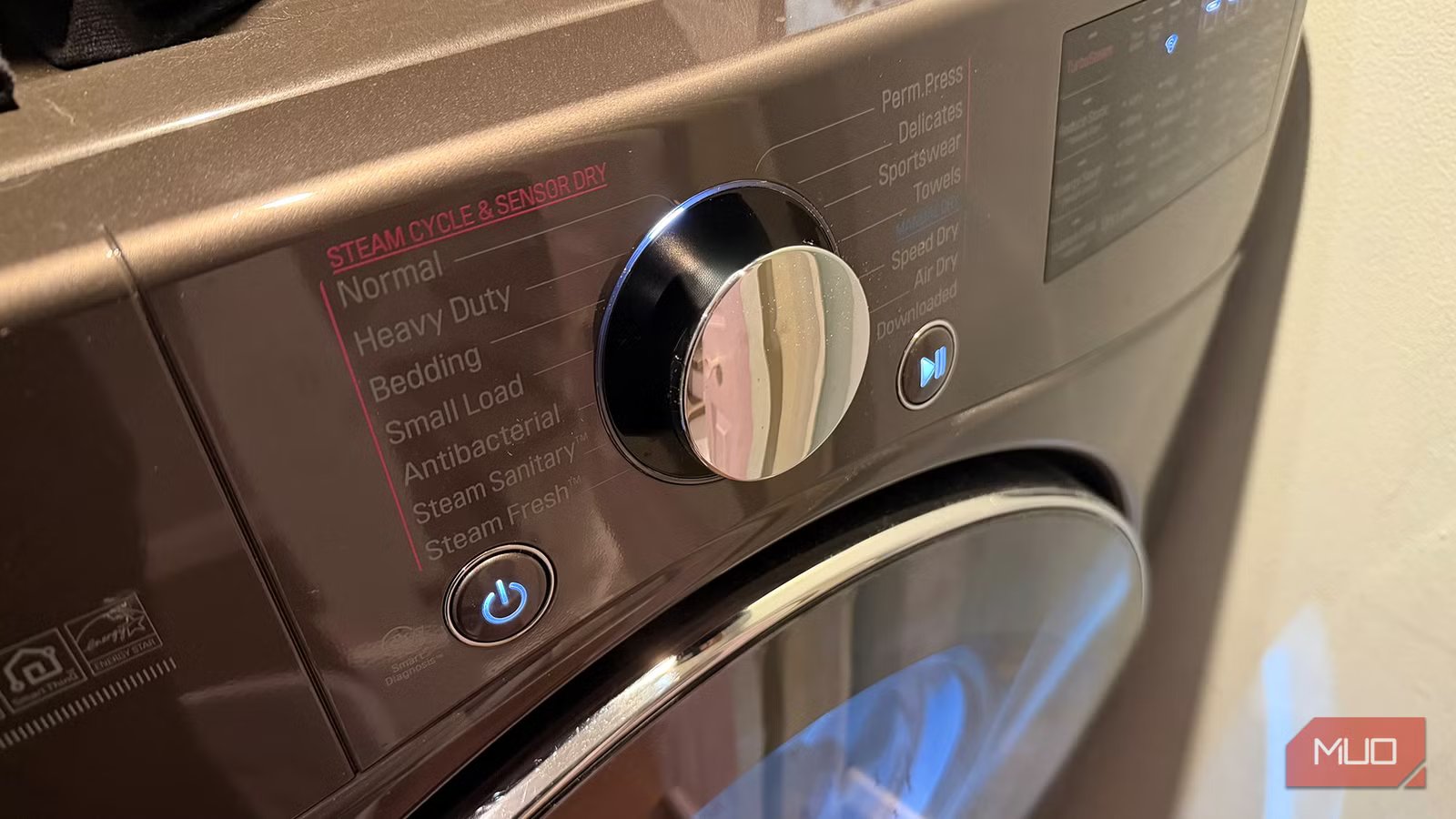
Laundry is never fun. While tossing clothes into the washing machine is simple, the sorting beforehand, fluffing before transferring to a dryer (or hanging up to dry), then folding and putting away, can be a full day’s work for bigger households (and bigger wardrobes!) Add a busy schedule to the mix and I can’t be the only person who has tossed a load into the washing machine only to get caught up with other tasks and forgotten about it. Having to re-run the cycle wastes not only time and electricity but also money. That’s why I use a simple automation with my washer and dryer. This prompts me when it’s time to transfer clothes to the dryer or to ask someone else to do it if I’m not at home. Or it will remind me to take the clothes out of the dryer before they become wrinkled.
Full disclosure: this automation, leveraging features of the ThinQ app from LG, only works with washers and dryers from that brand. But many other appliance manufacturers have similar apps with features that work in the same way. There are also some other clever hacks you can use. All these methods serve as the digital string around your finger to remind you when it’s transfer or folding time.
Related
4 low-tech gadgets that solve high-tech problems in your home
There’s so much your home can do better.
How the ThinQ app works
Notifications by phone and watch
Credit: Christine Persaud / MUO
The first thing I did after we got our LG washer and dryer was connect them to Wi-Fi. With the LG ThinQ app, which works across all LG smart devices, including smart TVs, I can see both laundry appliances along with their status. Once a load is in either, it shows what cycle is running and how much time is left. But most importantly, I receive a notification on my mobile devices (as long as notifications are enabled for the app) when a load is done.
What I especially love is that with the ThinQ app enabled on my Apple Watch, one of the apps that make the smartwatch more useful, I get the notifications there, too. There have been countless times when I tossed a load of towels into the washing machine, then headed out to run errands. If I get the notification that the wash is done while I’m still not back, I can call my son or partner and ask them to transfer the load. It’s a simple but appreciated automation.
Other brands do it, too
App notification reminders
Credit: Samsung
As mentioned, while this is the automation I use, other washer and dryer brands offer something similar. The latest GE washers and dryers, for example, use a feature called SmartHQ. Samsung laundry appliances work with its app and SmartThings to notify you when a load is done. It also sends real-time notifications of other data, like if an error message is being displayed on the machine and a cycle did not complete properly. It’s a simple app alert, but one that can make a big difference for those who tend to be forgetful.
If you have a smart, Wi-Fi connected washer and dryer, it’s worth downloading the companion app for it, connecting, and actually making use of the features. Most have plenty of other useful features, like remote start and stop capabilities, notifications when it’s time to clean the tub, the option to add custom wash cycles, access smart diagnosis if there’s a detected issue, and more.
Automating older machines
You can find clever workarounds
Credit: Christine Persaud / MUO
What if you have an older, non-smart washer and dryer? There are workarounds if you’re into clever tech hacks: you can even make dumb appliances smart for under $20. For example, use a light sensor and position it over the “Done” light on the machine so it’s triggered when the light illuminates. You may have to play around with positioning and sensitivity, though. The same goes for using a vibration sensor for your washing machine. Another creative method is to set up a smart speaker like an Amazon Echo nearby, then create a routine such that any time it detects beeping from an appliance, it notifies you.
You can also use a compatible smart plug with power monitoring capabilities and, most importantly, the ability to handle the high-current start-up of a demanding appliance like a washing machine or dryer. Most models can’t and could be dangerous if used. An option to consider is the Zooz Zen 15, which is designed for use with appliances like refrigerators, humidifiers, and dryers. Monitor the current consumption in real-time to infer if the dryer is running, or if it has stopped, for example, based on a drop. If you’re willing to take a few extra steps and have some technical know-how, set a push notification in the Home Assistant app for when the dryer drops in consumption.
A simple but appreciated automation
It makes a difference
Credit: Christine Persaud / MUO
While it sounds like a useless automation, being able to tell when your laundry is done has tons of convenience benefits. Sure, the latest machines emit cute chimes when the laundry is done; my LG one has a nice musical tone. But if you live in a larger home, you might not hear it. And for those with babies or shift workers who have their laundry machines on the top floor, you might prefer to leave those noises off to avoid disturbing others.
For me, since my washer and dryer are in the basement, without these notifications, I would be constantly going up and down the stairs to check. That’s great for the purposes of exercise and heart health. But I’d rather get my steps another way. This automation helps prevent me from forgetting a load while it gets musty and smelly in the washing machine or wrinkled up in the dryer. This, in turn, makes laundry days way more efficient.
