

When you have smart home devices, you want to use them to connect different areas of your home. Whether that’s sending a message from your washer and dryer to your phone when the load is done or turning a smart bulb upstairs as you’re going from one floor to another, you can do a lot from one area to another. Some people want every inch of their house covered in cameras so they can see what’s going on, while others just want a view from the outside of their home.
Regardless of what level of security you want at your home and what connections you have across devices, smart home gadgets can provide you with what you’re looking for. I decided to take my security up a notch and set up some automations for my home that involved my Ring Video Doorbells. Yes, I have a few of them and they’re used in different ways.
Related
I automated my smart home based on my phone’s battery level and it’s actually genius
Our phones run everything anyway, right?
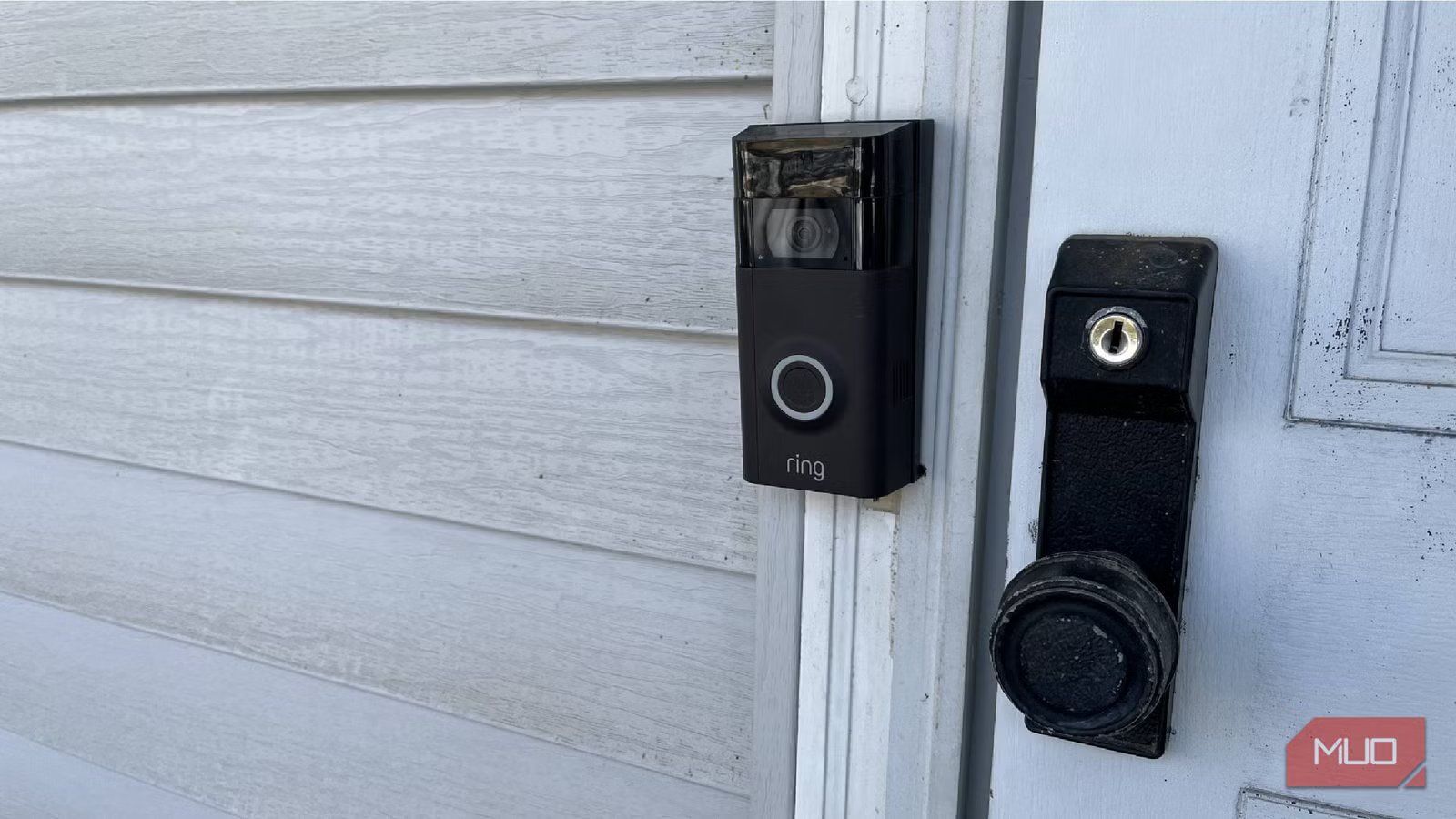
My home features Ring Video Doorbells at the front door and garage
It was installed this way when we moved in
When we purchased our house, we noticed that the previous owner had installed two Ring Video Doorbells. One is by the front door in the normal spot for a doorbell. The other is on the side of one of the garage doors. I’m not sure if they just wanted a surveillance option in the driveway. But rather than put in a camera, they installed another doorbell.
It’s not a big deal, as we still get great visuals of the driveway from the Ring doorbell and people rarely ring it. What is nice is that the doorbells trigger two package detection zones, one of the better features of Ring doorbells. Delivery people frequently leave packages in both areas, so it’s nice to know when someone leaves a package in that spot.
Because my chosen smart home ecosystem is Amazon Alexa, pretty much every smart home gadget I own is compatible with it. This includes Ring, as we have smart home upgrades from the manufacturer of door and window sensors, a floodlight camera, and standalone cameras inside to keep an eye on our dog. I’m able to control the cameras and devices from the Ring app and also access them through the Amazon Alexa app.
This gives me flexibility to get the most out of other devices as well, as I can have them work alongside the video doorbells to create a smarter home. I use Alexa’s skills and easy setup to my advantage.
I set up routines to have the lights go on when the doorbells are used
It works for lights inside and outside
I have smart bulbs and smart plugs sprinkled throughout my house. I get a lot of use out of my smart plugs for security purposes and using them when people are detected has added a new level of safety.
In the Alexa app, I tapped into the menu at the top left of the main page and tapped Routines. I added a new one with the plus button at the top right. Alexa likes to use if/then automations, meaning that when something happens, another event will occur. You can choose from many different automations in Alexa, such as when something is said to a smart speaker or an alarm goes off, another event will be triggered.
This is a great way to use your smart devices together, as long as they have the same compatibility. This is the same way for almost any smart home ecosystem, so you will be able to do this with all kinds of gadgets, including Zigbee, Matter, and Thread-compatible devices.
I made it so when someone rings either of my doorbells, the outdoor smart lights that I have turn on. This is so that any time someone rings the doorbell, they’ll be able to see better if it’s dark outside. You can adjust the brightness of your lights and choose different scenes for them, so one of the automations could be to have your lights turn to a twilight mode, so the glow is softer. Automations for smart lights can be adjusted easily.
If a person is detected at the front door, it triggers my smart plugs to turn on. I have lamps plugged into these, one of them in the play room window and one in the family room. This can make it look like I’m home, even when I’m not, and hopefully deter any intruders that might be approaching. I generally feel safe in my neighborhood, but this isn’t a bad thing to have.
You can also set time restrictions on these as well, meaning the trigger of lights turning on can only happen after a certain time. There is a good amount of flexibility within the routines in the Alexa app.
Away mode is an easy setup
Ring’s alarm is a big help
Along with the Ring cameras, we have a Ring alarm system. The modes that you can use are Home, which sets off an alarm if the windows or doors are opened, but lets you walk around the house without issue, Away, which sets off the alarm if there’s movement detected inside the house, and Disarmed.
Within the Alexa app, I can choose many automations to occur when the alarm system is switched to a different mode. Any time we put on the Away mode, the lights turn out and the audio stops on any of the Alexa smart speakers that we have. This isn’t an automatic setting, as it’s an automation you have to set up in the Alexa app.
You can customize what you want to happen, so if you want lights to stay on but a TV that is plugged into a smart plug to shut off, it can do that. If I wanted to have my motion detection at the front door automation only kick in if the alarm is in Away mode, I could also have that happen. Ring and Alexa give you different levels of customization within your security settings to let your smart home devices protect you however you want.
My smart home’s routines and automations can keep the house safer
Rather than just using an alarm system with cameras, I can use those devices to create routines and make it look like I’m home, even when I’m not. I have routines set within the Alexa app for lights turning on if someone rings my doorbell. This helps both the people ringing the doorbell and me, as the motion detection also triggers lights to turn on inside my house. It’s an added layer of safety that I really like.
