

What you need to know
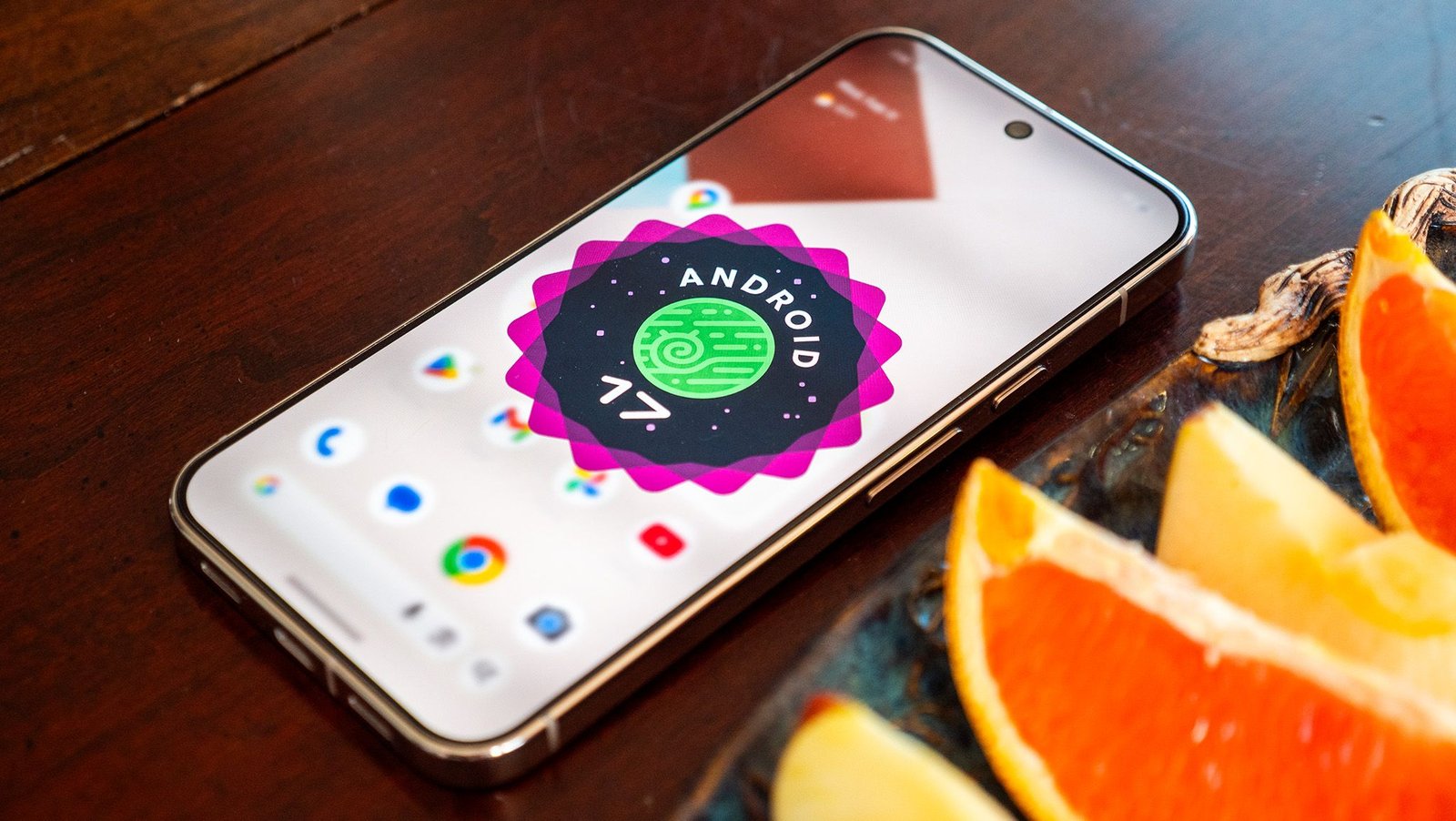
- Android 17 beta 1 includes a few subtle UI changes.
- The home screen search bar now has a slimmer design and is now customizable, letting users swap AI Mode for tools like Gemini Live or Translate.
- Users can finally remove the At a Glance widget from the Pixel home screen.
- Minor UI tweaks include a refreshed brightness icon in Quick Settings and clearer volume panel settings access.
While Android 17 may not look drastically different from Android 16 at first glance, Google has quietly introduced two small UI tweaks to the Pixel Launcher.
After some initial confusion, Google finally rolled out Android 17 beta 1 February 13, 2026. The update focuses primarily on larger changes, such as improving the large-screen experience and boosting performance. However, it also includes a few subtle UI changes within the Pixel Launcher.
The most noticeable change centers around the home screen search bar. On Android 16, the search bar featured thick colored borders. With Android 17, Google appears to have reverted to a slimmer design that closely resembles the older style many users were familiar with.
You may like
(Image credit: Sanuj Bhatia / Android Central)
One small but meaningful update is that the shortcut now sits inside the search bar rather than outside it. More importantly, the shortcut is now customizable. While it defaults to an AI Mode shortcut, you can swap it for tools like Gemini Live, Translate, Song Search, Weather, Dictionary, and more.
Tapping a shortcut updates the search bar instantly, and selecting it launches the chosen feature. At the moment, there doesn’t appear to be an option to replace the voice search or Google Lens shortcuts.
In addition, Android 17 beta 1 introduces the ability to remove the At a Glance widget from the home screen. Although Google previously tested this with select users in the Android 16 QPR3 betas, it now seems widely available in Android 17 beta 1. You can remove it by long-pressing the widget and then removing the widget from Pixel Launcher settings.
(Image credit: Sanuj Bhatia / Android Central)
There are a few other minor UI tweaks as well. The volume panel now includes a settings icon at the bottom for clearer access to volume controls, and the brightness icon in Quick Settings appears to have been refreshed. As always, these changes could change or disappear in future beta builds.
Android Central’s Take
The ability to customize the search bar is a genuinely welcome addition. While I enjoy using AI Mode, I also frequently use Google for sports updates and Song Search, so being able to switch the shortcut makes the experience more flexible. I just hope Google eventually lets us customize more of the shortcuts in the future.
Today’s best Google Pixel 10 Pro XL deals
