

What you need to know
- Amazon has started rolling out its redesigned Fire TV interface to select devices in the U.S. after debuting it at CES 2026.
- The new UI moves navigation to the top and surfaces content from all streaming apps, not just Prime Video.
- Users can now pin up to 20 apps and may see up to 20–30% faster performance with the updated Fire TV OS.
- The update also adds smarter Alexa+ features and improved smart home controls via the remote.
Amazon showcased its biggest redesigned Fire TV interface at CES 2026, and it is now starting to roll out to select Fire TV devices in the U.S.
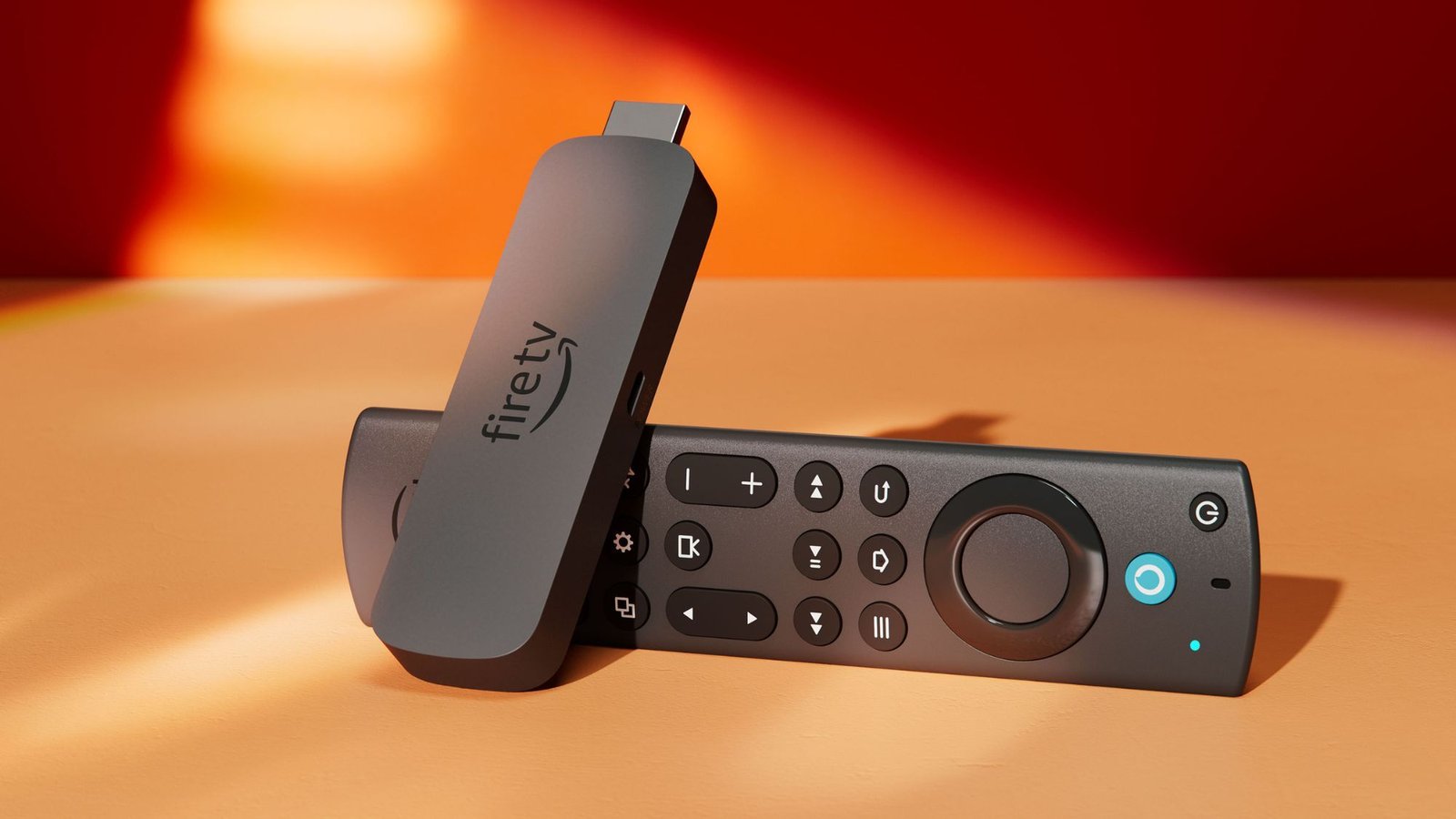
Fire TV has kept a similar look for years, but Amazon is finally refreshing it with a new UI that looks better, performs faster, and is easier to use. Amazon says the redesigned Fire TV update is rolling out now to the Fire TV Stick 4K Plus, Fire TV Stick 4K Max (2nd Gen), and Fire TV Omni Mini-LED Series for users in the U.S.
Like Google TV, Fire TV now shifts navigation elements to the top of the screen instead of the middle. The new top navigation bar includes Menu, Search, and Home buttons, along with tabs for Movies, TV Shows, Sports, News, and Live TV.
You may like
These tabs surface content from across your subscriptions, not just Prime Video, meaning titles from Netflix, Disney+, Hulu, Peacock, and more appear here.
Previously, Fire TV allowed you to pin only six apps on the home screen, but now you can pin up to 20 for faster access. The UI feels closer to Google TV in layout, but overall, it looks cleaner and easier to navigate compared to earlier Fire TV versions.
Image 1 of 4
(Image credit: Amazon)(Image credit: Amazon)(Image credit: Amazon)(Image credit: Amazon)
Alongside the redesign, Amazon is also promising better performance. The company claims the new Fire TV OS can deliver up to 20 to 30% speed improvements in certain scenarios.
The update also makes it easier to access smart home controls and frequently used settings. After updating, holding the Home button on the Fire TV remote opens quick controls, including audio and display settings, as well as connected devices like Ring cameras.
Of course, Alexa+ also plays a big role in the new experience. You can ask natural-language questions beyond just movies and TV shows and even follow up with conversational prompts. It also supports on-screen context, so you can highlight a title and ask for plot details or recaps of earlier seasons.
If you have a supported Fire TV device, you can check for the update by heading to Settings > My Fire TV > About and selecting Check for Updates. Once installed, you should see the redesigned interface.
Android Central’s Take
I’m honestly a bit jealous since the rollout is limited to the U.S. for now. Users in other regions, including me, will likely have to wait until Spring 2026. The new interface looks genuinely good, and I want it on my Fire TV as soon as possible.
Today’s best Amazon Fire TV Stick 4K Max and Amazon Fire TV Stick 4K deals
