

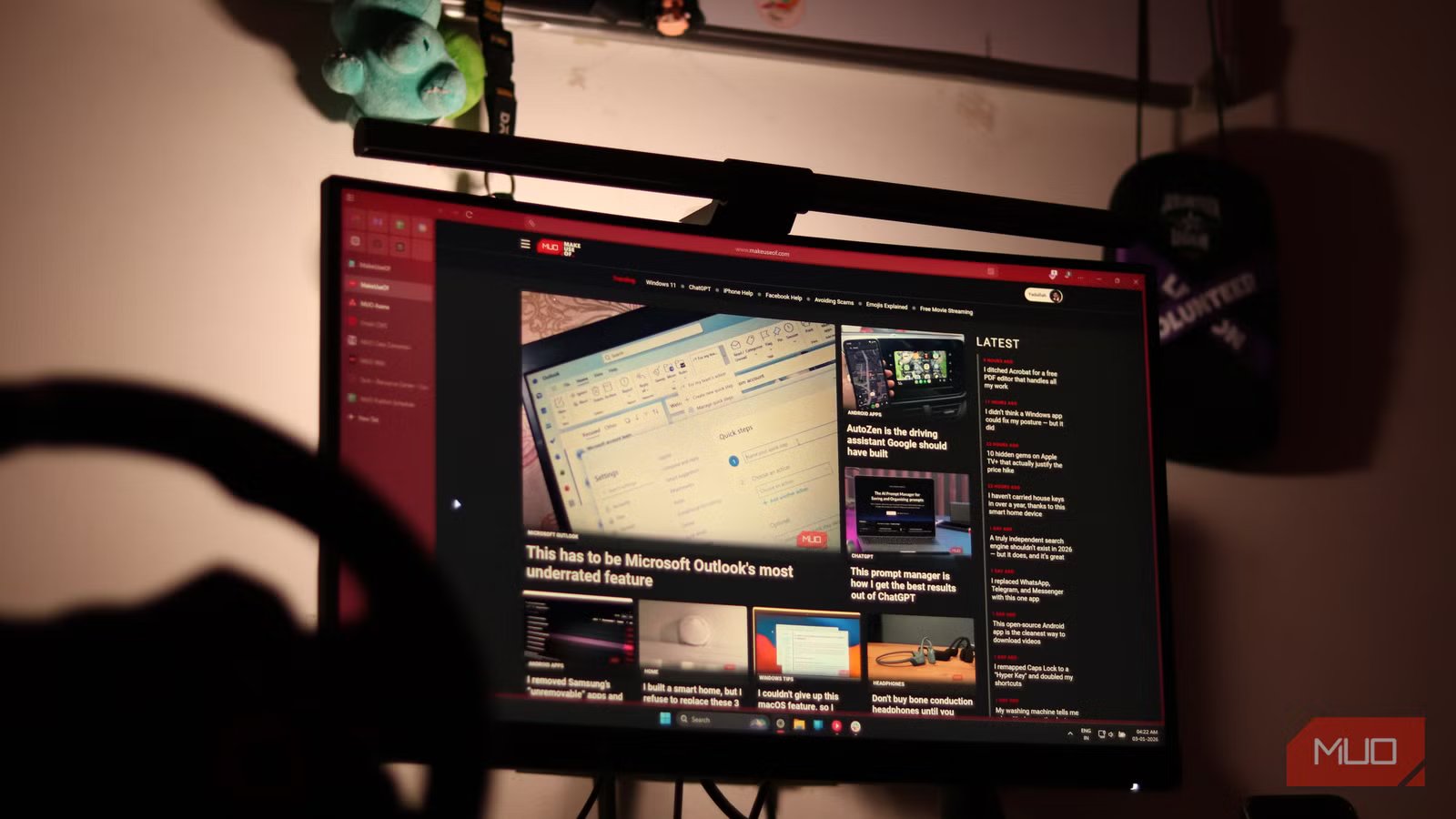
Curved TVs never quite caught on, and for good reason. Their narrower viewing angles, awkward wall-mounting experience, and pricing that rarely justified the real-world benefits made them difficult to recommend. Over time, the novelty wore off, and the category quietly faded into the background. Even today, it’s hardly something people actively seek out.
Flat TVs simply make more practical sense in a living room or bedroom setup. Mounted on a wall, they are easy to watch from anywhere, whether you’re stretched out on the couch or passing through the room, without needing to reposition yourself. Curved panels, on the other hand, demanded a more central viewing experience to feel worthwhile, which defeated the point of shared spaces.
Curved monitors, however, are a different story entirely. When you’re seated close to the screen at a desk, the curvature can work in your favor by improving immersion, reducing edge distortion, and making extended use much more comfortable. In that context, the design finally earns its place.
Add a little curve to your workflow
Your screen finally meets you halfway
Credit: Jowi Morales / MakeUseOf
I have used a flat monitor for quite some time, and I often catch myself squinting when looking at content near the edges. Yes, even with glasses on. It is not a dealbreaker, but when you spend hours working across multiple windows or reading dense text, the small strain adds up over time.
Curved panels approach this differently. Because the screen gently wraps toward your field of view, the edges feel easier to focus on, and the overall viewing distance remains more consistent. Think of it this way: on a flat display, the center of the screen sits closer to your eyes, while the corners are physically farther away. On a curved panel, those edges come slightly closer together, keeping them within a more natural viewing range. The result is a viewing experience that feels more comfortable and immersive during long sessions.
You notice this in everyday tasks. For instance, when editing a wide spreadsheet, the distant columns are easier to glance at without having to shift your posture. While working with a video timeline or multiple browser windows side by side, your eyes travel across the display with less effort. And in gaming, the curved field of view can draw you deeper into the scene, especially in racing or first-person titles where peripheral awareness matters.
Pair that curvature with a larger screen, and the benefits become more practical. You get extra room for multitasking during a hectic workday, more space for layered creative tools, and a more engaging canvas for entertainment. Altogether, curved monitors can enhance depth perception and better utilize your peripheral vision, making long hours in front of the screen more comfortable.
It gets better from here
A curve that earns its place on your desk
Gavin Phillips / MakeUseOfCredit: Gavin Phillips / MakeUseOf
Curved monitors are often favored for gaming because they create a more natural and lifelike sense of depth. The gentle arc keeps more of the screen within your vision, so environments feel cohesive rather than stretched across a flat plane. For instance, when navigating open-world landscapes or tracking motion in a racing simulator, the image feels continuous instead of pulling your focus from the center to edge. They also tend to handle ambient light better, as the curvature can reduce the directness of reflections in your line of sight. This results in fewer visual distractions and less perceived distortion during longer sessions.
It is not best to sit too close when using a curved monitor. Doing so can sometimes lead to discomfort or motion sickness, often referred to as cyber sickness, especially during fast-paced gaming or while watching dynamic content. The uneasiness typically stems from the way the curved image fills your field of view when viewed from an improper distance. To minimize this, position the monitor at an appropriate viewing distance and consider factors such as screen size and curvature rating before purchasing.
From a productivity standpoint, too, curved displays perform surprisingly well. They are particularly effective in ultra-wide formats, where the extended horizontal space allows multiple windows to sit side by side. A flat panel can technically achieve the same layout, but the curved geometry keeps the edges angled towards you, which makes scanning across the display feel more cohesive and less tiring over time. It gives the impression of the screen wrapping around your workspace while still maintaining a comfortable viewing distance.
There is also the aesthetic aspect to consider, which should not be dismissed entirely. A well-arranged workstation often reflects a sense of personal pride, from thoughtful cable management to aligned peripherals and balanced lighting. A curved monitor naturally becomes a centerpiece in such a setup. Its silhouette carries a subtle elegance that stands out both up close and from across the room. It does not serve only a functional role; it visually elevates the entire desk environment in a way that flat panels rarely do.
Related
You don’t need multiple monitors — this is what you need
I use this instead of multiple monitors, and I’m much more productive.
One curve to rule your workspace
I have often seen people building extensive workstation setups around dual monitors, even adjusting settings to make it useful, and in extreme cases stretching the arrangement across three or four displays just to keep everything visible at once. It works, of course, but it also introduces bezels slicing through your field of view, inconsistent color calibration, and the constant head turning that comes with jumping between panels.
A curved monitor, particularly in ultra-wide format, can simplify the entire equation. Its panoramic canvas replaces the segmented layout with a single, continuous workspace. The uninterrupted field enhances immersion while reducing the friction of switching visual focus between separate screens.
There is also a comfort element. Because the edges of the display angle toward you, the viewing distance across the screen remains more consistent, which can ease neck movement and reduce visual fatigue during extended sessions. It is not a miracle solution, but it does contribute to a more relaxed posture compared to constantly shifting between multiple flat panels. Sometimes, instead of adding more screens, choosing one thoughtfully designed display is a smarter upgrade.
