

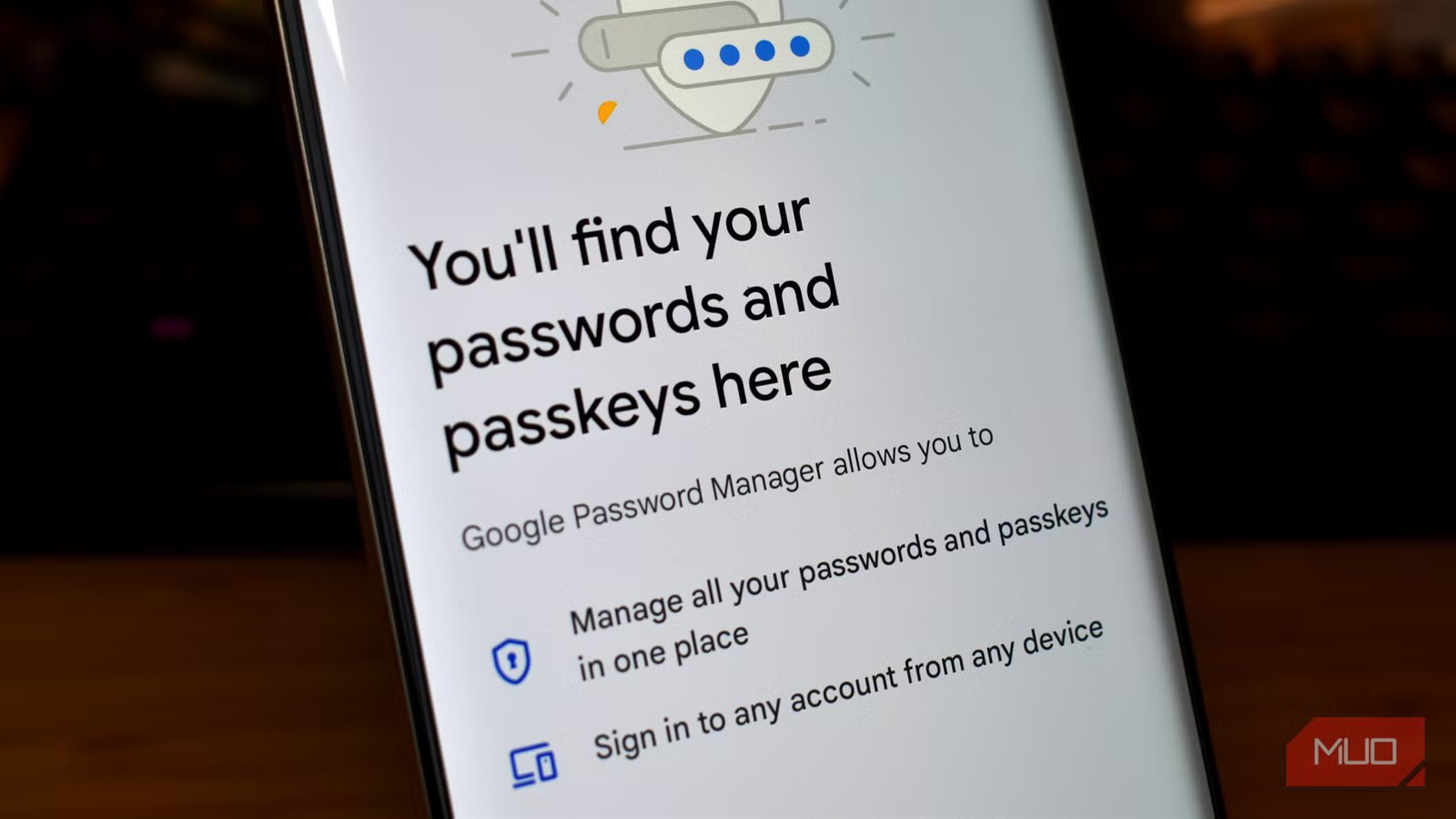
Our entire digital life is secured by a password, and it’s up to us to use secure and unique passwords that can withstand emerging physical threads. Routine data breaches, phishing attacks, and compromised accounts put user data at risk — especially if you use the same password across multiple accounts. Considering the kinds of data stored in digital accounts in 2026, from banking accounts or credit card hubs, we need an option that’s both secure and simple. Passwords are not the answer, but their replacement is just as useful and private as advertised.
Chances are, you’ve probably been prompted to set up a “passkey” for an internet account by now. Passkeys were introduced in 2022 and garnered mainstream support from Google and Microsoft a year later, kickstarting adoption. These changes take time, and passkey support has grown to earn the support of hundreds of companies, apps, and websites. The passwordless future isn’t a hypothetical anymore. It’s a real possibility when using the web’s most popular services, thanks to passkeys. I was initially apprehensive about switching over to passkeys, but now that I’ve made the leap, I won’t use a password if I can help it.
Passwords set us up for failure
Using hundreds of unique and secure passwords is impossible
A good rule of thumb is to never use the same password for multiple accounts. The reason is simple — if a data breach exposes the username and password for one online account, bad actors will try to use that same combination across other online apps and services to steal those accounts. In case you’d like to know the scope of data breaches, the site HaveIBeenPwned helps out. It tracks hacks and leaks, and has identified nearly 1,000 breached sites and over 17 billion compromised accounts. You can enter your email to see if it has been compromised in a data breach, with the site listing the exact services that ended up exposing your data.
This reality is important because it underscores the need to use unique passwords. The problem is that it’s much easier said than done. Every site has its own requirements for password structure, with some accounts requiring special characters and others banning them. It’s basically impossible to keep track of them all, so you need to turn to a password manager to create and store randomized strong passwords. That creates a single point of failure. If your password manager is compromised, or you forget the master password, you could lose everything.
Throw in two-factor authentication requirements, and it’s clear logging in to sites and apps is way more difficult than it should be. If you do things right and use unique and secure passwords, your digital life becomes a source of frustration. If you don’t, you risk the most important digital accounts being compromised. Passkeys are the solution.
Passkeys are simple and secure
Private and validated login keys authenticated with your fingerprint
Yadullah Abidi \ MakeUseOf
Credit:
Yadullah Abidi \ MakeUseOf
Passkeys are an authentication credential created by the FIDO Alliance, an open security group with a name that stands for Fast IDentity Online. They use the security method used to unlock your device for website and app authentication. Instead of using a site-specific password, the PIN, password, or biometric that unlocks your device is used to approve logins online. The technical foundation of passkeys are cryptographic credentials that are stored on your device, in a cloud storage service, or both.
Users won’t ever interact with these cryptographic credentials, but they are essential for passkeys to work. Essentially, generating a passkey creates public and private keys. The private keys are never revealed and are stored in your device’s secure storage, while the public keys are stored by the app or service the passkey will grant access to. Smartphones store passkeys in secure chips, like the Titan M2 on a Google Pixel, Knox Vault on a Samsung Galaxy, or the Secure Enclave on an iPhone. Since the private keys are isolated from the rest of the system, they cannot be compromised by traditional means.
The private key never leaves your device or the cloud storage service storing it. Instead, apps and sites that support passkeys send an authentication request to your device that is approved by the private key secured with a device PIN or biometric. The processing happens entirely on your device, and the app or site only knows whether the authentication request was successful. It doesn’t see the actual private keys or receive any private biometric data. As the FIDO Alliance explains:
Biometric information and processing continues to stay on the device and is never sent to any remote server — the server only sees an assurance that the biometric check was successful.
Since there is a handshake between the public key held by an online service and the private key stored on your device, phishing threats are basically nullified. If an app or site looks like the real deal but is actually trying to steal your login information, there will be no option to log in with your passkey. We can be fooled by a convincing phishing attempt, but passkeys can’t.
Related
I thought passkeys were confusing until I switched to this password manager
Visibility and sync finally made passkeys practical.
Login is less of a headache with passkeys
No annoying two-factor authentication steps or long passwords? Sign me up!
Credit: Ben Stegner/MakeUseOf
Think of the private keys generated by passkeys as the unique passwords generated by your password manager. Both are more secure login credentials than a person could remember for the tens or hundreds of internet accounts they use. The difference is that no one in the passkey chain knows or sees your private key. It’s stored in a siloed portion of your device’s storage and processing units. Using a password manager with individual passwords does not offer the same protections.
What I love about using passkeys is that no additional hassle comes along with the extra security. Typically, better security methods come with a more frustrating user experience. I use two-factor authentication because it’s secure, not because I enjoy having to wait for SMS codes or use authentication apps. Passkeys are a completely different story. They use the secure device unlocking methods you already use, like a PIN, fingerprint, or face scan.
Additionally, when used with cloud keychains from companies like Apple and Google, these passkeys span across your personal ecosystem of devices. I can sign in to my Apple account on a new Mac or my Google account on a new Android phone and all my passkeys will be available immediately. Most importantly, you do not need to use two-factor authentication when using a passkey. Instead of using a password manager to create strong passwords in tandem with an authentication app, I can just sign in with a passkey using biometrics or my device password.
It sounds too good to be true, but it’s the reality of passkeys, and you can start using them now. There are online directories that list sites and apps that support passkeys today, and we have a guide to getting started.
