

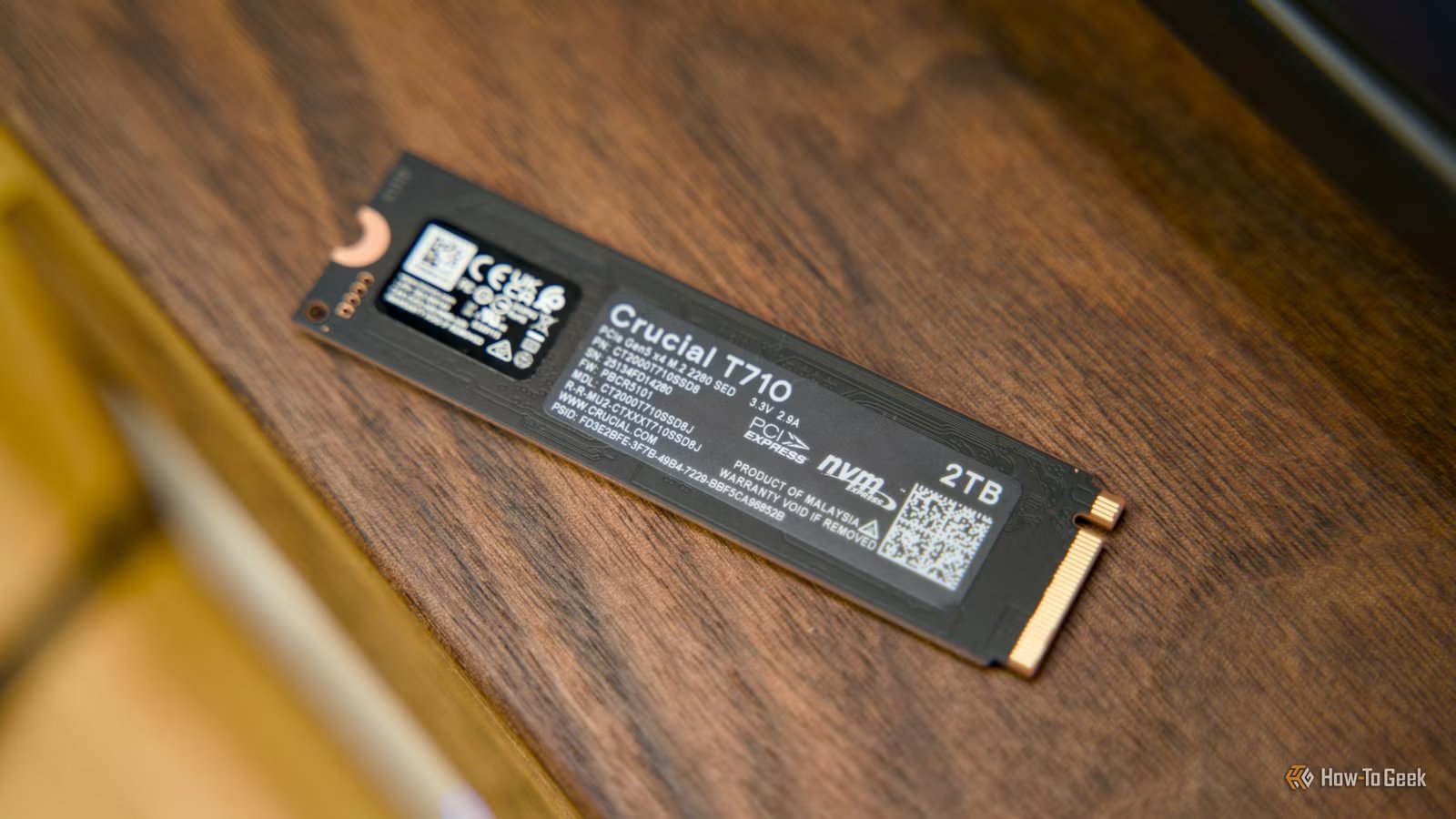
There are many things that go into an enterprise SSD that, for better or worse, don’t have to go on a consumer SSD. But there is this one thing that I wish we’d see on the stuff we use—or maybe a variant of it.
I’m talking about Power Loss Protection capacitors, or PLP capacitors.
What are Power Loss Protection (PLP) capacitors?
Credit: Nick Lewis / How-To Geek
To understand why these might be important for you, let’s rewind and see how an SSD works. Inside almost every high-performance SSD sits a small amount of volatile memory known as DRAM. This DRAM functions as a high-speed buffer and holds the drive’s mapping tables, which are essentially the blueprints that tell the drive controller exactly where specific pieces of data live on the actual storage chips.
Because DRAM is incredibly fast, the SSD temporarily holds incoming write operations here before permanently committing them to the slower, non-volatile NAND flash memory. However, because DRAM is volatile, it requires a constant supply of electricity to retain this information. If the power is suddenly cut, any data sitting in the DRAM buffer vanishes instantly.
This is where Power Loss Protection capacitors come into play. PLP capacitors are physical, surface-mounted electronic components soldered directly onto the printed circuit board of the SSD. They function essentially as a microscopic, integrated uninterruptible power supply specifically dedicated to the drive’s controller and memory modules. When the SSD’s firmware detects that the incoming voltage has dropped below a safe threshold—indicating an impending power failure—it immediately triggers the PLP circuit.
These capacitors discharge their stored electrical energy, providing a brief but critical window of auxiliary power. This window, which typically lasts only a few milliseconds, gives the SSD controller just enough time to flush all the “in-flight” data and the critical mapping tables from the volatile DRAM cache down into the permanent NAND flash memory. By guaranteeing that this data transfer completes successfully even after the external power source has vanished, PLP capacitors prevent catastrophic data loss and ensure that the drive’s internal file structure remains entirely intact and uncorrupted.
Why do enterprise SSDs have them?
Credit: Ismar Hrnjicevic / How-To Geek
Enterprise environments, such as massive data centers and cloud computing facilities, demand absolute certainty regarding data integrity, which is why Power Loss Protection is a mandatory standard for their storage hardware. These servers are tasked with processing millions of financial transactions, managing critical healthcare databases, and hosting mission-critical applications where even a single dropped byte can result in catastrophic financial or operational consequences. Enterprise applications rely on synchronous writes, meaning the software needs immediate confirmation that the data has been securely saved to a non-volatile state before moving on to the next operation.
To maintain the incredibly high input/output operations per second (IOPS) required by enterprise workloads, these SSDs utilize large DRAM caches to acknowledge writes rapidly. However, if a server crashes and the data in the DRAM is lost before being committed to NAND, the database becomes corrupted. While data centers employ massive backup generators and facility-wide uninterruptible power supplies, these fail-safes cannot protect against localized hardware failures. A faulty power supply within a specific server chassis, a shorted backplane, or a sudden kernel panic can instantly sever power to an individual SSD long before the facility’s backup power ever becomes relevant.
The inclusion of PLP capacitors allows enterprise storage arrays to safely utilize write-back caching. This aggressive caching strategy maximizes drive performance by telling the host system that a write is complete the moment it hits the DRAM, safely knowing that the hardware-level capacitors will guarantee the data makes it to the NAND flash regardless of what happens to the host server. Without this physical safeguard, enterprise systems would be forced to use much slower write-through caching methods, crippling the performance of the entire data center infrastructure out of fear of unexpected hardware failures.
Why should consumer SSDs have them?
Credit: Patrick Campanale / How-To Geek
At this point of the article, you might be thinking—if this is great for enterprises, why would it be good for consumers? You may not be processing millions of high-frequency trading algorithms, but the data stored on personal computers is often deeply valuable and equally vulnerable to unexpected power loss. Modern consumer workflows involve handling massive files, from high-resolution family videos and extensive photography libraries to complex 3D rendering projects and large video game installations.
Currently, typical consumer SSDs rely entirely on the host system’s power stability and the operating system’s software-level journaling to protect against corruption. However, residential power grids are notoriously susceptible to brownouts, lightning strikes, and tripped circuit breakers. Furthermore, software bugs leading to a Blue Screen of Death or a hard system freeze can force an immediate, ungraceful shutdown. When this occurs on a consumer SSD lacking PLP, any data currently residing in the drive’s volatile cache is permanently destroyed. More severely, if the power is cut while the SSD is actively updating its internal mapping tables, the entire drive can become bricked, rendering the operating system unbootable and turning the drive into a RAW, unreadable partition.
Sure, the scenarios above are unlikely. But they’re not impossible. There are many real-world examples of stuff like this happening. Bringing PLP capacitors to the consumer storage market would dramatically elevate the reliability of everyday computing. It would allow power users, content creators, and remote workers to push their high-performance PCIe Gen4 and Gen5 NVMe drives to their maximum caching speeds without the lingering anxiety that a split-second power anomaly might instantly wipe out hours of unsaved work or corrupt a critical boot sector.
Sure, you can get a UPS (and you should anyway), but the hardware-level peace of mind provided by Power Loss Protection should no longer be gated behind enterprise pricing, but rather adopted as a fundamental baseline feature for modern consumer storage.
