

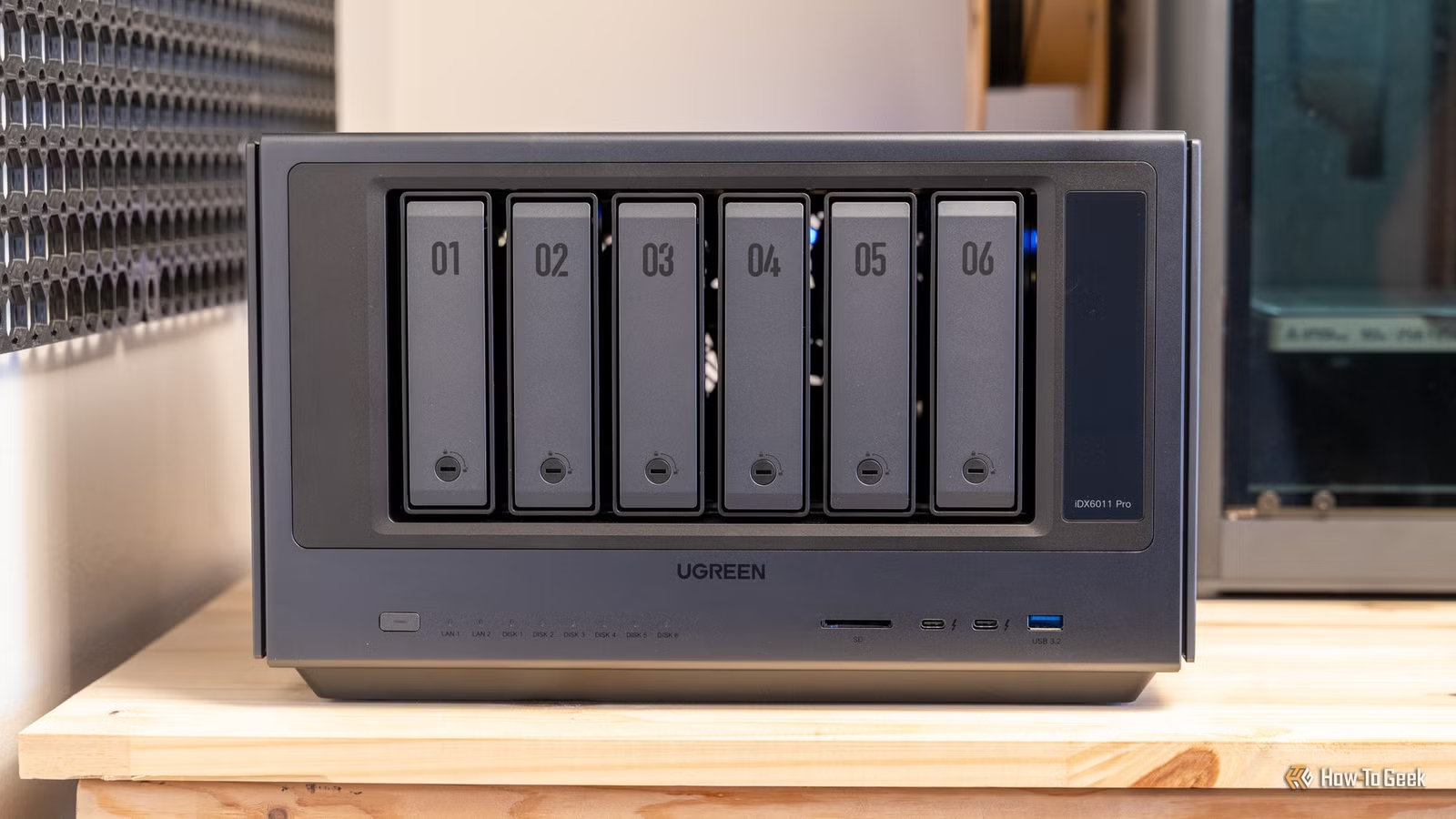
SMART monitoring tools can tell you whether your SSD is at 100% health or dipping below that, but they can’t prove that the files already stored on your NAS are still correct. That’s how you end up with a seemingly healthy array and folders upon folders of broken files.
Considering that you probably run your NAS mostly to serve as a secure backup, losing files to corruption goes against the very purpose of your storage. Fortunately, there’s an answer to this problem that keeps your backups in good shape: data scrubbing.
SMART tests check drive health, not your data
They’re still worth doing, but they don’t paint the full picture.
Credit: Patrick Campanale / How-To Geek
SMART (Self-Monitoring, Analysis, and Reporting Technology) tests are built-in drive diagnostics that keep a watchful eye over a drive’s internal health counters. They run self-check routines to look for early signs of failure, which makes them pretty important. While it’s true that drives can fail even at 100% health, SMART tools are still useful when you care about your data.
Most pre-built NAS boxes let you schedule a short test or an extended test. They then surface the results as a health status plus a bunch of attributes, including stuff like read errors, reallocated sectors, temperature, and more.
They’re terribly useful. They’re not a universal monitoring tool, however.
SMART is best at one job, and one job only. It’ll tell you whether a drive (of which your NAS might have several) is behaving normally, and whether it’s starting to show signs of failure. But that doesn’t mean that there aren’t issues with data integrity, brewing right beneath the surface.
Even a clear SMART report on your NAS doesn’t guarantee integrity from start to finish. It operates at the device level, so it can’t really validate what your file system thinks is correct, what your RAID layer expects, or whether stored blocks are still consistent when you try to run a particular file.
Meanwhile, data corruption can hit you from places SMART will never even glance at. Bad RAM, a flaky controller or HBA, marginal cabling, unstable power, firmware issues … I could go on. You might have instances of corrupted files without even knowing.
What a scrub actually verifies (and when it can help)
It’s not the most fun thing to do, but it’s the best way in certain situations.
Credit: Patrick Campanale / How-To Geek
A data scrub is a deliberate, systematic pass over the data stored on your NAS. Instead of waiting for you to open a file someday, the NAS reads through stored blocks on purpose so it can check whether what’s on disk still matches what was originally written. Scrubs can surface all sorts of issues, such as latent read errors, inconsistencies that only pop up during sustained reads, and problems that would otherwise go unnoticed.
That’s a much more detailed, file-level pass that verifies whether your files are actually doing okay or not.
The reason this matters is checksums. On file systems that support them, your NAS can store a small fingerprint for each block of data, and later compare that fingerprint to what it reads back. If there’s something off in the checksum, that points to corrupted data, even if the drive itself continued on as normal.
This is also where scrubbing can go from detection to repair. If your storage setup has redundancy and your file system can take advantage of it, a scrub can often pull a correct copy from elsewhere in the pool and fix the bad block automatically. If you don’t have redundancy, a scrub may still catch the problem early, but it can’t magically recreate missing or damaged data.
Scrubs are especially great for cold data; stuff you leave untouched for months on end, which means you won’t run into those damaged blocks for a long time. Scrubbing forces those reads to happen on a schedule, though, so even if you don’t use your files for ages, your NAS will still check what’s going on.
Data scrubs can’t solve everything
It kind of depends on your NAS.
Credit: Patrick Campanale / How-To Geek
So, are data scrubs magical fix-its for everything that could ever go wrong with your NAS? Oh, if only. Unfortunately, there are some limitations.
A scrub can only verify what your NAS can verify (duh). If your setup doesn’t store checksums for data, or if the scrub feature on your NAS is really more like a parity consistency check, you might not get much else other than a confirmation that the array structure makes sense. It’s not going to be a bit-for-bit type of check.
The other hard limit is redundancy. Your NAS needs to have somewhere to pull a known copy from, one that you know is 100% good, because that’s the only way to discover corruption. On a single-disk NAS, a JBOD setup, or anything without real duplication, a scrub may still spot bad blocks, but it can’t repair them, as it’ll have nowhere else to pull data from.
And even with redundancy, a scrub isn’t a magic shield. If the corruption happened before the data ever landed on disk, or if it’s being introduced consistently by flaky hardware, scrubbing will just keep finding problems until you fix the root cause.
The optimal way to deal with data scrubbing
Setting up a routine will keep your files safe.
Credit: Patrick Campanale / How-To Geek
Scrubbing is a great way to keep tabs on your files and make sure they’re in good shape. It’s not really much of an emergency fix, though. That’s why it works best when you treat it as part of your NAS maintenance routine.
It should be frequent enough to spot issues in cold data, but also spaced out enough so that your NAS isn’t constantly reading through massive amounts of data in the background. (That could make it get super noisy.)
For most home setups, this comes down to running a scrub on a monthly cadence, then letting SMART fill the gaps with lighter, more frequent, more general health checks.
Quick tip: Try and make sure that these jobs don’t overlap. A scrub is already a sustained read workload, and stacking it with SMART long tests, parity checks, backups, or media indexing is going to make your NAS feel borderline unusable. I guess an all-SSD NAS can handle it, but even then, you’ll be slowing it down for no reason.
Lastly, treat those data scrubs as just one layer of a bigger safety net. For the files you care about the most, stick to the 3-2-1 rule (or even level it up to 3-2-1-1-0), run frequent checks, and keep your NAS in good condition to make sure your risk of data corruption is as low as can be.
