

Home Assistant is smart home software that’s designed to put local control and privacy first. For the most part, it’s very good at doing so, but if you use Home Assistant to send notifications to your phone, those notifications may not be as private as you might believe.
Home Assistant notifications “could be processed by Google”
Let’s get one thing clear out of the gate. Home Assistant isn’t trying to hide anything here or pretending to respect privacy when it doesn’t. It’s very clear and open about exactly how private Home Assistant notifications that are sent to your phone via the companion app really are. If you haven’t read the documentation in detail, however, you may be unaware that your notifications may not be completely private.
Credit:
Lucas Gouveia/How-To Geek
The documentation explains that the notification service uses Google’s Firebase Cloud Messaging (FCM) service. This is a cross-platform messaging system that can send notification messages to phones. In the “Privacy, rate limiting, and security” section of the Companion Apps documentation, under the “Security” heading at the bottom of the screen, it states the following:
“All traffic between your Home Assistant instance, the push infrastructure and your device’s operating system is encrypted with SSL. The contents of the notifications are not encrypted on the Firebase Cloud Messaging service, thus could be processed by Google.”
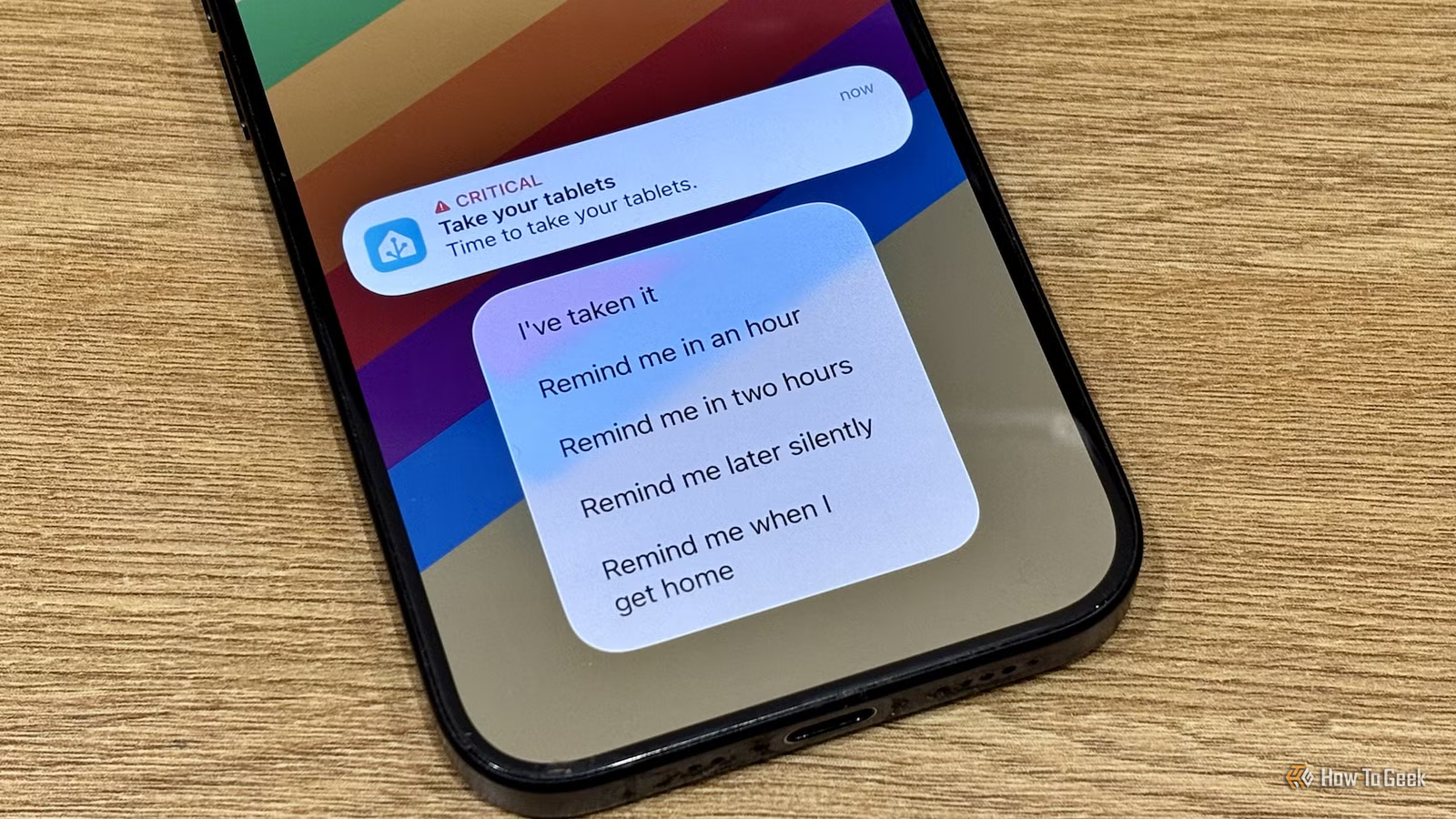
In other words, when an automation sends a notification using the notify.mobile_app service, the contents of that message are passed to the Firebase Cloud Messaging service, which is then sent to your phone and displayed as a notification. While the message is encrypted in transit to and from the Firebase servers, when the message is processed on Firebase’s servers, it is not encrypted.
This means that, in theory, Google could read the contents of your notification. The Home Assistant documentation does point out that no content is stored on remote servers.
Related
5 things Home Assistant does better than Amazon Alexa and Google Home
Alexa, show me a real smart home system.
iPhone users aren’t immune
Although Firebase Cloud Messaging is part of the Firebase platform, which has been owned by Google since 2014, this isn’t a problem that only affects Android users. Home Assistant can’t talk directly to the Apple Push Notification service that ultimately sends the notification to your phone, so FCM is used as a middleman.
Credit: Adam Davidson/How-To Geek
This means that even if you’re using an iPhone, the contents of your notifications could be read by Google. There is an option within the privacy settings of the iOS companion app that allows you to turn off Firebase Cloud Messaging. This will stop the app from exchanging data with Google’s servers.
The downside of doing so, however, is that notifications will no longer work. If you turn this setting off, you’ll have privacy at the expense of being able to use the notify.mobile_app service at all. If you want to send iPhone notifications using this service, you have no choice but to leave Firebase Cloud Messaging enabled.
When this matters (and when it probably doesn’t)
Firstly, just because Google can read the contents of your notifications doesn’t mean that it will. However, Google doesn’t have the greatest reputation for respecting privacy, so assuming that they definitely won’t read your notifications may not be the wisest approach.
In some cases, your notifications may contain sensitive information that could potentially put you at risk if a third party were to access them. For example, a notification stating that your alarm is disarmed, or that no one is home, may not be information that you would want to leave exposed.
Credit: Adam Davidson / How-To Geek
On the flip side, there will be plenty of notifications where privacy isn’t a huge issue. If someone were to read a notification stating that your laundry was finished or that it was time to water your houseplant, it wouldn’t be the end of the world.
Ultimately, this is a decision you need to make for yourself. As long as you’re aware that the contents of your notifications could be accessed, you can decide whether the notification you want to send is risky or not.
You might also consider changing the contents of some notifications to reduce the risk somewhat. For example, a notification that says “no one is home for the next two weeks, and the alarm isn’t working” is a potential security risk, but one that is worded in more ambiguous terms may put your home at less risk.
Try these alternatives for private alerts
The good news is that if you have notifications that you want to send that you consider could be a risk, there are alternative methods of sending them.
Home Assistant offers a local push option for both Android and iOS that uses the WebSocket API to send notifications directly to your device over your home network rather than routing them through a cloud service. You can only use local push when you connect via Internal URL, and you need to specify the SSIDs that represent your home network.
In the companion app, go to Settings > Companion App, and select your server. Select “Internal URL,” and ensure that this is set to your local Home Assistant IP. Ensure that your home network is listed under “SSIDs”. On iOS, toggle “Local Push” on, and on Android, set “Persistent Connection” to “Home Wi-Fi Only.” Once set, when you’re at home, notifications will be sent directly to your phone rather than via the cloud.
If you’re away from home, local push won’t work, as you won’t be connected to your home network. You can try alternative options, such as the Signal Messenger integration, which sends messages to your Signal app that are fully encrypted from when they leave your home until they arrive on your phone. There are full instructions on the Signal Messenger integration page for how to set it up.
You may not have been aware that your notifications in Home Assistant were not completely private. Home Assistant doesn’t hide this information, but it is easy to miss in the lengthy documentation. If you’re sending notifications that contain sensitive information, it’s definitely worth considering a more secure option for your own peace of mind.
