

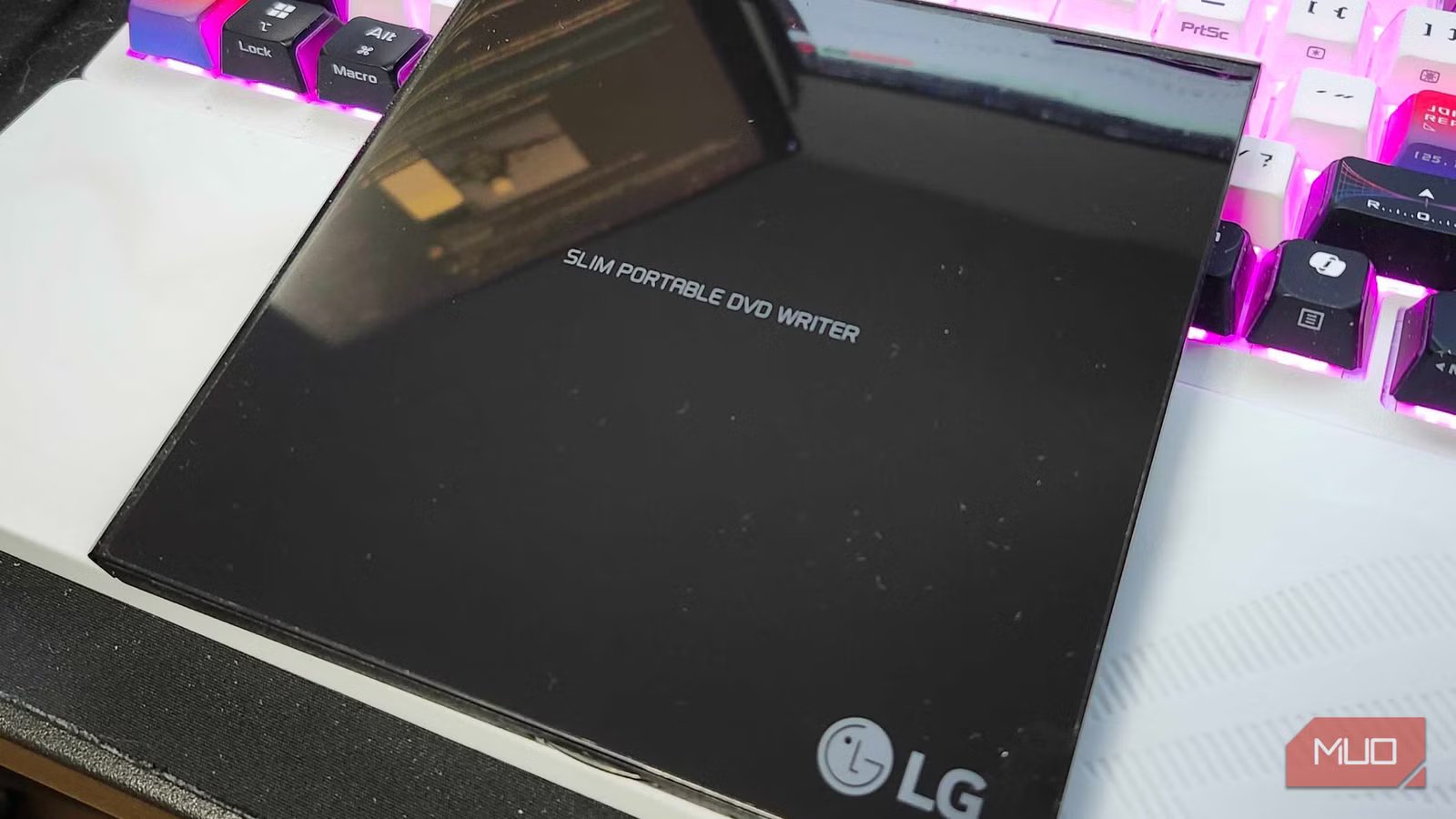
Call me old-fashioned, but I miss when PCs had a built-in disc drive. Being able to plop a game into that drive, or show off a DVD to all of my friends, feels nostalgic, and I miss that feeling. That’s why I purchased a USB DVD writer shortly after building my PC — plus, my vehicle is older and still has a CD player, so I can burn audio discs to use on longer drives.
But what I’ve slowly started to realize is that I didn’t need to just burn DVDs, but that I could also rip them and import the data to my newly created Jellyfin server. As long as my PC is up and running, I’m able to access a variety of films that I’ve purchased over the years in a whole new way.
DVD’s may be basically dead, but my collection doesn’t need to be
eyesonmilan/Shutterstock
MUO ShutterstockCredit: eyesonmilan/Shutterstock
Seeing as I grew up in the era of VHS tapes, DVDs were like a miracle to me when I first found out about them. I remember my brother being gifted a DVD player and a copy of the Vin Diesel flick XXX for his birthday in 2003, and I fell in love with the format from that point on. I’ve got a massive collection of DVDs that have been sitting on a shelf in my office, hardly getting used as much as they should be because of the dawn of streaming services. After learning about what Jellyfin was capable of, I decided that it was time I took advantage of that massive collection and did something with it.
Using Handbrake was simple enough — I could toss the DVD of my choice into my LG Slim Portable DVD writer and keep on plugging away at other tasks while it backed up the data from the disc. Handbrake is fully open-source, and it ran like a dream on my device. It could pull everything I needed, but it has limited capabilities when it comes to metadata. Jellyfin should be able to take care of the rest.
Power Source
USB
Dimensions
5.67″L x 5.41″W x 0.55″H
Brand
LG Electronics
Construction Material
ABS Plastic
It’s rather plug and play
Some movies may prove to be difficult
Credit: Shaun Cichacki/MUO
To start my journey into ripping these DVDs, I grabbed one of my old favorites. UHF is a comedy classic, and I don’t care what anyone thinks. I plopped the disk into my drive, hit Encode, and waited for the magic to start. But at first, Handbrake didn’t want to. It seems that some DVDs, especially older ones that featured “Standard” 4:3 ratios on one side and 16:9 on the other, may have some issues being read by DVD rippers. So, I flipped the disc, pressed Encode again, and I was off to the races. Keep this in mind if you decide to venture down the same path that I did.
Otherwise? If you’ve ever used a DVD drive before in your life, this should be like second nature. Patience is a virtue with things like this, and as someone who spent plenty of afternoons making mix CDs to listen to on bus rides home from school, I’m totally fine with waiting for this process to be done. Ripping a DVD, at least with this particular drive, takes roughly 20 minutes or so, so be prepared to have something else to do in the meantime.
Handbrake makes these automatically MP4
The nicest part of Handbrake overall is the fact that it will automatically take the files that you’re encrypting and backing up and turns them into an MP4 file. Less work means faster backups, which means a bigger media library. But in some cases, I needed to use something like MakeMKV to properly back up these movies. I’m not sure why, but sometimes Handbrake would rip the files extremely poorly, whereas MakeMKV would work just fine. Maybe it’s just the type of film, or maybe it’s because of some settings that I may not have altered.
But even then, jumping between the two programs didn’t cause much, if any, additional time. It’s all a matter of personal preference regarding which way you’d like to proceed. Some folks may not run into any issues with Handbrake at all, but if you do? MakeMKV works like a dream come true, and Handbrake can quickly convert those .iso files to MP4 for you.
You could just invest in a DVD player, otherwise
If you don’t want to invest the time in backing these up, just use that old DVD player
Credit: Shaun Cichacki/MUO
Back in the day, the PlayStation 2 became a mammoth of a console for many reasons. But plenty of kids, myself included, said that people could use it as a DVD player. Newer consoles still have these capabilities, so if you’ve got a console in your living room, or if you’ve pulled a page out of my playbook and run a 70ft HDMI from an office to your living room, you can still play your regular DVDs and Blu-rays on these devices.
Or, you could just invest in a cheap DVD player to toss in the living room if you don’t want to spend all the time backing these films up. I absolutely adore physical media, and much prefer it in many different scenarios, but I can’t deny that having my collection of films backed up on my hard drive is incredibly nice and convenient. But for those with a smaller hard drive, I can’t stress this enough — streaming costs a ton, and DVDs are super cheap. Plus, local libraries are filled to the brim with many different films, too.
I may need to invest in more hard drives soon
Between backing up my movies, music, and everything else? I’m running out of room
It’s been incredibly fun getting to watch some of my favorite movies again. Sometimes, in the hustle and bustle of the regular world, we may forget about the movies and videos we already own. Sifting through my collection, reminiscing on why these movies are a part of my collection. It’s a great feeling.
Plus, now I never need to search for Tommy by The Who on streaming platforms ever again. I’ve got it saved to my hard drive, so I can visit Holiday Camp whenever I’d like. All without spending a dime.
