

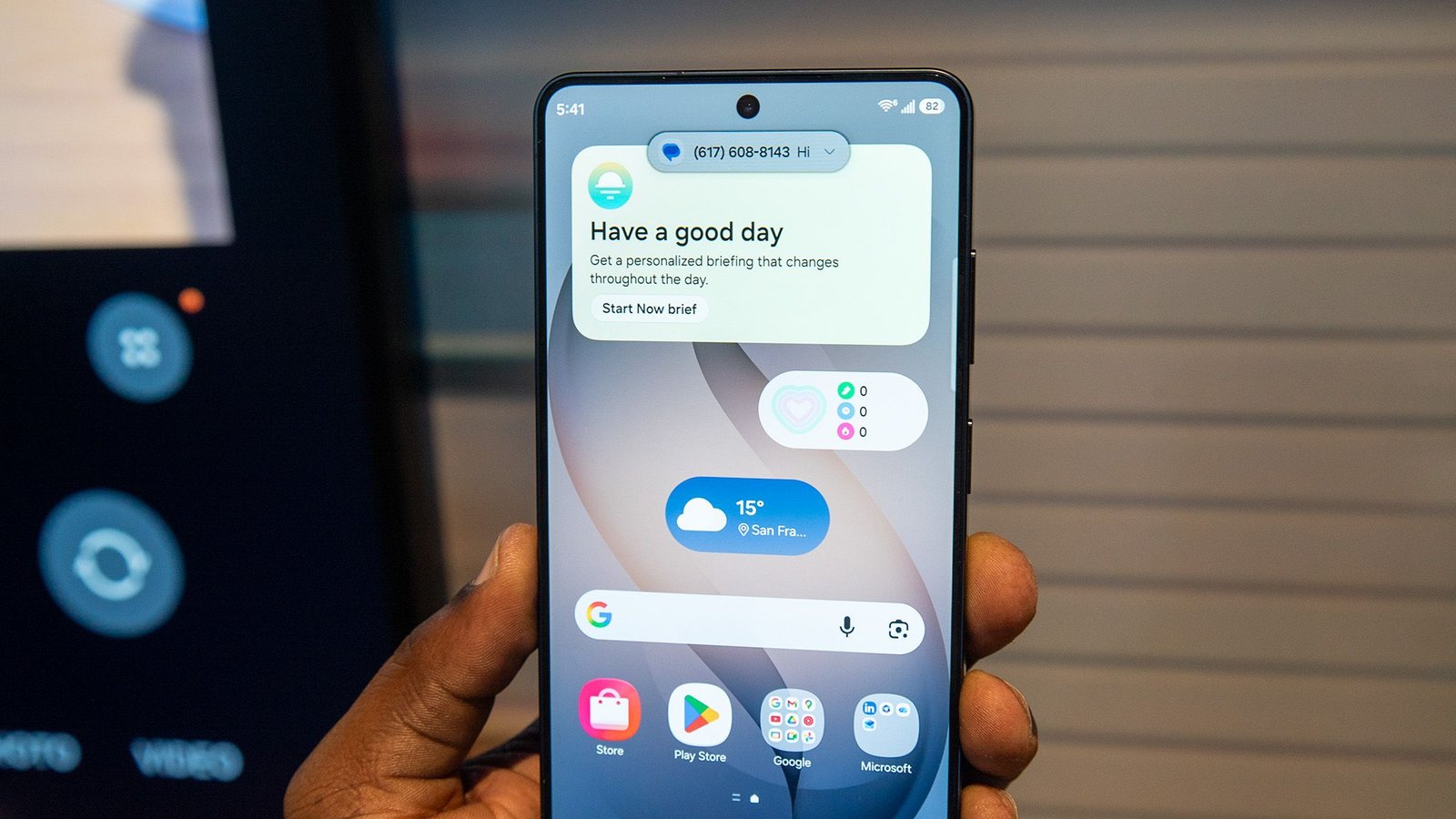
What you need to know
- A report from Tom’s Guide states that, after a lab test, the Galaxy S26 Ultra’s display is darker than the S25 Ultra even with Privacy Display disabled.
- There’s a chance that the technology used to create the Privacy Display is the culprit behind the drop in peak brightness for the new Ultra.
- The hardware-integrated Privacy Display blocks prying eyes from seeing your notifications, your entire display, and more.
We haven’t exactly gotten our hands on the Galaxy S26 Ultra just yet; however, a recent report claims that a display test might’ve revealed a hidden truth about it.
After a lab test, our friends at Tom’s Guide report that the Galaxy S26 Ultra’s display has gotten darker. When compared to the Galaxy S25 Ultra, which rocks 1,860nits of peak brightness, Tom’s Guide reports that the S26 Ultra isn’t there, as it slides back to 1,806nits. Here’s the thing: this darker display is likely caused by the very feature we’re all clamoring for: Samsung’s Privacy Display.
The publication adds that while the recorded peak brightness numbers are “almost imperceptible to the eye,” the difference in brightness is clear, especially at “wider angles.” Even when the Privacy Display is disabled, the Galaxy S26 Ultra is much darker than the Galaxy S25 Ultra, which remains quite bright from different angles, according to its evidence.
You may like
Tom’s Guide highlights another fact: when installing a privacy screen protector, your device’s display is, essentially, permanently darkened. Samsung took that concept and integrated it on a hardware level for the S26 Ultra. So, while you might not have Privacy Display on all the time, it’s likely that the technology required to keep this there, ready and waiting to be activated, lowered its brightness as a result.
The event’s stunner
(Image credit: Tom’s Guide)
It’s been almost a week since the Galaxy S26 series launched, and the one thing people can’t stop talking about is the Ultra’s Privacy Display. The feature works by darkening certain aspects of the screen to prevent prying eyes from peering over your shoulder. Users can toggle this on and off, and they can also decide what part of their display is hidden. If you want the entire screen hidden, you can do that. If it’s your notifications you’re more concerned about, hide those.
Android Central’s Derrek Lee got some time with the Galaxy S26 Ultra during launch. The Privacy Display was a hot topic, whichis the first of its kind for smartphones (you’d usually have to grab a third-party protector). Samsung states, “This is achieved through the display’s pixel structure, which includes two types of pixels: those that project light to the front of the screen and those that project light to the sides, enabling better viewing angles.”
As Derrek said, this feature is incredibly effective at doing what it’s supposed to do.
Android Central’s Take
John Velasco at Tom’s Guide had an interesting take. Velasco said that they would trade in a bit of peak brightness for the Privacy Display on the Galaxy S26 Ultra. I might go out on a limb here and agree. Yes, there is a very noticeable decrease in brightness between the S25 Ultra and the S26 Ultra. This is probably one of those things that a person, such as myself or you who’s reading this, would have to experience in hand. It’s hard to gauge and know for sure since we’re looking at it on a screen of our own. Taking in what the Privacy Display can do for you, I’m willing to say I’d dare to accept the trade off, too.
