

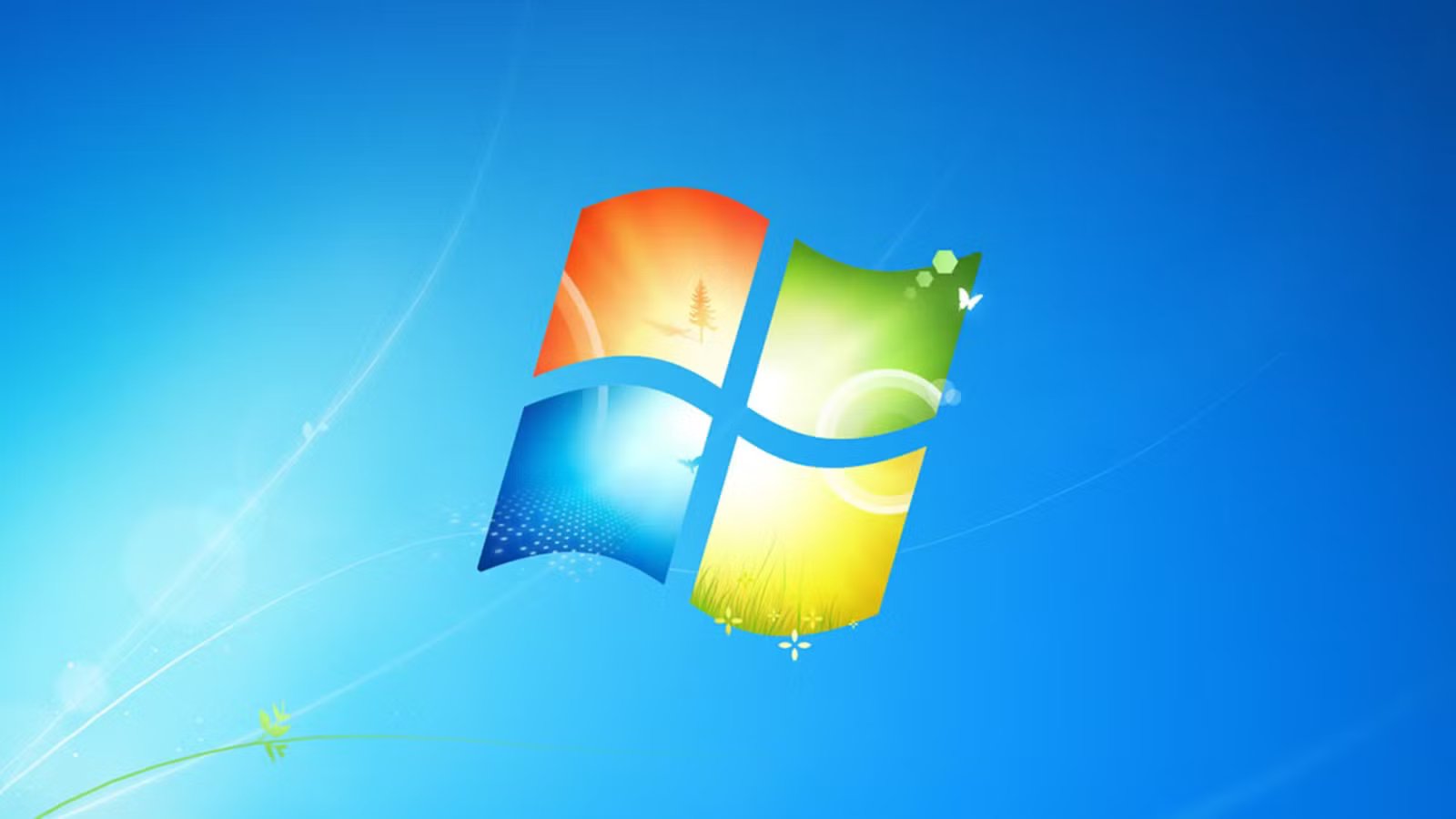
I grew up on Windows 7 because it was my main operating system for years. I spent some of my early computing days on Windows XP, but Windows 7 was my digital home for the longest time. I haven’t used it in almost a decade. Microsoft dropped support for it about six years ago. There was an extended release version, but software companies are abandoning that ESR version too. Just this month, Firefox announced that it’s ending support for Windows 7, which prompted me to try it again for old time’s sake.
Installing Windows 7
Installing Windows used to be simple; now it’s a task
If you haven’t installed Windows 11 yourself, allow me to share what it’s like. It takes the better part of an hour (even on decent hardware.) Downloading updates takes half of that time, even if you’re using the latest ISO file from the Microsoft website. The rest is spent setting it up after the OS is installed on the disk. You have to log in with a Microsoft account, solve CAPTCHAs, get past a dozen privacy and telemetry menus. Then skip a few ad walls for good measure.
Windows 7 reminded me just how much simpler it used to be. You just click the big “Install” button, pick a keyboard layout, give it a username and password (no Microsoft account required) and it’s installed, ready to go in under five minutes. Compared to the Windows 11 installer, it was a breeze.
More than just nostalgia
Windows 7 was objectively better, and I have receipts
Windows 7 welcomes you with its classic Frutiger Aero sounds and visuals. Windows 11 is always nagging you with Microsoft services, but Windows 7 has no such bloat. It feels calmer. The sound effects are usually soothing chimes, so it might be an intentional design choice. Just like the installer, everything feels simpler.
The Start Menu has neither ads for suggested apps nor Bing. When you type something in the search bar, Windows 7 searches for settings, apps, and files. The file search is almost instant, which feels impossible on modern Windows because it prioritizes web searches over everything else. You just press the Windows key and start typing away without any stutter or lag.
Windows 7 was Microsoft’s last operating system that didn’t try to be a mobile phone OS.
You had the Control Panel, and it had all the settings in one place. It was logically arranged, and you could access advanced settings easily. Microsoft duplicated all those settings in Windows 8 to give them the “Metro UI” makeover for touch screens. Since then, we’ve been stuck with two different settings apps.
It wouldn’t be much of an issue if the new default settings app wasn’t a confusing maze. It’s built for mobile screens, so it takes twice as many clicks to get to the same settings (assuming you already know where they are) and even then, it’ll redirect you to the legacy Control Panel. Microsoft still hasn’t finished porting all those settings to the new app.
It’s also snappy because of how lightweight it is. It idles at 600MB of RAM. I remember comfortably running it on a PC with 2GB of memory. On Windows 11, Copilot alone takes up that much RAM. Windows 7 objectively provided a better UI and UX compared to modern Windows.
It had personality
I miss themes
Remember gadgets? Windows 7 had these charming little widgets you could place on the desktop. You could stick a picture slideshow on it and get a mini digital picture frame going. You could get financial info, see your computer’s resource usage, weather forecasts, and even RSS feeds.
It had built-in, offline games for killing time. I learned to play chess on 3D Chess Titans.
Credit: Archive.org
There was a cohesive design philosophy at work with Windows 7. Apple has tried to capture the transparent, glassy look-and-feel in its operating systems, but Windows 7 has already perfected it. If, like me, you’re sick of flat designs and icons, you’ll appreciate the skeumorphism of Windows 7. Icons look like real things. The buttons have a 3D feel to them. Even the progress bars glow. The 3D Aero Flip window showed all your active windows in a 3D space. It was so fun and satisfying to use.
Windows 7 Aero Flip 3DCredit: Archive.org
Windows doesn’t have cool effects and features like that anymore.
Updates made sense
Windows 7 didn’t make your choices for you
Back then, Microsoft had a fixed “Service Packs” system for major updates. The only OTA updates were security and stability patches. Basically, an operating system release was considered a finished product, and it could stay unchanged for years until you installed the next service pack. You would never wake up to a random Copilot integration one morning. You actually owned the PC and the software that ran on it. Windows 11 is more of a “platform” now, which is why it’s constantly breaking with updates.
Some issues Windows 7 had
Microsoft has added upgrades to Windows since the days of Windows 7
I mostly remember that installing drivers was a pain. At the same time, Windows 11 has made meaningful updates too. You don’t have to think about basic drivers anymore. File Explorer got tabs (back then you had to install third-party explorers like Clover to get that feature). There’s WSL, virtual desktops, clipboard history, snap layouts, the terminal app, and PowerToys.
I know Windows 7 wasn’t perfect, but it was close enough. I think Microsoft should have built on the success of Windows 7 instead of going in a completely new direction. That’s why I can’t use Windows as my daily machine anymore. Surprisingly enough, modern Linux desktops capture that “soul” of Windows 7, so I switched to Linux and never looked back.
