

Although I review all of the smart home kit for Trusted Reviews, I have to admit that my voice interaction with smart assistants has dropped over the years, and I now far prefer physical interactions.
As I’ve pointed out before, Siri has a problem with doing anything complicated, and I don’t like Google’s smart home strategy. I do like Alexa and find it the easiest assistant to talk to, but even then, there’s nothing quite like physical controls to make life easier.
The problem with voice
The issue with voice control is that it’s long winded and I have to remember exactly what I want to do. That’s fine for short things, such as “Alexa, turn the lights on”, which is often faster than finding a switch or app, and I can do from the comfort of the sofa.
I also really like having an Echo Show in my office. It’s great for general requests, answering my Ring doorbell without having to use the app.
But what if I want a specific light scene or to adjust brightness long after the lights have been turned on?
Sure, Alexa can change the lights to a set brightness when I request a percentage, but that’s quite hard to work out: is 50% brightness too dim based on the current light setting? Who knows until you try. And, then, if it’s wrong, trying to adjust with voice just doesn’t work.
Advertisement
With a Show, when the lights first turn on I can adjust brightness with the touch controls; if the lights are already on, I have to use another voice command first (or swipe through menus) and then adjust the brightness.
I use Hue bulbs at home and have scenes, but I can’t remember what they’re all called. No way. I do use Alexa for specific modes, such as, “Alexa, turn on concentrate in kitchen” when I want to focus on cooking; but trying to remember the names of all of the other scenes is pretty much impossible.
I’ve got lots of smart plugs around the house, including some in my office that I can use to turn off the printer, my monitor, and so on when not in use. I can’t remember what they’re all called, and using voice to manually operate them one at a time just doesn’t work for me.
Yes, I know I can create Automations and then run them with a voice command, but it’s still a bit of a faff to remember what to do.
Direct control is better control
Going back to my Hue lights, I have lots of switches around, placed in convenient places: where you’d expect to find a light switch, outside by the back door, next to the sofa, and by my desk.
Advertisement
The beauty of the system is that I can do this. If I want to change my office lighting, a quick tap on a Philips Hue Tap Dial switch is all I need: three buttons are set up for specific quick-access lighting modes, and the fourth lets me cycle through some more options. If the light is too dim or too bright, I can just spin the outside to adjust.
Likewise, with the controls around the house, they’re all set up to achieve what I want fast. For example, in the lounge, I have the main lights and some LED strips in bookshelves. When I’m watching a film, I turn off the bookshelves (a quick tap on a Friends of Hue Switch), and dim the main light (press and hold on the other control on the same light switch). Try doing that faster with voice control.
And, Hue switches work directly with the Hub, so if the internet goes down or Wi-Fi is playing up, the switches keep on working.
Flic is brilliant
I also use Flic buttons throughout my house. At my desk, I’ve got dedicated buttons: one turns on my monitor and other accessories via a smart plug (and cuts the power when not needed); the other does the same for my Sonos Amp and Sonos Sub Mini. Again, it’s quicker and faster than using voice.
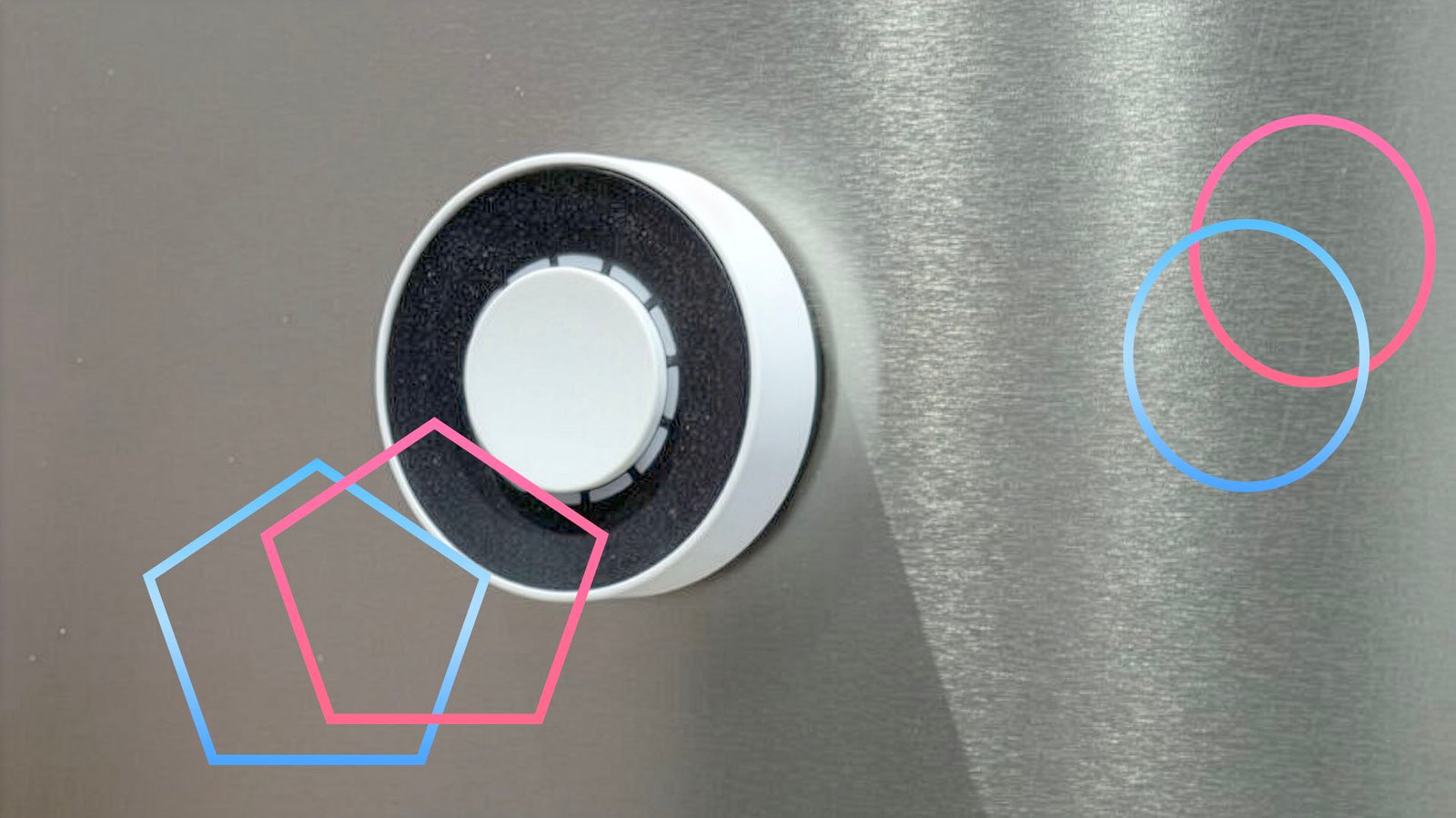
I also have Flic Twist controls, which add a dial into the mix. They’re great for fine-tuning control. For example, I use one in my office for the Sonos Amp: the dial controls volume (faster than the app, easier than voice control), and the button is for play/pause and track skipping.
Overall, buttons and manual control make a lot of things easier; for pretty much everything else, I prefer to use automation: triggering something when a door unlocks, or presence is detected, for example.
Advertisement
