

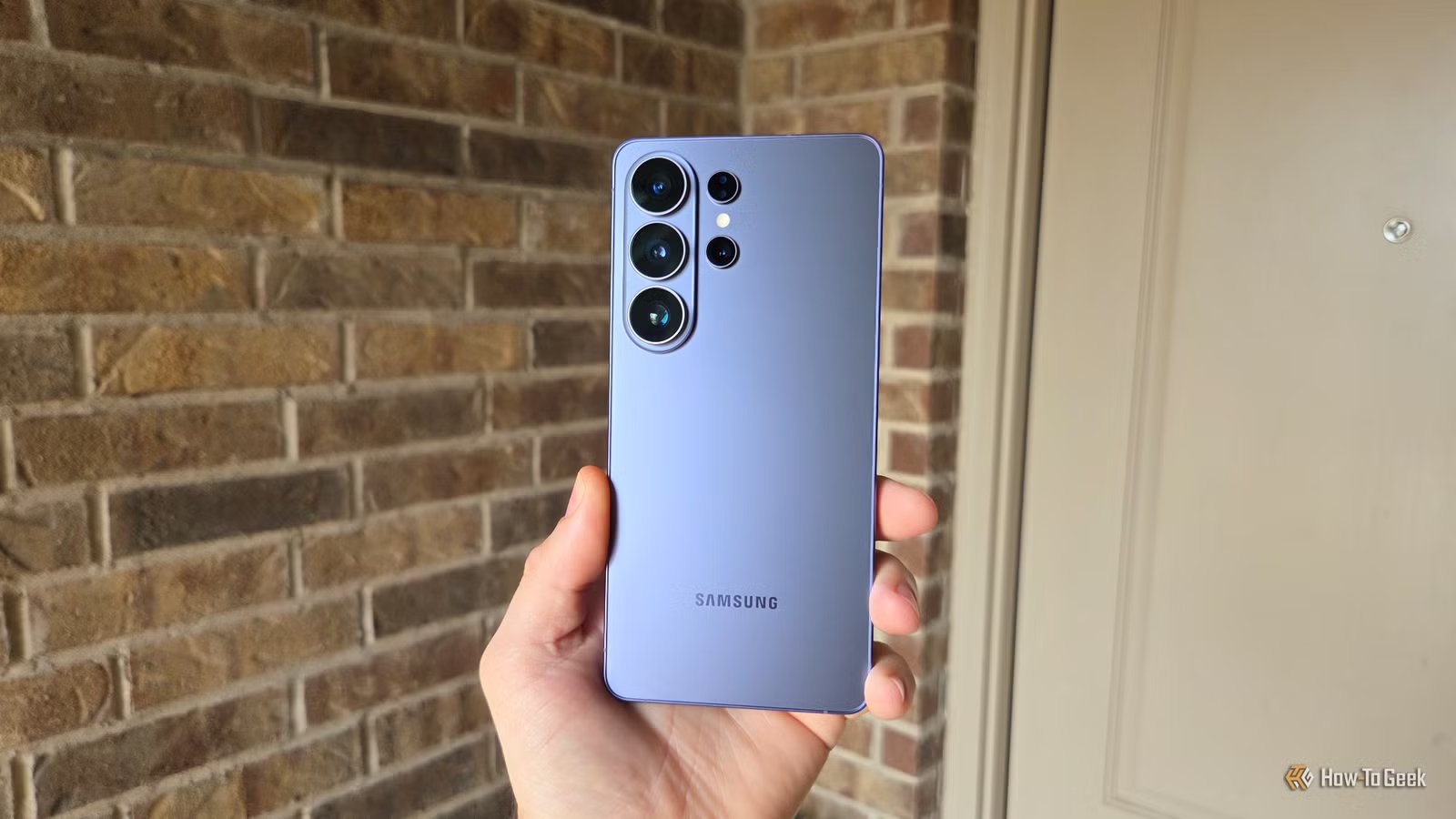
The Samsung Galaxy S26 series is finally here, and it has several impressive features despite a similar overall design. And while many of them are well-known, like the new Privacy display Samsung highlighted, a bunch of excellent features are flying under the radar. Here are a few of my favorite Galaxy S26 Ultra features Samsung didn’t show off.
The camera’s Horizon Lock mode is impressive
Video stabilization that rivals a gimbal
You might have seen it by now, but if not, the built-in video stabilization controls on the Galaxy S26 Ultra are unreal. Previous phones had a “Super Steady” mode for video recording, but Samsung took things to the next level with a mode it’s calling Horizontal Lock, or Horizon Lock.
Once you turn it on, the S26 Ultra uses its high-megapixel sensors and advanced image signal processor (ISP) to crop and stabilize video in real time, even if you turn the phone completely upside down. You can shake it all you want, way more than any normal person would while recording, and the results are fairly smooth.
Here’s a sample of me rocking the phone back and forth while recording. It’s a bit overboard, but it shows Horizontal lock in action.
While we’re talking about the camera, there’s also a camera zoom stabilization that Samsung never really mentions. While you’re zooming in on a subject and struggling to keep it stable and in view, tap the subject, and the camera will help stabilize it. This isn’t necessarily new, but it’s something worth knowing.
Improve fingerprint accuracy
Add additional scans to saved fingerprints
Credit: Cory Gunther / How-To Geek
New to the Galaxy S26 series (or at least One UI 8.5) is an additional option in the fingerprint settings menu to improve fingerprint accuracy. I have an S25+ running the One UI 8.5 beta without this selection, so it’s brand new.
Open the Settings menu, then search for or select the Fingerprints section. As long as you’ve already saved a fingerprint or two, they’ll be listed as Fingerprint 1 and Fingerprint 2.
- Tap on Fingerprints 1
- Select the new Improve accuracy option
- Scan your fingerprint an additional 10 times
- Hit done
So far, it seems to make a huge difference, and now the scanner is faster than ever. You can do this for any fingerprint that’s already saved, and it should improve accuracy when your hands are dirty, have a cut, or are in other situations where more accurate information is needed.
Virtual Reflector camera helper
Bring studio lighting anywhere
Credit: Cory Gunther / How-To Geek
Sure, the Galaxy S26 Ultra doesn’t have major hardware upgrades, but the cameras are better sensors with a lower aperture for improved light capture. However, hiding inside the Expert Raw mode is “Labs,” where several advanced modes are available. Some of those include astrophotography made easy, along with what Samsung is calling Virtual Reflector.
To start, you’ll need to download the Expert Raw app from the Galaxy Store onto your Galaxy S26 Ultra, which you can do right from the phone. Then open the app and tap the beaker flask icon on the right side labeled “Expert Raw Labs”. I wish all the labs were easier to understand, but if you long-press the icon, you’ll get a label. The far-left option is the Virtual Reflector mode.
Essentially, the Virtual Reflector lab uses computational photography to mimic physical light reflectors in a studio. You can choose from Gold or Silver reflectors, adjust the brightness, angle, direction, or location of the reflection.
Silver gives you a bright, stunning photo, while Gold acts as natural, warm lighting. You can easily brighten faces in indoor or outdoor shots, or add another level of professionalism to your photography. It works rather well.
Audio Erase in third-party apps
Make YouTube or Netflix easier to hear
Credit: Cory Gunther / How-To Geek
Samsung released its AI-powered Audio Eraser feature with the Galaxy S25 series last year, and if you’ve never tried it, you’re in for a treat. Audio Eraser will analyze videos and separate the audio into categories, like voices, music, noise, and crowd. After the process is complete, you can adjust each category individually to remove crowd noise, people talking, etc., from a concert video.
With the Galaxy S26 series, Samsung took it a step further, and now it works with third-party apps like Netflix. We all use subtitles because dialogue is hard to hear in streaming apps, especially on Netflix. Now, that’s no longer a problem.
Seriously, you can open Netflix and start playing a video, and the Audio Eraser mode will appear at the top of the Quick Settings menu. Let it analyze the audio, and then you can increase the volume of voices or other sounds. It’s pretty nifty.
Do more with your new Galaxy
These are just a few of the many practical AI features, helpful controls, and impressive camera technology inside the Galaxy S26 Ultra. Once you buy one, you’ll find dozens of hidden features, tips, tricks, or other controls.
And while some of these are exclusive to the new Galaxy S26, the One UI 8.5 update might trickle a few of them down to older models.
SoC
Snapdragon 8 Elite Gen 5
Display
6.9-inch Dynamic Super AMOLED 2X
Get the new Galaxy S26 Ultra with AI smarts and an all-new privacy display.
