

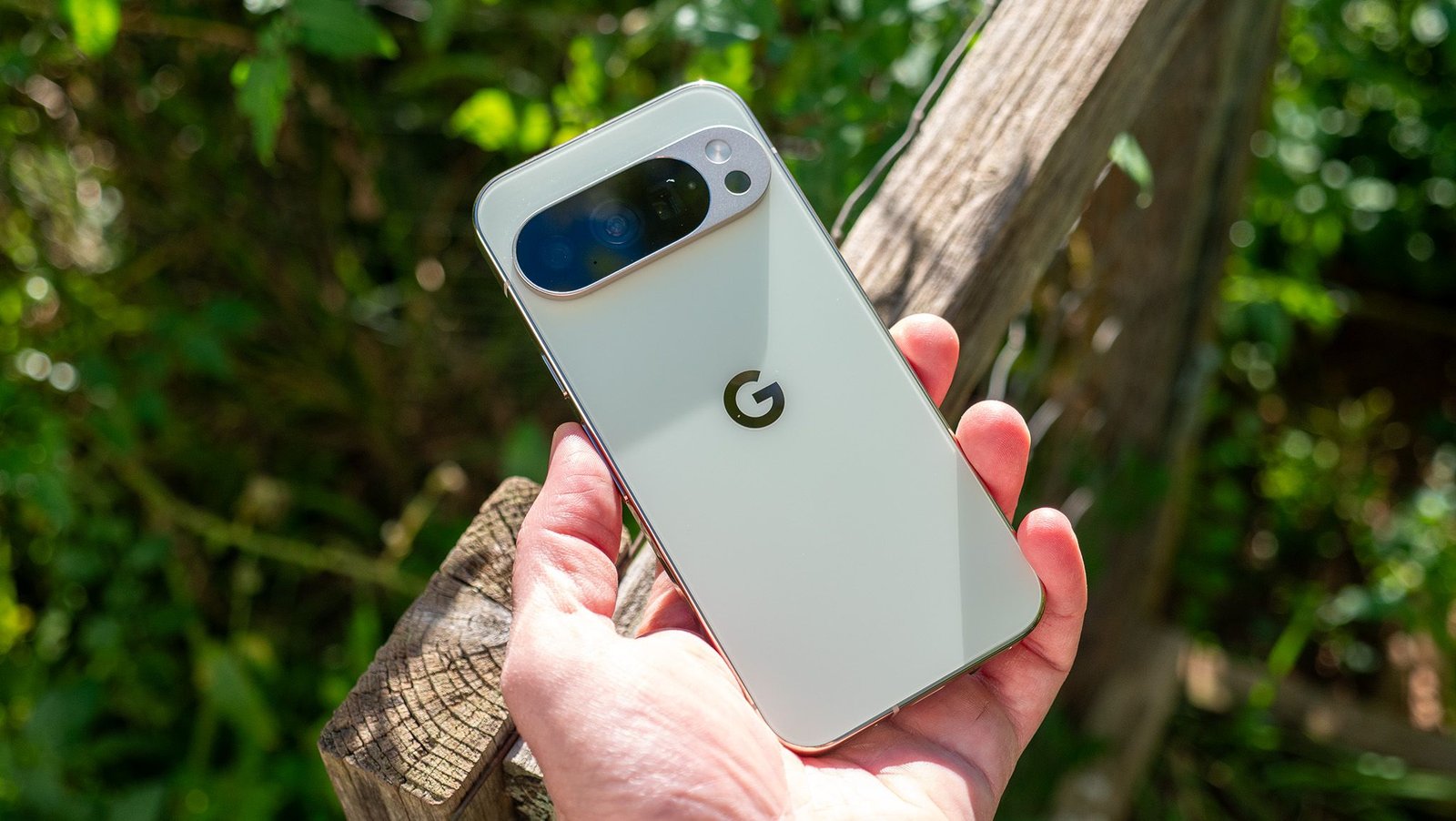
Google Pixel smartphones might be some of the most capable phones when it comes to AI features, but that alone doesn’t make them the best Android phones out there. There are plenty of benefits you only get on a Pixel, like the ability to magically add someone to a group photo or have AI hold calls for you, and those are exactly why I can’t let go of my Pixel 10 Pro.
However, that doesn’t mean Pixel phones are free of issues. I’ve been facing problems with wireless Android Auto in my car with my Pixel 10 Pro, and I know I’m not alone.
If you’ve been dealing with similar Bluetooth issues on your Pixel as well, Google now includes a hidden Bluetooth diagnostics tool that can help pinpoint what’s going wrong — and here’s how to use it.
Article continues below
You may like
Best deals on Google Pixel 10 Pro
Google Pixel and Bluetooth connectivity issues aren’t new
(Image credit: Sanuj Bhatia / Android Central)
Pixel phones might excel in areas such as reliable camera performance and timely updates, but there are still a few recurring issues that frustrate users. Issues like display glitches and apps crashing after update aren’t new to Pixel users, but one of the most common complaints has been unreliable Bluetooth connectivity.
Many Reddit users, on Pixel 9 and Pixel 10 devices alike, have repeatedly reported Bluetooth issues, especially with Android Auto. Thankfully, it looks like Google has taken note and now has a dedicated tool to help users diagnose Bluetooth problems directly on their devices.
The company has started rolling out a new Bluetooth diagnostics tool that, as the name suggests, helps identify issues with Bluetooth on your phone. It runs a series of tests to detect connection problems and suggests possible fixes if something goes wrong.
If you’ve been dealing with Bluetooth issues on your Pixel device, here’s how you can use this tool to finally track down and fix the problem.
Pixel’s Bluetooth diagnostics tool is new, and it only started rolling out recently with an update to the Pixel Troubleshooting app (v1.0.885948717).
The first step is to update the Troubleshooting app to the latest version from the Google Play Store. If you can’t find the update, you can open the app listing directly and update it from there. Once the app is updated, follow these steps to run the Bluetooth diagnostics tool on your device:
1. Open the Settings app on your Pixel device.
What to read next
2. In Settings, go to Connected devices and tap Bluetooth diagnostics.
3. Depending on your situation, choose the appropriate option. If your device is already connected, select it.
4. If you’re having trouble connecting, select the Can’t find your device option. If you own Pixel Buds, a Pixel Watch, or are facing issues with Android Auto, choose the relevant option. For other devices, such as a Bluetooth mic or speaker, tap Others.
5. After selecting the device, choose the issue you’re facing from the list.
6. Once selected, the tool will begin running Bluetooth tests.
(Image credit: Sanuj Bhatia / Android Central)
Once the test is complete, it’ll show whether there’s an issue with the connection. If a problem is detected, it’ll suggest possible fixes, like re-pairing the accessory or contacting the manufacturer. You can also reach out to Google support directly if needed.
(Image credit: Brady Snyder / Android Central)
Thanks to the new Pixel Bluetooth diagnostics tool, I was finally able to figure out the issue between my car’s head unit and my Pixel 10 Pro.
But Google isn’t the only one offering this. If you have a Samsung Galaxy device like the Galaxy S26 Ultra or even older Galaxy phones, Samsung also offers a similar feature that you can access via Support > Diagnostics > Phone Diagnostics.
In addition to fixing Bluetooth issues, Pixel phones also include a range of other diagnostic tools for common problems. For example, if you’re facing touch issues, battery problems, or overheating, you can head to the My Pixel app, go to Troubleshoot, and test these features individually to identify the exact issue.
I think more manufacturers should adopt tools like this, as they make it much easier to fix common problems (especially since many of them can be resolved with simple fixes).
Google’s Pixel 10 Pro might be one of the best Android phones you can get for AI features, but it also comes with a range of self-repair tools that can help fix everyday issues, even something as simple as not being able to connect Bluetooth devices.
