

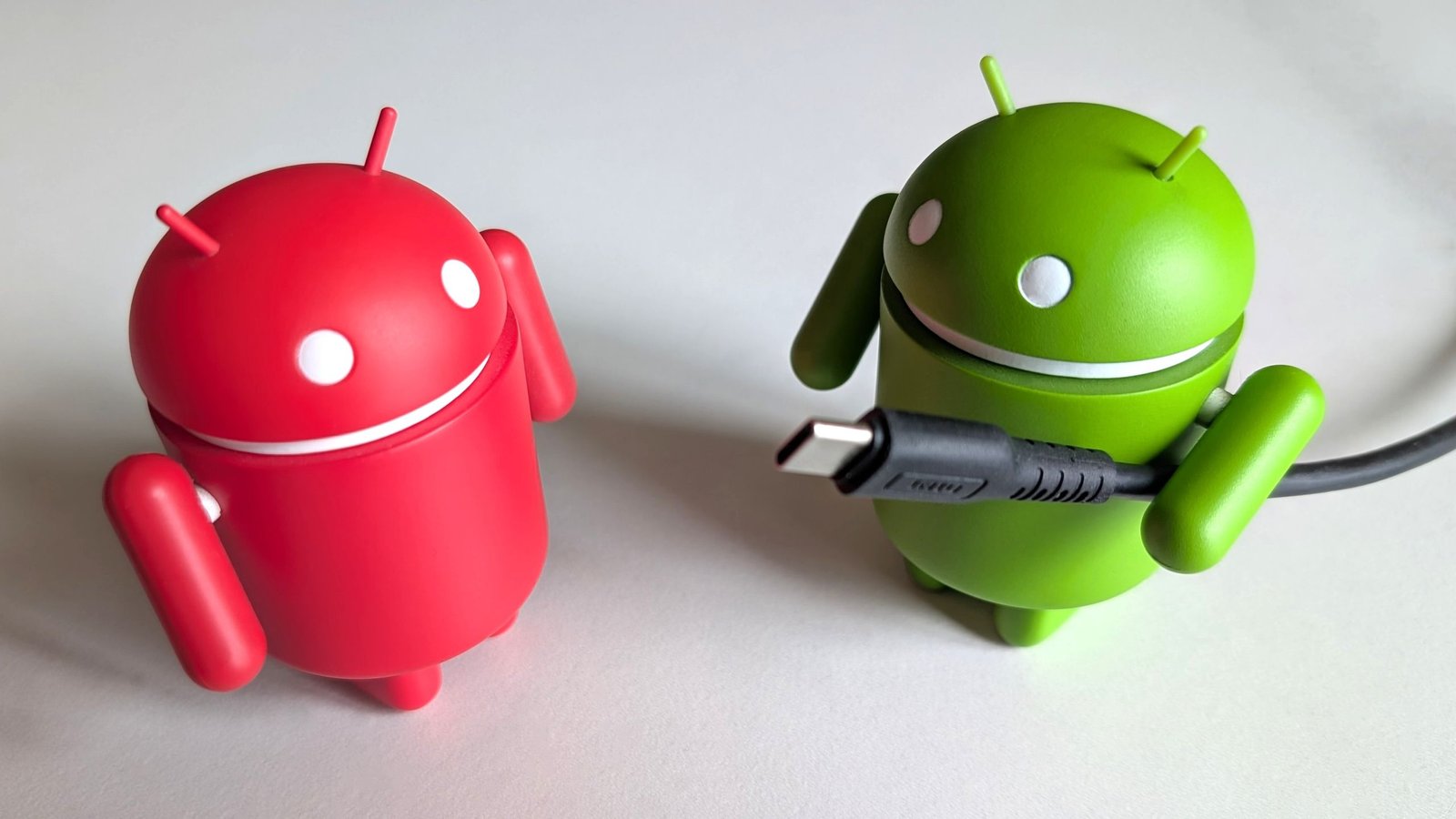
If you’re an Android or iOS smartphone owner, you get at least one USB cable in the box. However, that one cable isn’t going to cut it in every scenario. Every phone owner should have at least three types of cables in their arsenal, suitable for all occasions and needs.
USB cables are frighteningly confusing. While USB Type-C has taken over, it’s almost impossible to discern the specs of one USB-C cable from another. So when you buy a cable, make sure you buy the right type with the appropriate specifications that match your device. That way, you know the exact specs of your cable from the get-go.
Article continues below
You may like
A reliable USB-C to USB-C cable
(Image credit: Namerah Saud Fatmi / Android Central)
Even if you get a USB-C to USB-A cable in the box with your phone, you need a C-to-C cable for Power Delivery fast charging. Make sure it is a USB-C 3.2 Gen 2 cable as that supports SuperSpeed+ USB 10 Gbps data transfer speeds and is backward compatible with other USB versions. You can use this cable to connect your phone to a myriad of devices including chargers, other phones, tablets, laptops, mobile game controllers, and more.
Make sure your USB-C cable is rated at least 60W, or 100W if it’s in the budget, so it’s future-proof. Plus, you can then use it to charge your laptop or Chromebook too. Unless your phone supports an ultra-fast charging speed, it’s highly unlikely that the manufacturer will include such a cable in the box.
Thunderbolt support is an optional plus, but not a necessary spec to have in a USB-C cable unless you have other devices that support it, like a camera and a PC. That way you can buy one great USB-C cable with all the best specs in one go and use that one cable for all your Type-C devices.
A universal cable with USB-A, USB-C, and Lightning connectors
(Image credit: Namerah Saud Fatmi / Android Central)
Say you’re an iPhone user with a Lightning port, but you have USB-C accessories, or friends and family who use Android devices. Or maybe your partner has an iPhone with a USB-C port. Whether you’re in a car, at the office, or in the comfort of your home just hanging out, a universal cable with USB-C, USB-A, and Lightning connectors is insanely handy.
There are plenty of brands that make these multi-functional USB cables. The one I’ve tested is the Raycon Magic Flex 6-in-1 Cable, but there are plenty of alternatives available such as the Anker Powerline II 3-in-1 and the Rolling Square inCharge 6.
Raycon’s Magic Flex 6-in-1 Cable is the perfect example as it is rated 100W, is nylon braided so it’s really durable, and it has a USB-C connector option on both ends. Most universal cables only offer USB-A on one end, which nerfs the capability of a universal cable. In addition to Type-C on both sides, it also has a Lightning connector on one end and a USB-A one on the other end. Whether I’m leaving my house for a few hours, days, or weeks, I take this one 6-in-1 cable and I’m good to go — and so are my travel companions!
Raycon Magic Flex 6-in-1 Cable
It’s hard to find a cable with this many connectors. This one 100W cable is basically six cables in a single product. Available in black and purple, and priced at a reasonable $25, the Raycon Magic Flex 6-in-1 Cable is endlessly functional at home, at work, or on the go.
A long USB-C to HDMI cable
(Image credit: Andrew Myrick / Android Central)
Flagships from Samsung such as the Galaxy S26 series and the Galaxy Tab S11 series support Samsung DeX, which you can use via a USB-C to HDMI cable or a wireless connection. Nearly every other modern phone with a Type-C port can also connect to a wireless display, TV, or a monitor using such a cord, even if it doesn’t have a desktop mode.
What to read next
If you want to enjoy high quality audio and video output on external screens, you need to invest in a robust USB-C to HDMI cable for your phone. Ensure that the cable is long enough. I recommend 6ft or longer to prevent snags or the wire running short, leaving your phone hanging from the TV or monitor awkwardly.
The other factor that’s important is the supported resolution and refresh rate. For example, the Anker 6ft 4K 60Hz USB-C to HDMI Cable supports a resolution of 4K at 60Hz, meaning it works with 60fps monitors that have a 4K resolution. So be sure to match the specs of your cable to the external display.
Those are the 3 most important cables that I believe every phone owner should possess.
Do you agree with me, or do you think one or two of the inclusions are unnecessary? Or perhaps you think I have left an important cable out of the conversation? Comment below to share your thoughts!
