

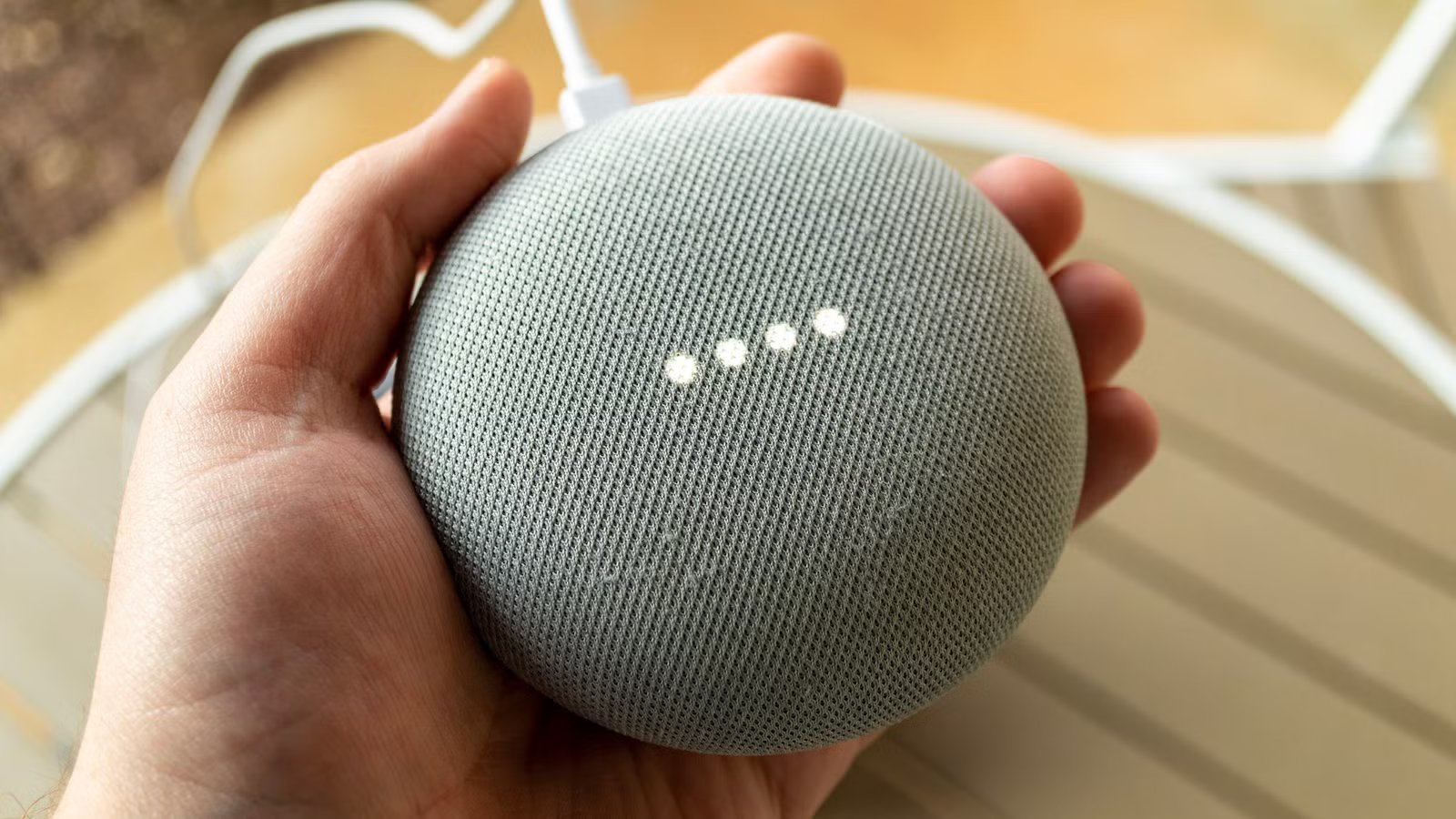
Google has finally brought Continued Conversation to Gemini for Google Nest devices, so you can stop repeating “Hey Google” to keep the conversation going.
Amazon charges $20 for this feature
While the ability to keep the conversation flowing without prompting the AI to listen has already been there through Gemini Live, the feature’s arrival on Google’s smart home device is more than welcome. That’s largely because the rival Alexa+ offers smart AI features and seamless conversations, but at a price. You only get Continued Conversation on Alexa devices if you have Alexa+, which is either accessible through a Prime membership or by splashing out $19.99 per month.
Credit: Justin Duino / How-To Geek
I’ve had an Alexa Dot 4th generation since 2021, so I can vouch for how annoying it eventually gets to say ‘Alexa’ each time. There’s a follow-up feature, sure, but it creates more problems rather than solves them. Moreover, it was simply a way to ask another query with little to no context retention of the current conversation. With older devices like mine having their Continued Conversation upgrades locked behind a paid subscription, Google’s decision to bring Gemini Live to their smart home device for free is great for those who already have Google Nest speakers.
For those unfamiliar, Continued Conversations keeps the assistant listening for a few seconds, so that you can ask Gemini a follow-up query. The device lights will keep pulsing or glowing until the assistant stops listening for the follow-up. The new update will also improve Continued Conversations as well, with interactions flowing better, naturally, and with better context retention. The feature is now available in all supported languages and regions, not just English.
Related
Gemini is Replacing Google Assistant on Smart Displays and Speakers
Your smart home can finally handle complex instructions.
How to set up Continued Conversation on Google Nest speakers
Google’s latest release is not a default feature rollout. It needs to be enabled for it to work on Google Nest devices. To enable Continued Conversation, go to the Google Home app. Go to Home Settings, select Gemini for Home voice assistant, and pick Continued Conversation.
Source: Google
