

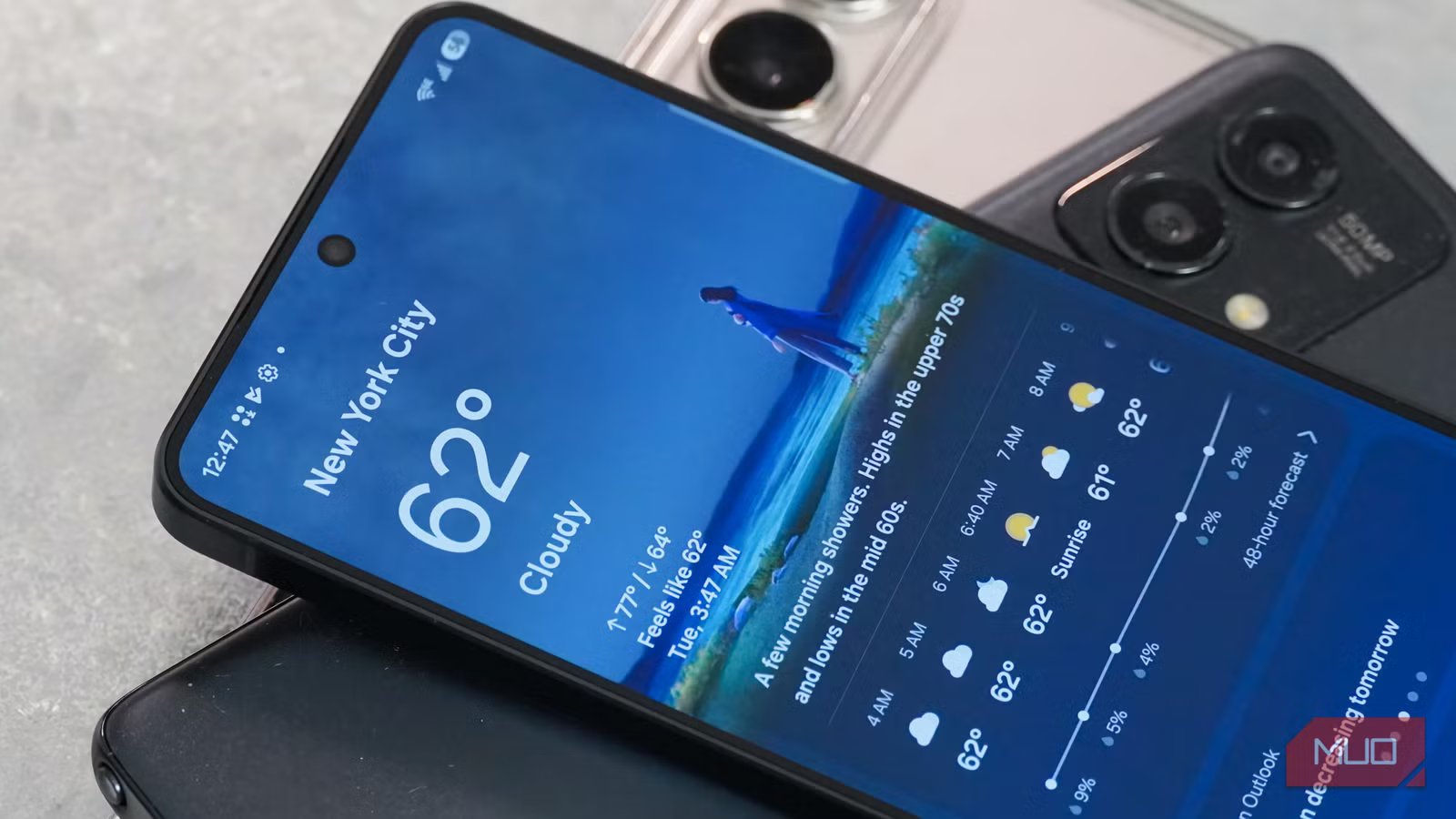
A few months ago, I was convinced that I was done with my phone. I bought my Android phone almost 2 years ago, and have used it as my daily driver since then. For the past few months, my phone felt too slow to keep up with my everyday tasks. My apps took forever to open, the battery barely lasted for a few hours between charges, and even the basic tasks felt frustratingly slow. Like most folks, my first instinct was to start browsing for new models. Before going for an upgrade, I decided to try a few things on my phone. Surprisingly, a handful of simple tweaks made a huge difference, and I stopped looking for new models.
Related
I Follow These 8 Steps to Keep My Phone Running Like New
It’s good to have a tech ritual.
Cleared storage space
Wipe off years of unused storage
Digvijay Kumar / MakeUseOfCredit: Digvijay Kumar / MakeUseOf
The first thing I decided to tackle was storage space, and it turned out to be one of the biggest culprits that was slowing down my phone. As I used my smartphone, it got filled up with dozens of apps, old videos, duplicate photos, and random downloads that I didn’t even remember. When I started digging deeper, I realized my phone was unnecessarily cluttered, which slowed things down for me.
I didn’t use any third-party cleaning apps because Android already offers several built-in cleanup tools that are pretty helpful. I opened Settings -> Storage, and my phone showed me a detailed overview of free and used space. I identified storage hogs and started by deleting unused apps on my phone. Then, I cleared out unnecessary downloads and backed up photos to the cloud before removing them from my device.
To get rid of junk files, cache, duplicates, and leftover installation files, I used Files by Google, and it really simplified my storage cleanup. It gave me a clear breakdown of storage, so I can decide what to keep and what to remove from my device.
Performed a reset
Let’s start afresh
I know this step feels drastic and aggressive. Frankly, I felt the same before doing it. That being said, it was easily the most transformative step that I took. I didn’t want to lose my precious memories, important documents, and other data, so I backed up everything beforehand. Once I was sure all my data was safe, I reset my phone to factory settings. It cleared everything in one go: years of accumulated junk, buggy app data, outdated settings, and software glitches.
While setting up my phone this time, I was very thoughtful and selective of what I downloaded. Instead of restoring all my apps automatically, I downloaded only what I actually needed. Otherwise, what was the point of deleting everything?
Once I did it, I felt as if I had a new phone in my hand. Random glitches disappeared, apps opened faster, multitasking felt smoother, and the overall performance was improved dramatically. Even the battery seemed to last longer.
Replaced the battery
And not the phone
Amir Bohlooli / MUOCredit: Amir Bohlooli / MUO
Initially, I thought the battery did not affect performance. But I was wrong. The modern smartphones pack lithium-ion batteries that degrade over time. When this happens, your phones might slow down to prevent unexpected shutdowns. My phone was showing some clear signs of battery wear, like abnormal drain and overheating. So, I decided to replace the battery, rather than my phone.
Battery replacement was far cheaper than getting a new phone. Also, I could notice some changes immediately. Since the new battery could hold the charge efficiently, my phone lasted longer between charges. Previously, I had to carry a charger or a power bank every time I stepped out of my home for a few hours. Thankfully, that wasn’t the case anymore. Now, my phone easily lasts around one and a half days on a full charge. Also, I don’t notice any signs of performance throttling, like a sluggish interface and laggy apps.
Tried easy performance tweaks
They made a huge difference
After these three tweaks, my phone already felt much better. But I wanted to see how much performance I could squeeze out of my phone. I did not install any apps or third-party tools. Rather, I focused on small performance tweaks that most folks tend to ignore.
First and foremost, I reduced system animations. I won’t deny that the visual effects and animations look nice, but they also add a slight delay to everything you do. I entered Developer mode on my phone and disabled the animation option for Window, Transition, and Animator Duration scale settings. Once I did that, my phone instantly felt faster and more responsive.
Next, I reviewed location permissions on my phone, and it was an eye-opener. I found out that so many apps had access to my location without any real reason. I browsed through the apps one by one and disabled access for apps that didn’t need it. For some necessary apps like navigation and ride-hailing, I switched to “only while using the app”, rather than allowing them to use my precise location all the time. This improved the performance and also doubled my battery life.
Then, I visited Settings -> Battery -> Restricted to check background activity. While doing so, I found that several apps I rarely use were running continuously in the background. I restricted the background activity for non-essential apps like social media and games.
Apart from them, I also made sure all my apps and software were up to date. These steps took a few minutes but made a significant difference in the performance and battery life.
My phone feels fast once again
After making these changes, my Samsung Galaxy smartphone feels fast and fresh once again. The best part is that none of these changes was complicated or expensive. I didn’t go for any third-party apps that promise to improve performance. Also, I didn’t have to dive deeper into advanced or complex settings. I just focused on the basics and fixed them.
Now, my phone doesn’t feel like something that needs an upgrade. It’s fast, reliable, and capable of handling my everyday tasks without any hiccups. If you’re also thinking about upgrading your phone because it feels slow, I would recommend trying these steps first. This might make you realize that your current phone already has plenty of life in it.
SoC
Snapdragon 8 Elite Gen 5
Display
6.3-inch Dynamic AMOLED 2x
