

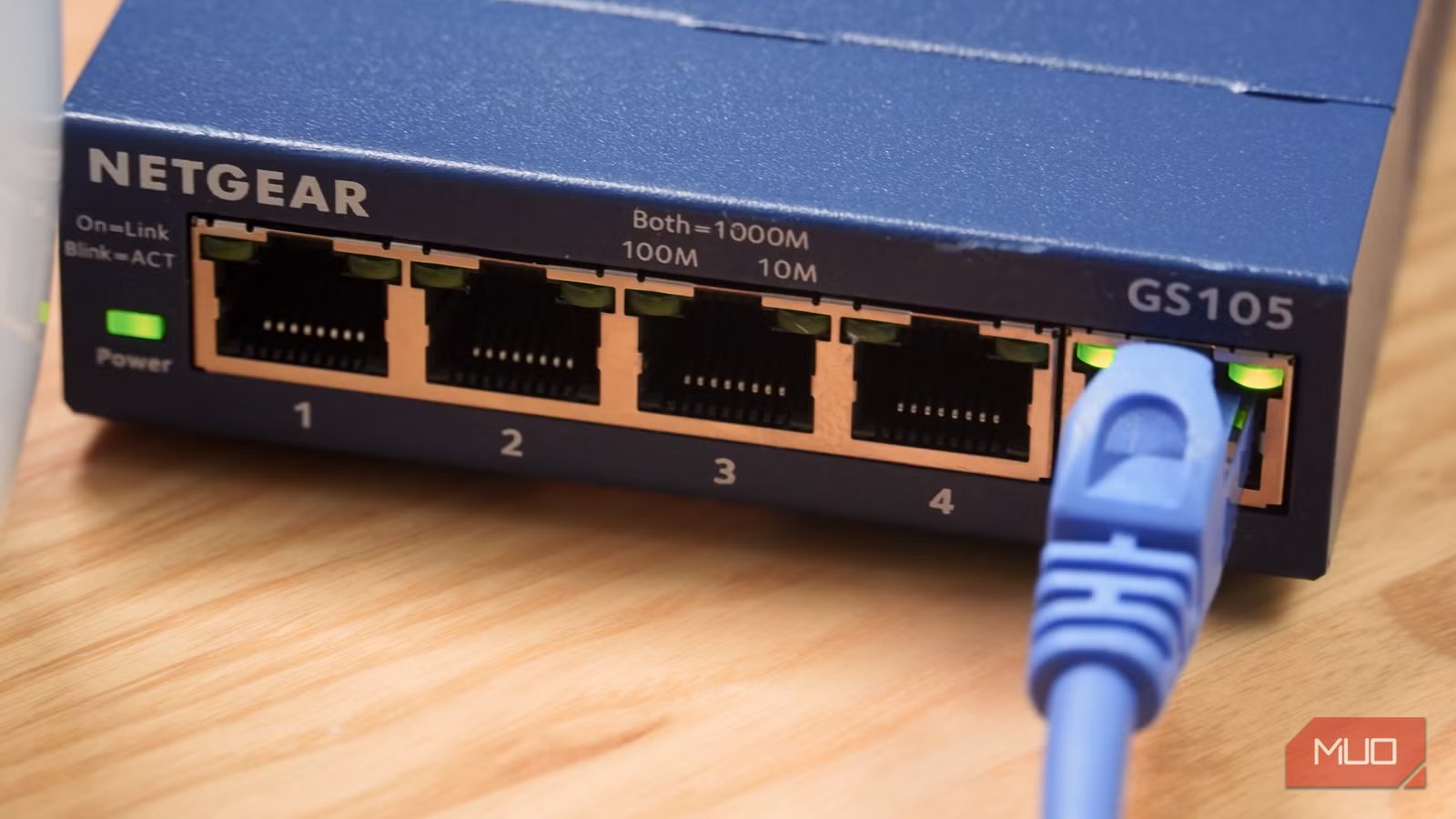
There are plenty of reasons to buy a new network switch for your home. We all have more devices that need to get online than ever before, and if you want the pinnacle of network performance and reliability, you’re going to need a cable. And if you have more than a few devices, you’ll need a switch to effectively turn a single Ethernet port into multiple. But it isn’t that simple, because not all network switches are created equally.
Modern network switches come in two flavors, and that’s something that a lot of people don’t realize. And if you don’t know what you’re looking for and which kind of switch you need, it’s all too easy to buy the wrong one. Whether you need a managed or unmanaged switch will come down to how you intend to use it. The two types are very different, so it’s vital to understand the differences between them. But don’t worry, we’re going to run through managed and unmanaged switches, which you should choose, and why.
Related
Please stop using the wrong Ethernet cables
Using the wrong Ethernet cables can throttle the speed from your ISP.
Understanding the unmanaged switch
As simple as simple can be
Let’s say this right out of the gate: the unmanaged switch is the kind of switch that the vast majority of people should buy. It’s quick and easy to get up and running and requires no management, hence the name.
But dive beneath the surface, and the unmanaged switch has a lot to give. At its core, an unmanaged switch is extremely flexible. They can be found in speeds ranging from 100 Mbps all the way to 2.5Gbps and beyond — way faster than Wi-Fi. And they support duplex mode, so you’ll enjoy full data transfer speed even when uploading and downloading data simultaneously.
An unmanaged switch has a number of Ethernet ports, and any device connected to one of them can send and receive data to any of the devices connected to any other port. They’re the epitome of “plug and play” and require almost no technical know-how to use. That’s why they’re the default option for home networks. Just plug your devices in, connect the switch to your router, and you’re done.
Managed switches, the powerhouse option
More configurable for more technical requirements
DWhiteeye / ShutterstockCredit: DWhiteeye / Shutterstock
If the unmanaged switch is the default option for the home, the managed switch is the default option for the enterprise. At a base level, it does the same thing: a managed switch connects multiple devices together so they can share data with one another. But managed switches go beyond that, giving network administrators more control over how they work and what happens with the data they move between devices.
Managed switches have a handful of core features that make them vital in the enterprise. VLAN (Virtual Local Area Network) support is one of the most vital. It allows an administrator to turn a single physical switch into multiple logical networks. It allows them to segregate devices from one another, even though they’re connected to the same switch. Imagine a network that needs to keep data generated by users separate from sensitive data being sent between servers, for example.
Another important aspect is QoS “Quality of Service” controls. Managed switches can be configured to prioritize specific kinds of traffic and de-prioritize others. A great example could be a business that needs to ensure a network-based phone system gets all the resources it needs. By configuring QoS, traffic from phones can be prioritized over the data that brings web pages to browsers.
Other important aspects of managed switches include redundancy and security. In the case of the former, network architects can use two physical switches as a form of redundancy. If one fails, the data can be easily routed to the second. For the latter, managed switches can be configured to require authentication before data can be sent over specific ports and protocols.
What’s Included
Switch, Power Cord
Manufacturer
TP-Link
Type
Ethernet Switch
Materials
Steel
Choosing the right switch for your needs
It’s unmanaged. You need an unmanaged switch.
The choice between a managed and unmanaged switch is a trade-off between convenience and capability. Managed switches can be configured in ways an unmanaged switch simply can’t. But an unmanaged switch is easier to get up and running and requires no input once it is. As an added bonus, unmanaged switches are generally considerably cheaper, too.
Ultimately, if you’re asking which type of switch you need, you very likely need an unmanaged one. If a managed switch is the best for your needs, it’s very likely that you’re already familiar with what those needs are and how a managed switch will meet them.
Related
7 devices in your home that really shouldn’t be on Wi-Fi
If you care about a reliable home network, move these devices off of wireless immediately and start using Ethernet instead.
