

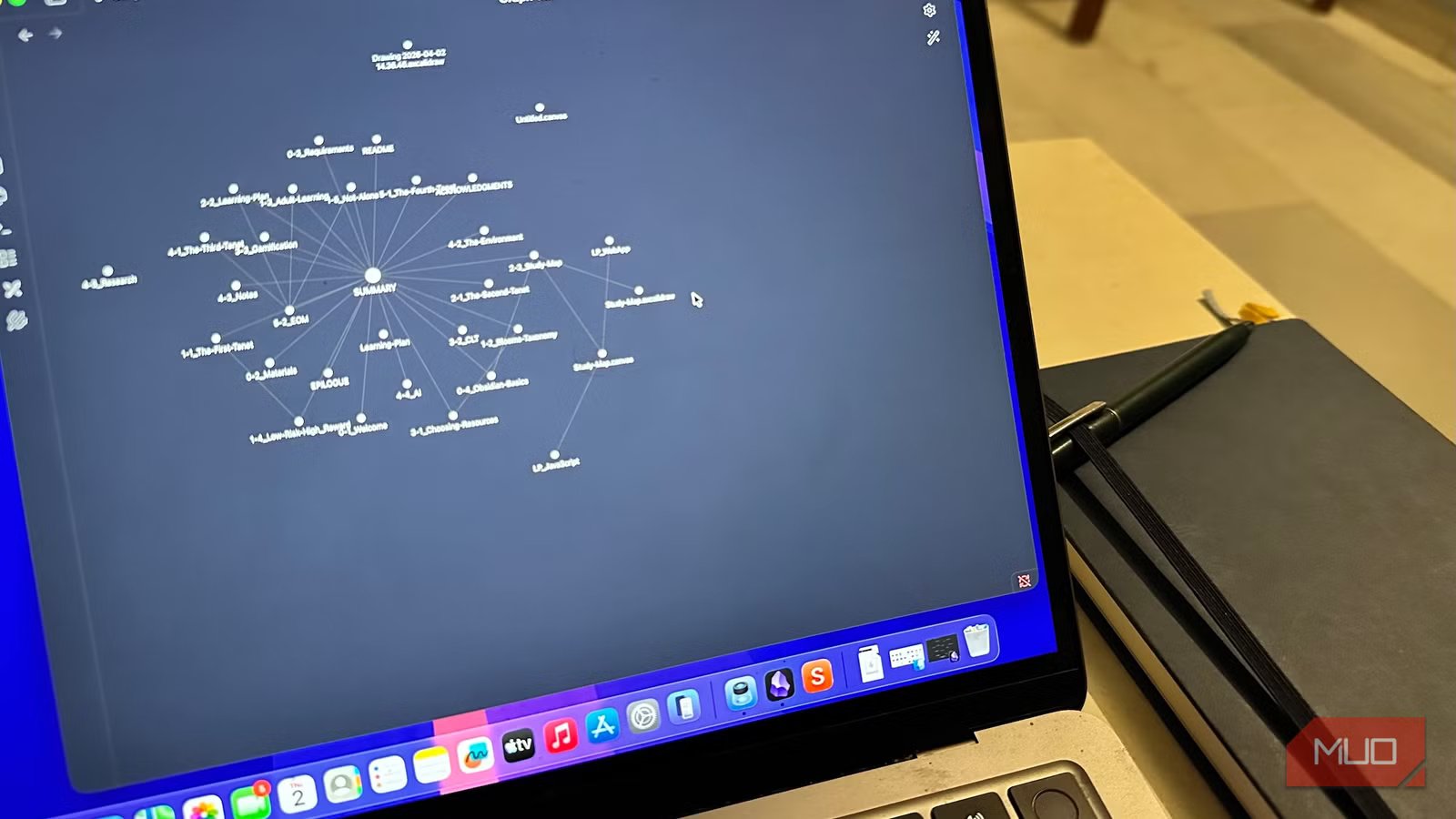
Before you spend a Saturday building a vault, picking a theme, and bookmarking 14 plugin tutorials, you need to sit with one question: Does your brain naturally connect ideas across topics, or does it prefer to sort them into clean categories? I’ve watched smart people bounce off Obsidian within their first month because they skipped that question. The app didn’t fail them — they picked a tool that wasn’t built to suit their brain.
Related
6 Reasons Why Obsidian Is My Go-To App for Deep Research Projects
Deep research feels lighter with Obsidian on hand.
The real question is whether your brain links ideas or organizes them
Networked thinkers and list thinkers, neither one losing
Image by Amir Bohlooli. NAN.
Some people read an article about urban planning and immediately think of a podcast on bee colonies, a passage from a novel, or something a friend said over coffee. That’s networked thinking. Others want to drop the same article into a folder labeled “Cities” so they can find it later. That’s list thinking, and neither one is smarter, just wired differently.
Obsidian was built by and for the first group. It grew out of Zettelkasten and second-brain communities, where the whole point is to let unrelated ideas collide and produce something new. The backlinks, Canvas and graph view aren’t features layered onto a note app. They’re the reason the app exists, and stripping them out would leave you with a fussier text editor.
This is why I keep telling friends that Obsidian isn’t really a note app so much as a philosophy of thinking. If you reach for connections without trying, the philosophy fits, which is part of why people who switch to Obsidian often never go back. If your instinct is to file something and forget about it, those same features will feel like extra steps standing between you and a written-down thought.
OS
Windows, macOS, Linux, Android, iOS, iPadOS
Developer
Dynalist Inc.
Pricing model
Free
Initial release
March 30, 2020
Hierarchy is a match, not a downgrade
Yadullah Abidi / MakeUseOfCredit: Yadullah Abidi / MakeUseOf
If your brain sorts, give it something that sorts well. Notion handles hierarchical pages, AI-integrated databases, and structured templates without making you wire any of it together yourself. Apple Notes opens in under a second, accepts a thought, and gets out of the way, while also packing a handful of features that make it a power-user tool. Similarly, OneNote gives you notebooks, sections, and pages that map cleanly onto how a list thinker already organizes a binder or a desktop.
These apps aren’t training wheels for people who couldn’t adapt to Obsidian. They’re the correct tools for a different kind of head. A Notion database that tracks every book you’ve read, with tags and properties and a sortable view, is answering a different question about how you want to revisit information later, and a graph view simply isn’t built for that question.
PKM YouTube community has spent years implying that anyone serious about thinking eventually graduates to Obsidian, but that’s marketing dressed up as a developmental arc. Plenty of people who tested several note-taking apps side by side end up right back where they started after losing weeks to a system their brain had quietly rejected the whole time.
There’s a five-minute test that gives you the answer before you install anything
A blank file and one honest moment
Credit: Jowi Morales / MakeUseOf
You can answer this without downloading anything new. Try the following:
- Open any plain text editor already on your device, whether that’s Notepad, TextEdit, or the Notes app. The choice doesn’t matter.
- Write a short note about something you read or watched in the last 48 hours. A paragraph is plenty.
- Try to connect it without forcing the links to three other ideas already living in your head.
Pay attention to what happens after step three. If the links keep coming, if you find yourself wanting to keep going past three, if the writing pulls in a podcast and an old project and something a coworker said last month, you’re a networked thinker. Obsidian’s learning curve is probably worth the time once you know that’s how your brain actually works.
If step three feels like homework, if you’d rather close the file, label it under a topic, and move on with your day, you’re a list thinker. A hierarchical app will save you weeks of frustration. Pick whichever interface you already like, and stop reading “best vault setup” articles for a while.
Match the tool to your wiring, not whatever’s trending this week
The same question applies to every productivity tool you’re tempted to install. A task manager that demands tags and contexts will frustrate someone who thinks in lists, while a flat to-do app will bore someone who thinks in projects. Read-it-later apps, calendars and even browsers all get better when you choose based on fit rather than hype. Self-knowledge before software, every time. Picking the right app is mostly a matter of asking the right question first, then following the answer wherever it leads.
