

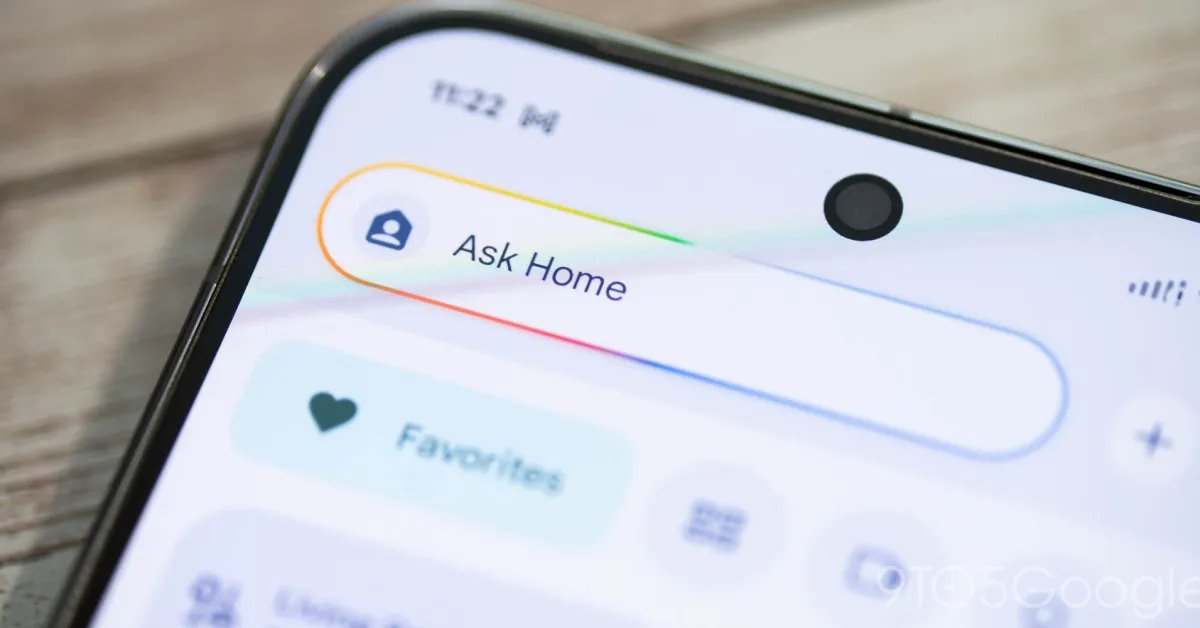
Yet another Google Home update rolling out this week speeds up Gemini while adding “Ask Home” functionality to voice commands and more.
The latest update to Google Home brings some minor tweaks to the app, but a ton of changes to Gemini.
That starts with, yet again, more speed improvements to Gemini voice commands on Google Home devices. Google specifically says that timers and alarms should be “noticeably quicker.” There are usability enhancements too, such as lowering the guardrails for certain adult-oriented answers with one example being alcoholic recipes. Google says that “adults will now experience improved availability for general queries, including recipes for age-gated beverages.”
The big news here is that Gemini’s “Ask Home” features have now extended to voice commands. Gemini can now answer questions such as “where is my wife’s car” or “when did the nanny come home” over voice rather than relying fully on the Home app on your phone.
This update also brings a speed boost to smart home controls and enables support for Home Brief on your smart speakers or smart displays.
Google explains:
We’ve improved how Gemini interacts with your smart home devices, focusing on both deeper personalization and faster response times. Gemini can now leverage information you saved in Ask Home, when asking questions about camera history, as you speak to it on your smart speakers and displays. It uses explicit information that you chose to save about family members or frequent visitors, such as “our nanny’s name is Alice” to intelligently resolve camera search queries for a more seamless experience. For example, Gemini may search for a familiar face tagged as Alice if you ask if your nanny arrived.
You can also get a quick recap of what happened at home while you were away by asking for your “Home Brief” on your speaker or display. At the same time, we’ve optimized backend processing for device commands, making actions like turning on lights noticeably faster and more responsive.
The Home app itself is also adding better thermostat controls, including a new one-tap temperature override for Nest Thermostats. Control of third-party thermostats has also been improved on iOS to match the Android app.
- One-tap temperature overrides: You can now instantly pause the use of outdoor temperatures to heat or cool your home directly from your thermostat controller. This gives you immediate flexibility to adjust your home’s temperature on the fly without changing your long-term automatic settings.
- Up-to-date schedule advice: Thermostat schedule banners now always include the most relevant information, guaranteeing that the recommendations and schedules displayed are always timely and tailored to your current environment.
Google has been rolling out a lot of major updates to the Gemini for Home experience over the past few months, and also announced some widely available improvements outside of early access last week.
More on Google Home:
Follow Ben: Twitter/X, Threads, Bluesky, and Instagram
FTC: We use income earning auto affiliate links. More.
