

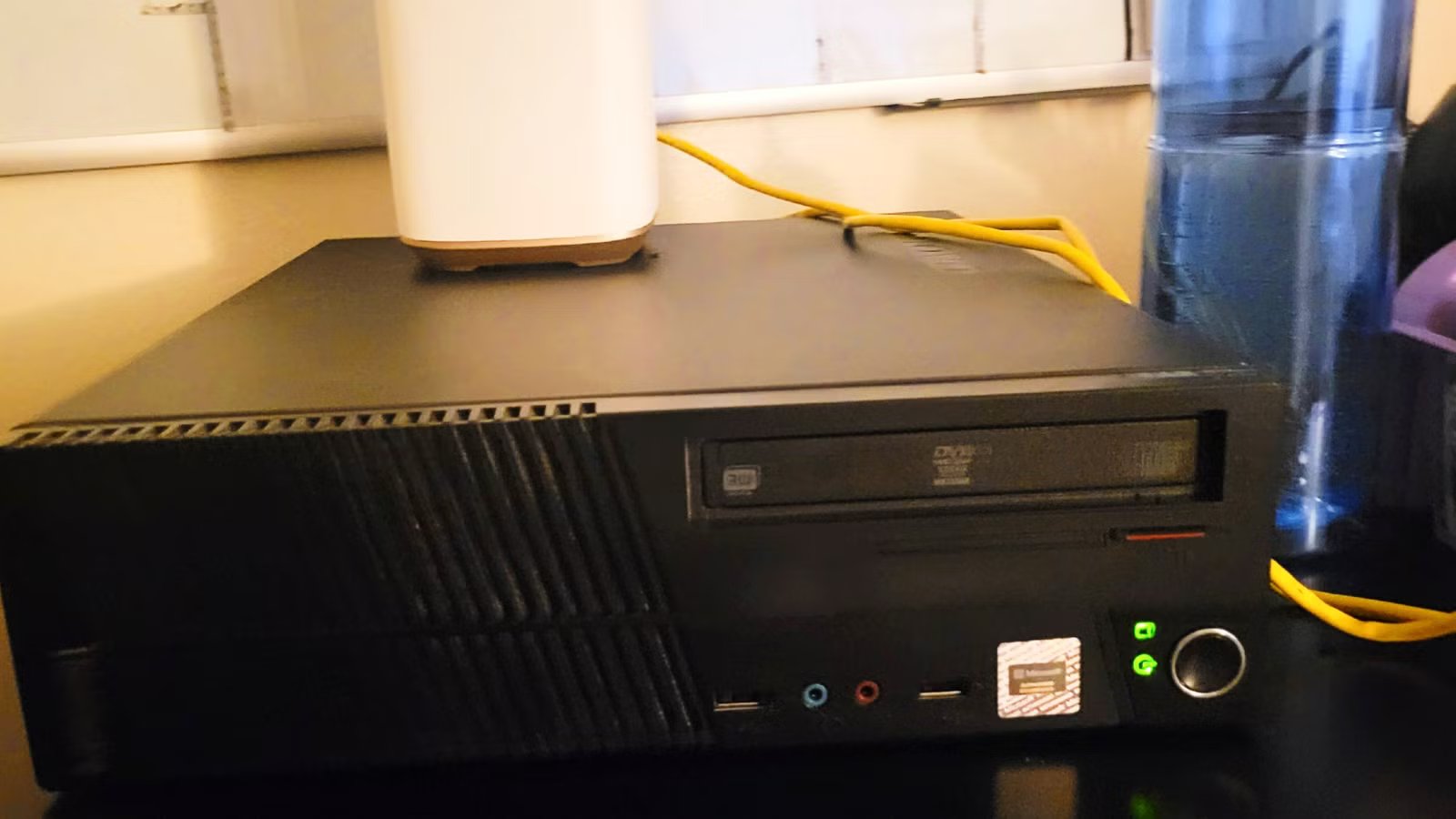
Most people assume running an AI model locally means spending a weekend wrestling with Python environments, command lines, and hardware you don’t have. That reputation made sense a few years ago, but the tools have come a long way since then. I came to realize that I can make a private AI server from home without much effort. Don’t make the mistakes I made by making assumptions based on fear.
Related
5 useful things I do with a local LLM on my phone
Privacy aside, a local LLM is just really convenient.
Running artificial intelligence isn’t only for tech geniuses
You can run AI without a degree
Jorge Aguilar / Make Use Of
People usually think LLMs are only for researchers or coding prodigies, but that’s not true. It’s understandable why people assume they need to write complex code to get these systems running on their home computers, since this comes from the field’s early era. You used to need the cloud, but now you can run it on your phone.
The reality of technology has shifted. Today, anyone can start a chat within minutes using easy desktop installers. I like to use apps like GPT4All for non-technical consumers; they have the fastest path to chatting. The installation process involves no terminal windows or complex commands. You download the installer, run it, pick a model from a list, and start typing.
LM Studio also has a desktop application that has a model browser and a built-in chat UI. While you might still feel scared to try running local AI at first, getting started with it is now mostly a mental hurdle. You don’t need to understand the details of quantization levels or memory allocation just to ask an AI a question.
Storage isn’t the biggest bottleneck for your computers
Focus on memory speed over drive space
Jorge Aguilar / Make Use Of
People assume LLMs demand large storage units and terabytes of empty hard drive space. In reality, quantization has completely changed things and shrunk the storage needs for local AI. By compressing these files, a model like Llama 3.1 8B needs less than five gigabytes of storage. This makes it smaller than many video games.
Even large 70-billion-parameter models fit in a 40 to 50-gigabyte storage space. While a fast SSD helps reduce your initial loading times, there is a big difference between basic disk storage and operational memory. Once the model is active, data transfer speed matters much more than having a large amount of empty room on your computer.
For local LLM inference, VRAM capacity acts like a ceiling for whether a model loads, but memory bandwidth determines the actual token generation speed. Memory bandwidth limits the inference speed for large language models far more than raw compute power.
You don’t need terabytes of free disk space to host an AI. Instead, you likely need to check that your hardware has the VRAM capacity to hold the model.
Local models aren’t as bad or dumb as people claim
They are faster and smarter than you think
Jorge Aguilar / Make Use Of
It’s easy to assume that a model running on a consumer laptop can’t compete with the massive scale of paid cloud services. Local models with a few billion parameters won’t match the reasoning capabilities or raw power of top-tier commercial LLMs with hundreds of billions of parameters. That much is true, but you don’t really need it to.
If your daily workload means changing complex workflows or updating massive codebases, then yeah, you may need a cloud-based tool. However, that doesn’t mean local models are useless. These smaller versions handle specific tasks remarkably well.
If you want to run simple personal projects, brainstorm recipes, or program apps, LLMs are still really capable. You likely don’t need a super advanced LLM for what you want. Even with a smaller model like Llama 3.1 8B, you’re getting text at speeds of 90 to 120 tokens per second, which is faster than the average human can read. While you might still want to use a paid cloud subscription for complex professional reasoning, you can run an LLM for fast personal projects.
You don’t need a $5,000 rig to get started
Use the hardware you already own
It’s easy to think that you need a $5,000 workstation packed with high-end graphics cards, but that’s a common myth. Quantization is how models get compressed. When you use 4-bit quantization, you can shrink a model’s memory footprint by roughly 75 percent with almost no noticeable loss in its reasoning capabilities.
Since this massive compression makes it possible, a 7-billion or 8-billion parameter model runs using only 4 to 8 gigabytes of memory. If you’re just starting, your existing hardware is very likely sufficient. I like to use GPT4All; it is open source and keeps my LLM running well on my older PC. I don’t even need a dedicated graphics card to chat with the AI.
You can run lightweight models like Llama 3.2 3B on a device as basic as a Raspberry Pi. Also, if you happen to use a newer Mac with Apple Silicon, you already have a powerful AI machine. Apple’s unified memory architecture lets the system share a single massive pool of RAM. This means an everyday laptop can load models that would otherwise need multiple expensive graphics cards.
Don’t make the mistakes I did
Running a local AI used to be something only developers with spare time and patience would attempt. That’s not really the case anymore. If you have a decent computer, and in some cases even a pretty basic one, you have enough to get started. These models won’t replace a paid cloud subscription for heavy professional work, but for personal projects, quick brainstorming, and everyday tasks, they hold up well. It’s worth trying before you convince yourself you need something more powerful than what you already own.
OS
Windows, macOS, Linux
Developer
Nomic AI
Price model
Free, Open-source
A free, open-source local AI platform that runs large language models on your own PC without cloud dependency.
