

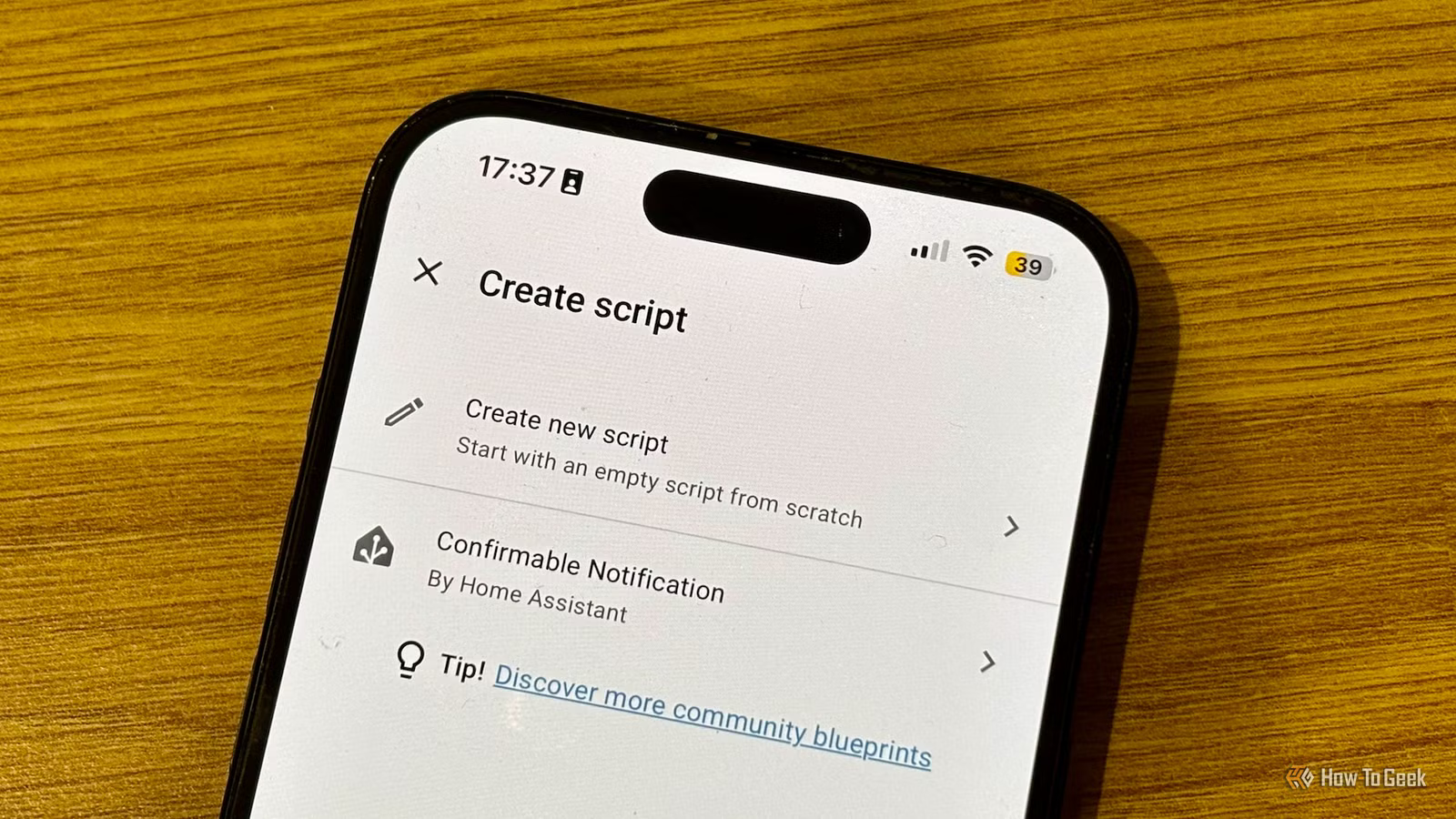
When you’re using Home Assistant, it’s easy to fall into the trap of assuming that you need to create an automation for everything. Automations aren’t the only option, however. Sometimes using a script or a scene can be a better choice.
The difference between automations, scripts, and scenes
They each have their own strengths
Automations are built around triggers, conditions, and actions. These are the foundations of a Home Assistant smart home. When something happens in your smart home, and the relevant conditions are met, a set of actions automatically run.
Scripts are very similar to automations. They include a set of actions, but the crucial difference is that scripts don’t have their own triggers. An automation will run when something happens, such as a motion sensor detecting motion, or the humidity level passing a set threshold, while a script will only run when something calls it.
Scenes are a little different. A scene is essentially a list of the states of specific smart home devices. For example, the smart bulb is on, set to full brightness, and a blue color, while the desk lamp is on at 50% brightness, set to bright white.
You can use a scene to set smart home devices to the listed states, such as activating a movie night scene. You can also take a snapshot of the current state of devices to create a scene.
Dimensions (exterior)
4.41″L x 4.41″W x 1.26″H
Weight
12 Ounces
Home Assistant Green is a pre-built hub directly from the Home Assistant team. It’s a plug-and-play solution that comes with everything you need to set up Home Assistant in your home without needing to install the software yourself.
When scenes are a better choice
You don’t need to set states individually
Knowing when to use scenes is the most obvious of the three different types of logic. When you need to set the states of multiple devices, that’s exactly when it makes sense to use a scene.
You could recreate the same scene using an automation. You could add actions that say, “turn this light on, set it to full brightness, make the color blue,” and add more actions for the other devices you want to use in your scene. This is long-winded and unnecessary; using a scene can be far simpler.
There are two main ways to create scenes. You can build one manually using the Scenes screen in Home Assistant. This lets you add devices and entities and change their states, and see the changes happen in real time in your smart home. When the scene is how you want it, you can give it a name and save it.
The other option is to use the scene.create action. This action takes a snapshot of the current state of the entities you specify and saves that snapshot as a temporary scene. You can make changes to the states of those entities, and then restore them again by calling your snapshot.
For example, if you want to flash your lights to indicate when the doorbell is rung, you’ll want them to return to the state they were in beforehand once the flashing is over. You can use scene.create to take a snapshot of the current light settings, flash your lights, then restore the lights to their previous states using the scene.turn_on action to turn on the snapshot scene.
When using a script makes more sense
Reusable sequences can save you a lot of time
Knowing when to use a script is a little less obvious. Scripts are very similar to automations in that they include a set of actions that run in sequence. The key difference is that scripts do not have their own triggers; you need to run them with external actions such as pressing a button, using a voice command, calling them from an automation, or even calling them from another script.
There are a few ways that scripts can be a better choice than automations. For example, if you want a dashboard button that runs a set of actions, you can set one up that calls a script directly. With an automation, you’d need to create a trigger that waits for the button press, but the script can run as soon as the button card is tapped.
Scripts are also a useful way to make complex automations easier to build and debug. A complex automation can be a huge mess of loops, delays, and conditions, but these can also be added to a script. You can move all the complicated logic to the script, and have your automation call the script, so that the automation itself is much cleaner and easier to read.
Related
My favorite smart home scene is the one I use last of all
Give yourself the gift of convenience.
Perhaps the most useful way to use scripts is when you have sets of actions that regularly appear in your automations. For example, I have multiple automations that send a notification to my phone, my wife’s phone, my smart TV, and my Echo Show devices. Instead of having to add the same set of actions to each of these automations, I added them to a script.
My automations can now simply call my “notify” script and pass through the notification message. I only need to add a single action to each automation instead of having to add a whole mess of them.
The benefit of doing this really comes into its own when you need to make a change. If I upgrade my phone, I don’t need to go through every single automation that sends a notification to my old phone and update the action to send it to my new one. Instead, I change one action in one script, and all the automations that use that script are immediately fixed.
Combining scripts, scenes, and automations is the most powerful option
Not everything in Home Assistant needs to be an automation. Often, however, the most powerful option is to combine scripts, scenes, and automations. The automation is the brain, the script contains the actions and logic, and the scene controls the state of your devices. It’s a perfect match.
