

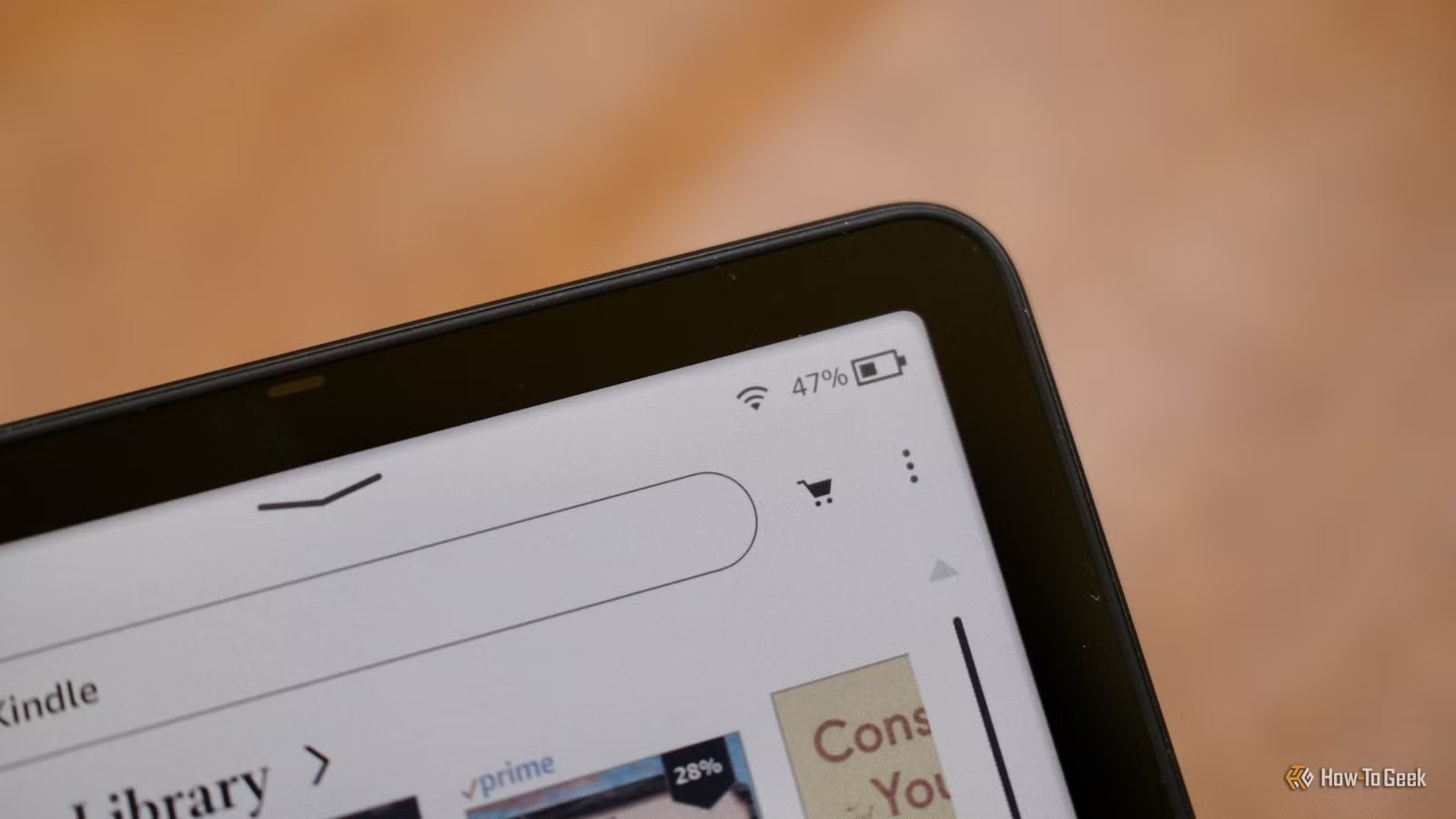
Kindle eReaders are obviously great for reading books, but that’s not all they can do. One of the coolest lesser-known features is the ability to send web articles to your Kindle. Instapaper is a great way to do this, but starting next month, the app’s “Send to Kindle” feature will no longer be free.
For a long time, there were two great ways to send web articles to a Kindle eReader: Pocket and Instapaper. Well, last year Mozilla shut Pocket down, which left Instapaper. The app’s “Send to Kindle” feature has allowed users to beam articles to their easy-on-the-eyes e-ink devices for free for many years. However, the company recently announced that the functionality will require an Instapaper Premium subscription starting on February 19th.
When Instapaper users shared this news on Reddit, a representative from the company had this to say:
Generating Kindle digests is fairly resource intensive for us. It involves parsing a bunch of articles, downloading the images for each article, writing everything to disk, creating an ePub file, and emailing it to your Kindle email address.
For many years we’ve offered the service for free, over a hundred thousand people have signed up for Kindle digests, and most of those are free users. As more people have signed up, it’s cost an increasing amount to generate the Kindle digests for everyone, and for a while now we’ve run the Send-to-Kindle service at a loss.
Instapaper Premium currently costs $5.99 per month or $59.99 per year. It’s always unfortunate when a long-time free feature becomes paid, but Instapaper’s explanation sounds reasonable.
One thing to note, as pointed out by Android Authority, is that this change does not apply to the same feature for Kobo eReaders. Apparently, the Kobo integration is not as resource-intensive for the company, so it will continue to be free. So, if Instapaper’s “Send to Kindle” feature is something you use a ton, but don’t want to pay for, there is an alternative eReader to consider.
That being said, Instapaper is not the only way to get web articles onto a Kindle. Every Kindle device has a unique email address, and you can send a variety of formats to it. For webpages in particular, it supports HTML and HTM, but you could also download the page as a PDF and send that as well.
Related
Forget Kindle, here’s why I use an Android eReader
Most eReader brands, including Kindle and Kobo, utilize highly-optimized operating systems with a narrow scope of functionality. They’re good products with good software, but they’re designed to lock you into a singular storefront and user experience. But I just can’t deal with that. So, I bought an Android eReader last September, and I have zero regrets.
