

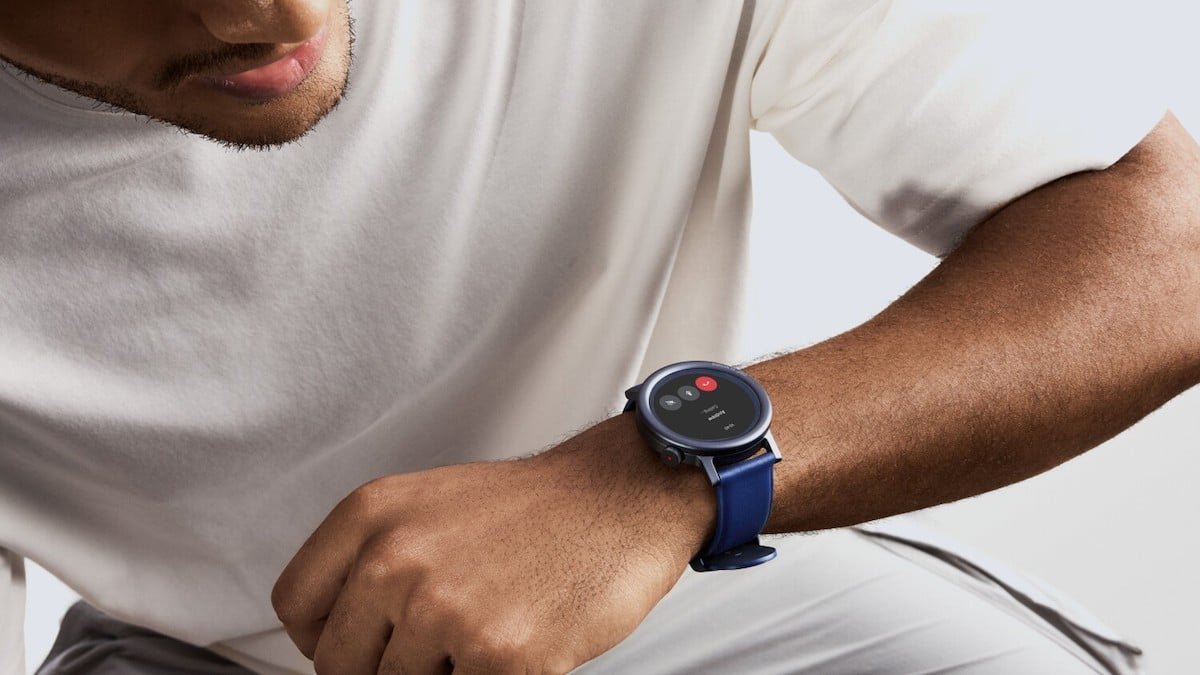
The standalone CMF Watch app is on its way out, with Nothing starting to remove it from app stores from April 3. Users now need to move over to the Nothing X app, with the company recommending migration before July 19 if they want the smoothest transition.
For existing CMF Watch and Watch Pro 2 owners, this is more than just a routine app update. It is a full migration, and while most health and fitness data will carry over, some personal details and custom watch faces will not make the jump.
CMF Watch users need to make the switch
Nothing is consolidating its wearable ecosystem by retiring the old CMF Watch app and folding watch support into Nothing X. The move makes sense from a product perspective. Instead of splitting earbuds, watches and other devices across different apps, everything now sits under one roof.
For users, though, it does come with a bit of friction. The migration is not automatic in the background. You need to open the Nothing X app, sign in with the same account, pair your watch and then tap the Data Migration option.
The key date here is July 19. That is the date Nothing is pointing users toward as the recommended deadline for moving across, although the CMF Watch app itself starts disappearing from stores from today.
What data moves across and what does not
The good news is that most of the important health and workout information should transfer without issue. That includes workout history, daily activity, sleep tracking, heart rate, blood oxygen, stress data, active score and fitness goals.
For Watch Pro 2 users, training load data is also part of the transfer, which is good to see because that is one of the more useful long-term fitness metrics.
The less good news is that some profile information will need to be entered again manually. Things like nickname, avatar, height, weight and female health data do not carry over.
The bigger annoyance for many users will probably be custom watch faces. If you have spent time building your own designs in the CMF Watch app, those are being left behind. They do not transfer to Nothing X, so you will need to start again from scratch.
This could actually be a better experience
This feels like Nothing tidying up its software strategy. One app is easier to maintain, easier to update and easier to market, especially as CMF’s device lineup continues to grow.
There is also a decent chance this ends up being a positive move in day-to-day use. Early user feedback around the Nothing X migration has pointed to improved connection stability and a cleaner overall app experience, particularly for notifications and keeping the watch reliably synced.
That matters because app stability has been one of the more common complaints around budget smartwatches. If Nothing X delivers a more dependable connection and keeps everything in one place, it could make CMF watches feel much more polished.
For existing users, the main thing is not to leave it too late. Once the migration starts, the old CMF Watch account gets deactivated and you will not be able to log back in or re-download the previous app. So if you are using a CMF Watch daily, now is probably the time to make the move rather than wait for the old app to disappear completely.
Subscribe to our monthly newsletter! Check out our YouTube channel.
And of course, you can follow Gadgets & Wearables on Google News and add us as a preferred source to get our expert news, reviews, and opinion in your feeds.
