

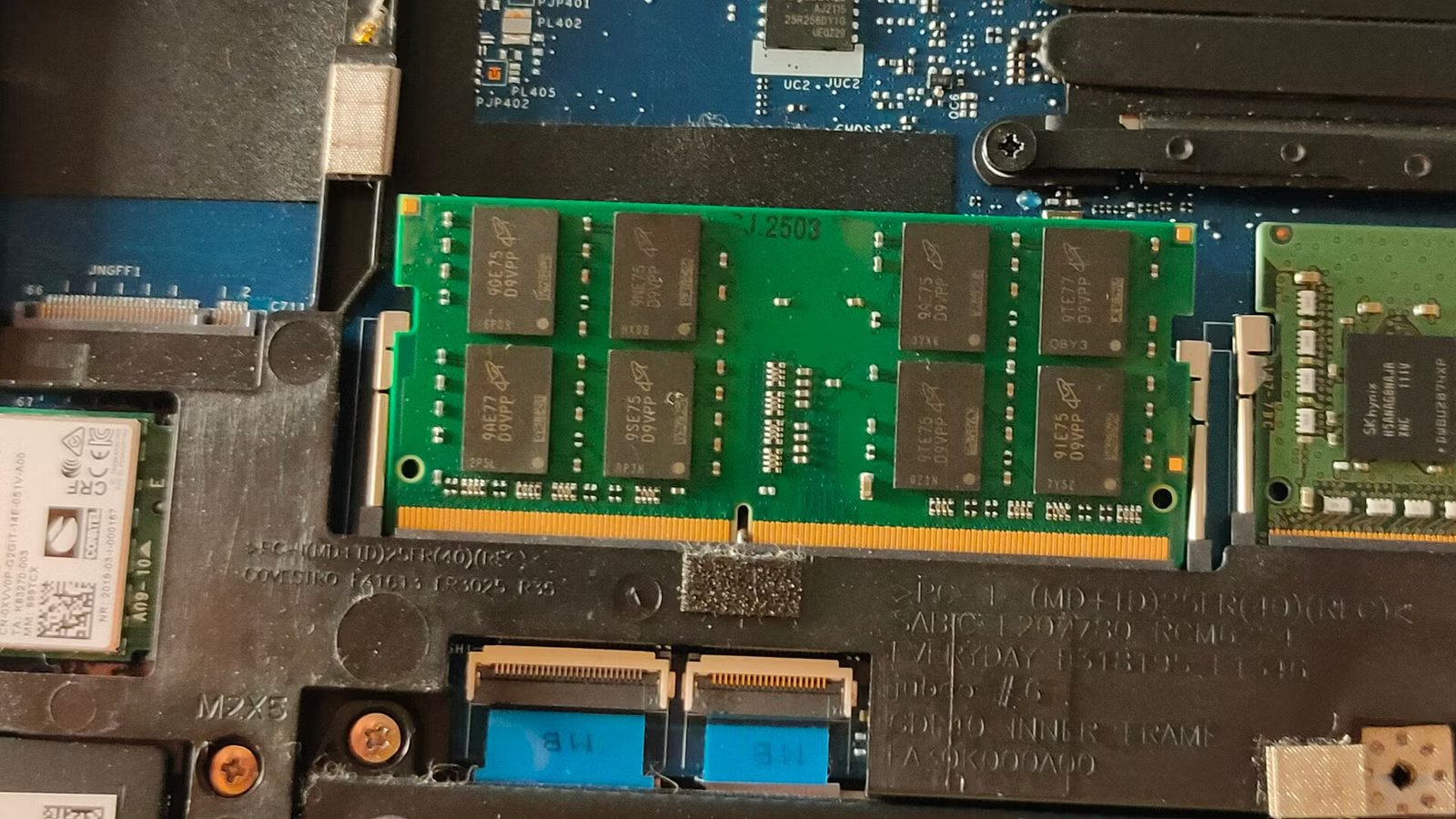
Regardless of how much RAM you have, if you don’t take care and do proper management of your resources, you might still find the occasional memory hog that bogs down your entire system.
RAM swapping is a common tool your OS uses to free up RAM in occasions, but if done unproperly, it can do more harm than good. If you’re on Linux, there’s two ways to do this: ZSWAP and ZRAM. Let’s explore both.
What’s ZRAM?
Maybe the fastest option
ZRAM is a Linux kernel module that creates a compressed block device directly within your system’s random access memory. Instead of serving as a staging ground for data heading to a disk, this block device acts as the swap space itself.
When the operating system needs to swap out memory pages, ZRAM intercepts them, compresses them on the fly using fast algorithms, and stores them in this dedicated section of your RAM. Because text and uncompressed application data compress incredibly well, you can often fit two or three times as much data into the ZRAM space as you could if it were uncompressed.
The crucial advantage here is speed. Reading and writing to even the fastest NVMe solid-state drives is still orders of magnitude slower than interacting with pure RAM. By keeping the swapped data in memory, albeit compressed, your system avoids the agonizing latency of disk input and output operations. Furthermore, because no data is actually being written to your physical storage drive, ZRAM significantly reduces the wear and tear on your flash-based storage media, extending the lifespan of your solid-state drives.
What’s ZSWAP?
It’s similar, but not the same
Credit: Lucas Gouveia/How-To Geek
While ZRAM functions as a standalone, compressed swap drive living entirely within your system’s memory, ZSWAP takes a fundamentally different architectural approach. ZSWAP is an in-kernel compressed cache that sits directly in front of a traditional, physical swap partition or swap file located on your storage drive. It does not replace your disk swap; rather, it acts as a highly efficient middleman designed to minimize the performance penalty associated with using it.
When the Linux kernel decides that it needs to move a page of memory out of active RAM, ZSWAP intercepts the operation before the data ever reaches the physical disk. It attempts to compress the memory page and store it in a dynamically sized pool within your active RAM. If the compression is successful and space permits, the write operation to the disk is entirely bypassed, saving both time and disk wear.
When your system subsequently needs to access that data again, it decompresses it instantly from the RAM cache, delivering a nearly imperceptible delay compared to fetching it from a hard drive. However, ZSWAP is designed to be a temporary holding zone rather than a permanent storage solution. As your system’s memory pressure increases and the ZSWAP compressed pool reaches its maximum configured capacity, the module will begin to systematically evict the oldest, least recently used compressed pages. It decompresses these aging pages and finally writes them out to your physical swap disk to make room for newly swapped data. This tiered mechanism ensures that the most relevant swapped data remains accessible at near-RAM speeds, while still maintaining the vast, overarching safety net provided by a massive physical disk swap for extreme memory overallocation.
Which should I use?
There’s no right answer for everyone
Credit: Nick Lewis/How-To Geek
Seeing whether to implement ZRAM or ZSWAP largely depends on your specific hardware configuration and how you intend to use your system. For the vast majority of modern desktop users, especially those with sixteen gigabytes of memory or less, ZRAM is probably the clear favorite and is actively configured as the default out-of-the-box experience on popular distributions like Fedora and Pop!_OS. ZRAM is incredibly effective for systems without any physical swap space configured, or for users running off storage mediums where write endurance is a primary concern. By keeping everything in memory, ZRAM provides a noticeable layer of elasticity, allowing you to comfortably keep dozens of browser tabs and heavy development environments open simultaneously without hitting the dreaded, system-locking disk thrash.
On the other hand, ZSWAP is the ideal choice if your workflow demands a traditional physical swap space. The most common requirement for a physical swap partition is the use of system hibernation, a feature that ZRAM inherently breaks because RAM loses its contents when the power is cut. Furthermore, if you regularly run workloads that exceed even your compressed RAM capacity—such as rendering enormous video files, compiling massive codebases, or running multiple virtual machines—ZSWAP provides the perfect middle ground. It grants you the massive capacity of a disk-based swap file so your applications do not crash from out-of-memory errors, while effectively caching the most active swapped pages in memory to mitigate the associated performance penalties.
The right answer comes down to you
Using either of these compressed swap technologies will yield a significantly smoother multitasking experience compared to relying solely on traditional, uncompressed disk swap, transforming how your Linux machine handles heavy memory pressure. You just need to gauge which option is better for you.
