

What you need to know
- A tipster alleges that Google is working on a “cursor mode” for Gboard that would turn its keyboard into a trackpad.
- Users would be granted a trackpad that lets them slide around their text placement indicator to quickly arrive at the right spot for edits and more.
- Gboard’s previous updates include real-time translation capabilities and a smarter suggestion box for the emoji kitchen.
Rumors for Google’s keyboard are back in play, with a report claiming that there may be better text management for users.
Tipster AssembleDebug, with Android Authority, reportedly discovered Google’s development of a “cursor mode” for Gboard. From the tipster’s screenshots, it seems that this new mode will enable users to activate a trackpad, simulating a laptop experience on their phone. This moderately sized space would consume the majority of the space reserved for keys in Gboard.
The tipster adds that early code suggests users would activate this trackpad by “holding down the space bar.” Afterward, users would seemingly have full reign over where they can slide their cursor to change their text with a little more control. Currently, you have to either tap or slide your finger across your text if you’re looking to change something.
You may like
At times, you can over-slide or under-slide, causing you to make micro-adjustments. This might hopefully alleviate some issues users would have with the current method on their devices. What the tipster found appears to be the extent of what Google is working on. Right now, there’s no indication as to when users can see this arrive on their phones.
Writing shouldn’t be a struggle
(Image credit: Android Authority)
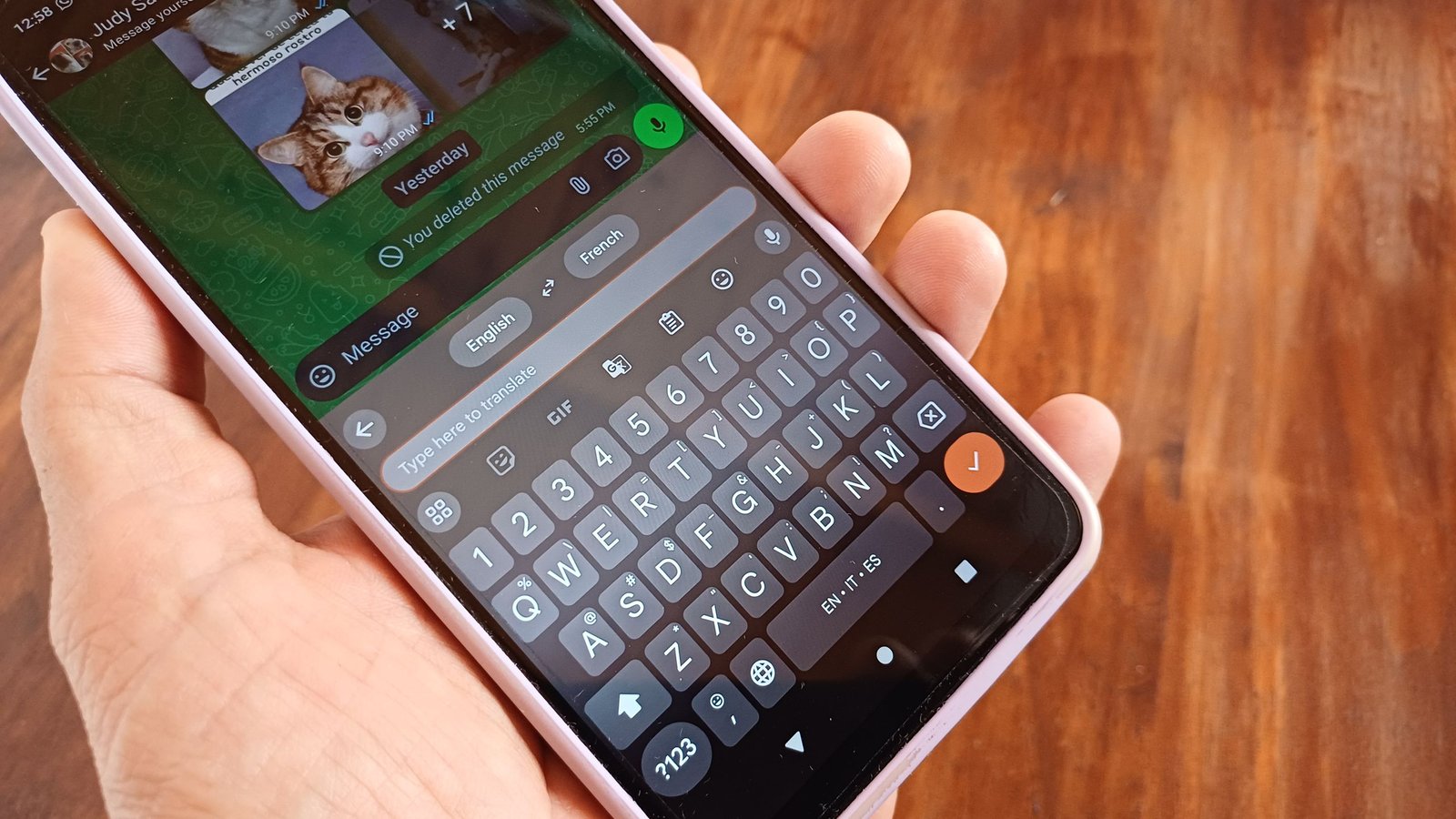
There hasn’t been much going on for Gboard, considering Google’s been busy implementing AI into every app under its umbrella. There was one update for the digital keyboard that brought a smarter suggestion bar to the emoji kitchen. Aside from that, another key update for Gboard was real-time translation capabilities while the user types.
Users can navigate to Settings > System > Language & input > on-screen keyboard > toggle on Gboard. Users can tap the translate button that would appear above their keyboard and choose their languages. This is, without a doubt, more of a convenience update for Gboard, as users wouldn’t have to leave their messaging app, hop into Google Translate, then return.
Android Central’s Take
This feature that’s been spotted for Gboard might be one of those “take it or leave it” feature updates. There probably aren’t many instances in which the grand majority of users need to slide through line after line of text on their phone for edits. Usually, you’re probably texting or writing a quick social media post. In that case, you’re not going through that much. For people like myself who often write notes, there’s a lot to go through, and this feature could have its uses in that regard.
