

What you need to know
- Google is working on a major redesign for Workspace app icons like Gmail, Drive, and Calendar.
- New icons adopt a gradient style and move away from strict use of all four Google brand colors.
- Apps like Drive, Calendar, and Meet are getting noticeable visual changes with more focused color themes.
- The new icons haven’t started rolling out to users yet.
Google is preparing a massive icon refresh for its Workspace apps, including Gmail, Drive, Docs, Calendar, and more.
It’s only been a few months since Google updated icons for apps like Maps and Photos with gradient designs, and now it looks like Workspace apps are next. According to a report from 9to5Google, Google is working on a major overhaul of icons for apps like Gmail, Google Drive, Calendar, Sheets, Slides, and more.
The publication shared early versions of these updated icons, giving us a first look at the redesign.
Article continues below
You may like
(Image credit: 9to5Google)
From what we can see, most of the icons are moving to a gradient finish, similar to Google’s newer design language. It also looks like Google is moving away from strictly using all four of its brand colors across every icon.
For example, the current Google Drive icon prominently uses green, yellow, and blue with a touch of red, but the updated version drops red entirely and focuses on the other three colors. Similarly, Google Calendar is also seeing a noticeable shift, moving back to a more blue-dominant look that feels a bit like older versions of the app.
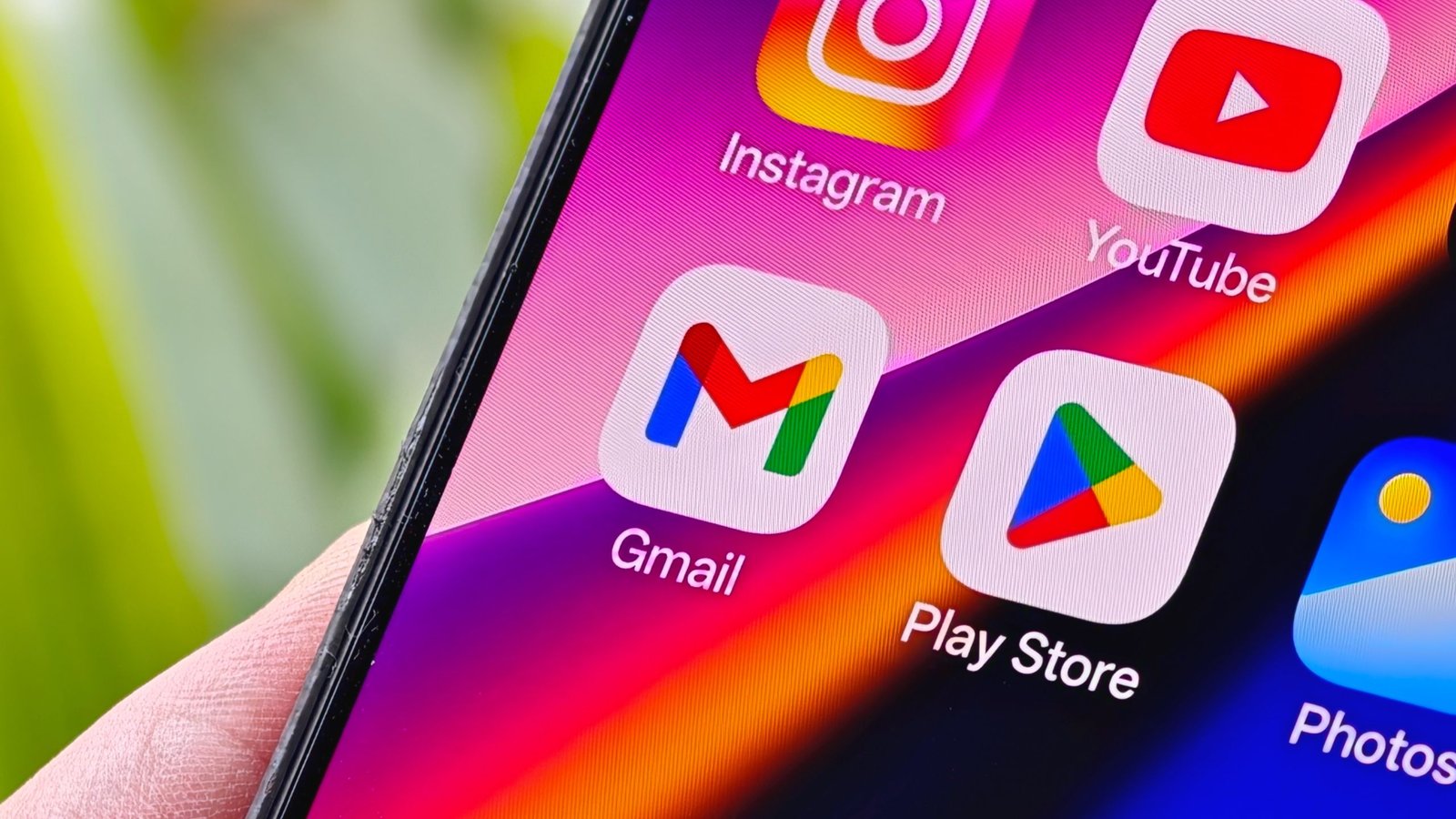
The Gmail icon doesn’t change much in terms of shape, still keeping the ‘M’ envelope design, but now uses gradients instead of solid colors. Another notable change is with Google Meet, which is moving towards a more yellow-heavy design while still keeping the video camera icon intact.
Overall, the new icons feel more refreshed compared to the current ones, and the gradient style clearly hints at deeper AI integration across these apps. Google hasn’t started rolling them out yet, but we’ll keep you updated as they begin to appear for users.
For now, let us know what you think about these new Google app icons.
Android Central’s Take
I actually like the direction Google is going with these icons, especially Calendar going back to a more blue-heavy look. Some icons like Meet feel a bit odd, like Google Keep and Google Tasks, but overall the gradient refresh looks modern.
