

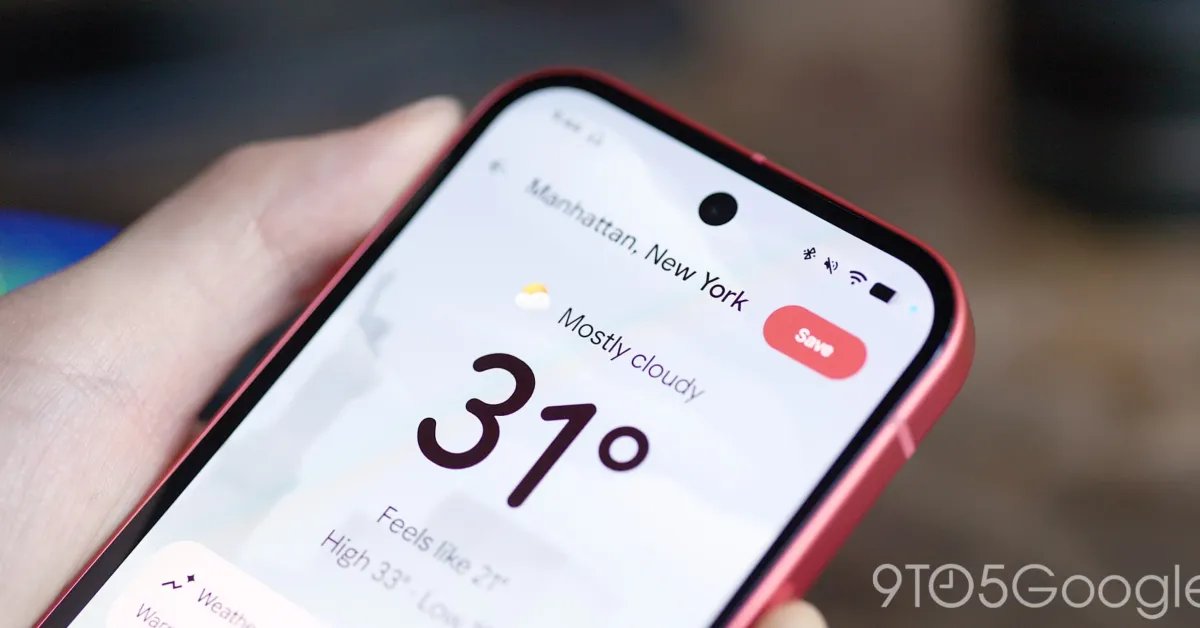
No phone is complete without a weather app, which is probably why Google realized it was high time its Pixel devices had a dedicated offering just a few years ago. Soon, the company plans to roll out an accessibility-friendly overhaul to its weather icons, all centered around contrast and visibility.
The folks at Android Authority shared screenshots taken from version 1.1.20251230.875325825 showcasing all new weather icons across the board for Pixel Weather, a redesign that 9to5Google can corroborate on our end. Once it eventually rolls out for your device, you’ll see a splash screen at boot sharing examples of these new icons alongside an explanation as to why these designs are being refreshed. Rather than change just for the sake of change, Google is looking to make its app more accessibly to those with low vision, and therefore, these new icons have an emphasis on contrast and clarity.
Comparing these icons to the ones currently live on Pixel Weather presents quite a bit of a difference. Google’s previous designs (seen below) used shadow and gradients to imply dimension, whereas these new signifiers are completely flat. Some icons, such as sun and clouds, feature bolder outlines that make it much easier to see on a white background. Despite the changes, they do appear to be holding onto their general shapes, so it’s not a complete overhaul — just a new take on what already existed.
While I wouldn’t say I dislike the design, they do appear more in line with software trends throughout the 2010s in their general aesthetic. I actually quite like the look of Pixel Weather’s current iconography, and considering this update hasn’t reached the general public yet, I’d love to see Google offer the ability to swap between the two designs at will. Accessibility is always a welcome change, but at the same time, I see no reason not to offer both styles for users who might prefer one look over the other.
Google has seemingly included a handful of other changes in this upcoming version as well, including richer colors for backdrops and other UI elements — again, seemingly an accessibility change to make portions of the app more visible — and a new method for reorganizing your saved locations with the help of buttons rather than having to drag and drop. Whether Pixel Weather is getting an accuracy update, something it’s been known to struggle with in recent months, is another question entirely. Either way, keep an eye out for these icons coming to your Pixel sometime in the near future.
FTC: We use income earning auto affiliate links. More.
