

What you need to know
- Samsung and Google are rolling out Gemini screen automation on the Galaxy S26 series in the U.S. and Korea.
- The feature lets Gemini control apps and complete multi-step tasks like ordering food, calling a cab, or ordering groceries.
- Gemini shows actions in a virtual window and lets users stop the task or take manual control anytime.
- Google plans to expand the feature to the Pixel 10 devices soon.
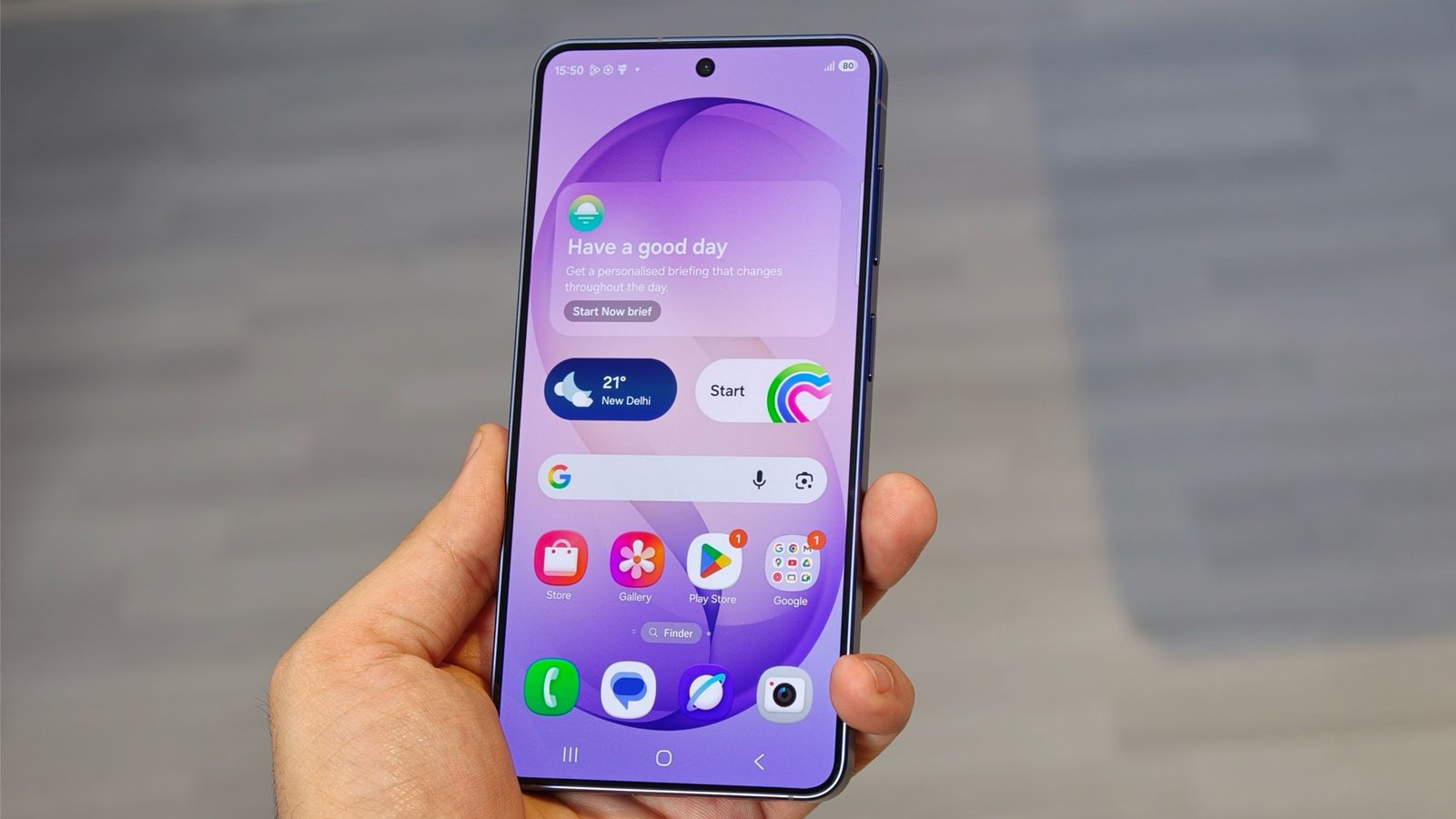
Samsung has been building its Galaxy S lineup around AI features lately, and the Galaxy S26 series is now getting a feature that could push it further toward agentic tasks.
With the new update, Gemini is gaining a new “screen automation” feature on the Galaxy S26 series that lets it open and control apps on your phone to complete tasks. For example, Gemini can order food, call a cab, order groceries, and handle similar actions with a single command.
Article continues below
You may like
Now, when you long press the power button on the Galaxy S26 and give a command such as “Find me the best coffee from nearby baristas and order it for me,” Gemini begins working in a virtual window that shows the steps it is taking.
The assistant navigates menus, opens the correct apps, selects items, adds them to your cart, and performs other steps automatically.
Your “usual” is now just a tap away. ☕️🍕Starting as a beta feature, Gemini can assist you with tasks across select rideshare and food apps. Just ask Gemini to handle your grocery cart, food delivery, or ride home. Gemini does the work, but you’re in control 🪄 pic.twitter.com/fjfsDXDx7mFebruary 25, 2026
The interface also shows two options: Stop task and Take control. You can jump in at any time if you feel Gemini is taking the wrong steps, or you can cancel the process entirely. Before completing an order or action, Gemini will ask for confirmation.
Currently in the U.S., the feature supports several apps including Lyft, Uber, Grubhub, DoorDash, Uber Eats, and Starbucks, with Instacart support coming soon.
For now, the feature is limited to the Galaxy S26 series in the U.S. and Korea in English langyage, but Google says it will soon expand to the Pixel 10, Pixel 10 Pro, and Pixel 10 Pro XL. We’ll update you as more Android devices receive Gemini’s screen automation feature.
Android Central’s Take
This feature is pretty wild. It isn’t supported in my region yet, but when I asked Gemini to automate a task, it still recognized what I meant and informed me that the ordering tool was unavailable in my region. I hope Google expands support to more apps and more regions soon.
That said, we’ve seen plenty of AI features on smartphones, but this feels like one of the most capable agentic features introduced in a while.
