

What you need to know
- Google Meet is now rolling out on Android Auto, it is audio-only by design, prioritizing safety over full video conferencing.
- The app keeps things simple with Scheduled and History tabs, letting you join meetings or call contacts in a tap.
- Work profile support is incomplete, meaning you can’t access work schedules or history directly from the car yet.
In the past, joining a work meeting from your car usually meant awkwardly holding your phone, propping it in a cup holder, or struggling with a small screen while driving. Thankfully, that hassle is finally ending.
Android Central’s Take
Joining a meeting during your commute can be helpful, especially if you are running late or have a busy day. Still, it also feels like work is taking over places that used to be off-limits. The convenience is nice, but I am not excited about my car becoming another office.
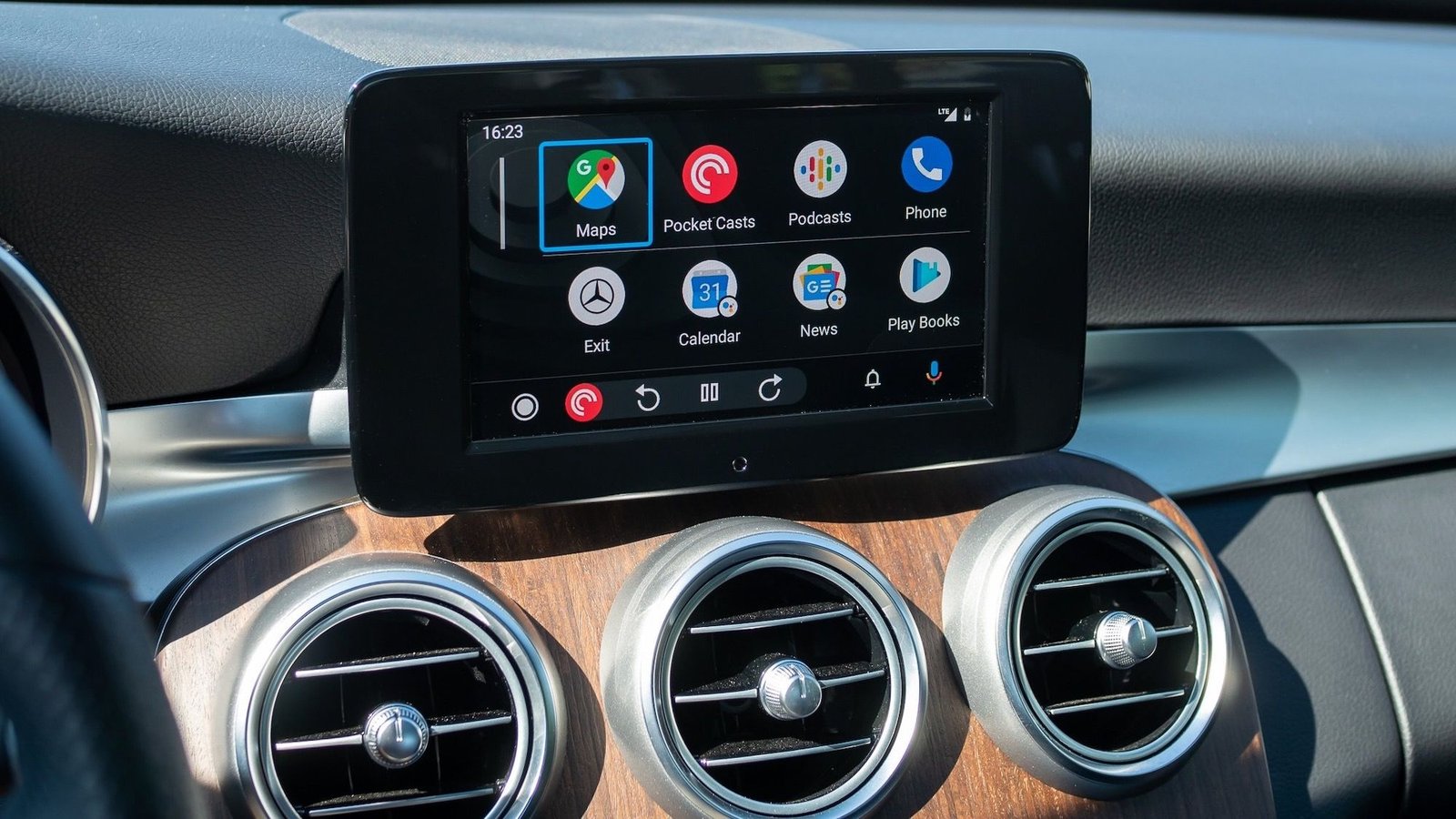
Google has started rolling out a dedicated Google Meet app for Android Auto, as detailed in a Meet support page (via Android Authority). This comes just days after Apple CarPlay users got their own version.
Android Auto has always supported messaging and phone calls, but video conferencing was more complicated. In 2023, Google announced that Meet and Zoom would come to cars, hoping to help people who work both remotely and in the office. The idea was not to turn your car’s head unit into a Zoom screen, but to add audio-only meetings to the dashboard you already use for navigation.
Article continues below
You may like
Safety over scenery
This is not just a copy of the mobile app. It is a simpler, safety-focused version. There is a Scheduled tab that shows your upcoming calendar events, so you can join a meeting with one tap. There is also a History tab for quick follow-up calls to recent contacts.
However, unlike the desktop or mobile versions, Meet on Android Auto does not have a virtual green room. There is no pre-call screen to check your hair or mute your mic. Once you tap join, you are live.
Android Central’s Take
Making drive time more productive can help people who have nonstop calls. However, it is clear that Google did not do this just to help users. The company acted because Apple released its version first, and Google does not want to lose dashboard space. The ‘safety-first’ audio-only approach seems like an excuse for a rushed release. No work profile support? Seriously? And you cannot see who is talking, so you might end up saying ‘Sorry, I’m driving!’ and miss the main points of the meeting.
Also, while your video is always off for safety, your microphone might be on as soon as you join smaller meetings. For bigger calls, Google says you may join muted by default. The interface is simple, with only mute, unmute, and hang-up buttons.
If you use a Work profile account, you may want to wait before celebrating. Right now, Meet on Android Auto does not fully support Work profiles. You can see active calls on your car’s display if you start them on your phone, but you cannot view your work meeting history or upcoming schedule from the dashboard yet.
If you need to do something more complex, like view a shared screen or raise your hand, Google recommends pulling over and switching back to your phone.
The rollout is happening in stages. If you do not see the colorful Meet icon on your launcher today, you will probably see it within the next week.
